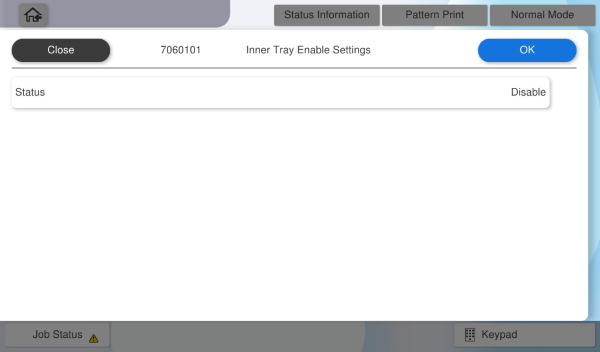
7060101 Inner Tray Enable Settings
 Check Point / チェックポイント Check Point / チェックポイント |
This adjustment must be performed when Inner Tray is installed. |
Overview: Activates the inner tray.
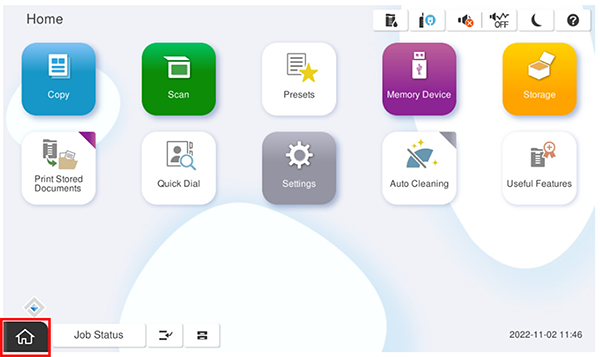
- Start the service support mode.
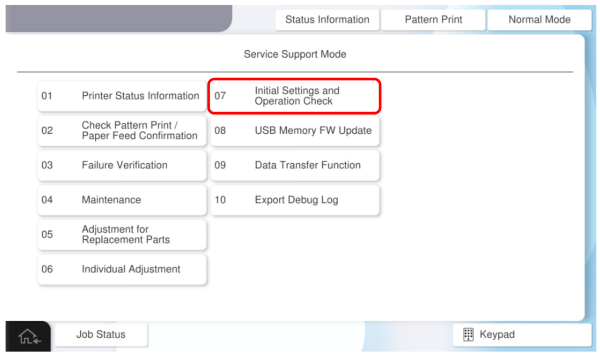
- Select [07 Initial Settings and Operation Check]
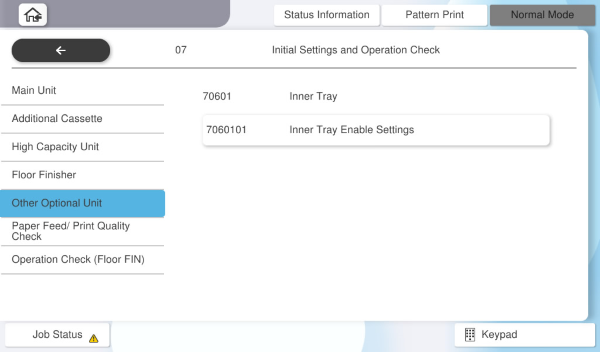
- Select [7060101 Inner Tray Enable Settings].
Press Status to select the inner tray setting (disabled or enabled), then press [OK].