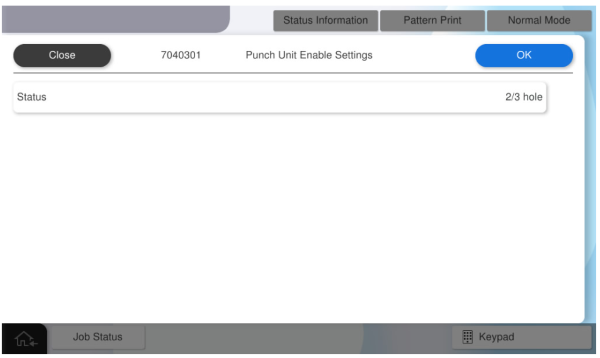
7040301 Punch Unit Enable Settings
 Check Point / チェックポイント Check Point / チェックポイント |
This adjustment must be performed when Floor Punch Unit is installed. |
Overview: Activates the punch unit of the floor finisher.
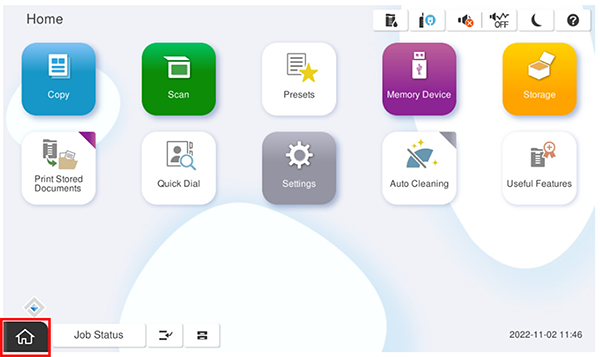
- Start the service support mode.
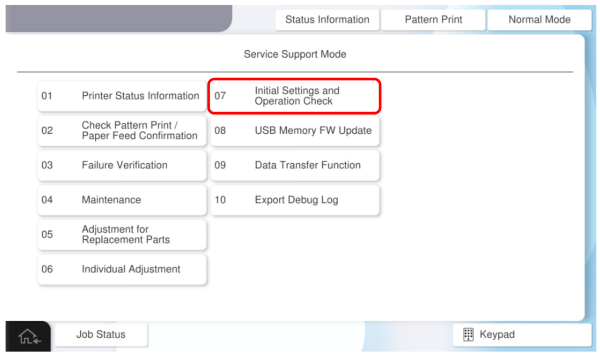
- Select [07 Installation Setting / Operation Check].
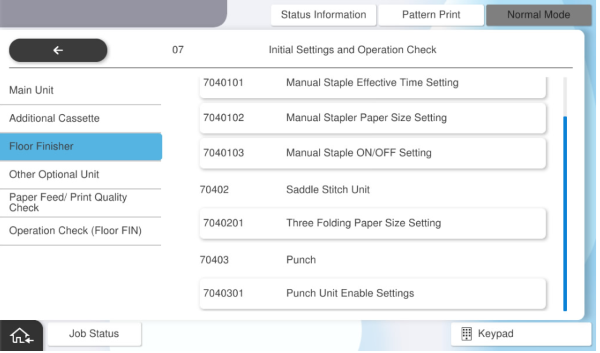
- Select [7040301 Punch Unit Enable Settings].
Press Status to select the punch unit setting (Unset or 2/3 or 2/4), then press [OK].