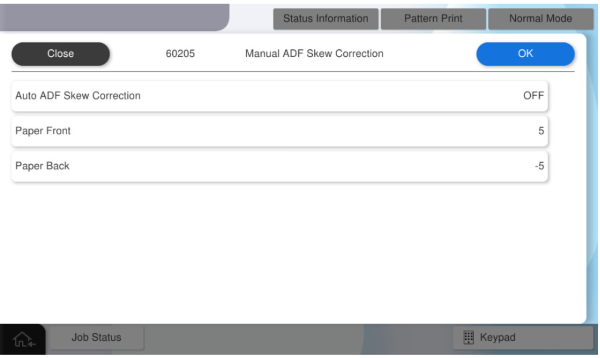
60205 ADF Manual Skew
Perform this adjustment when a customer tells you that documents scanned from the ADF are skewed.
Consult with the customer while checking the actual scanned data to determine the adjustment value.
Manual ADF Skew Correction
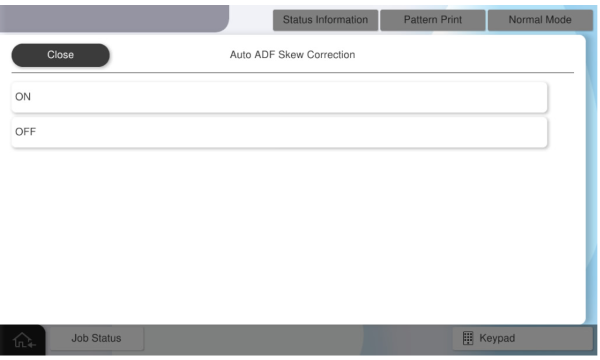
Set Auto skew to OFF before entering a value.
| Setting value | Setting range | Initial value | Overview | Amount of change |
|---|---|---|---|---|
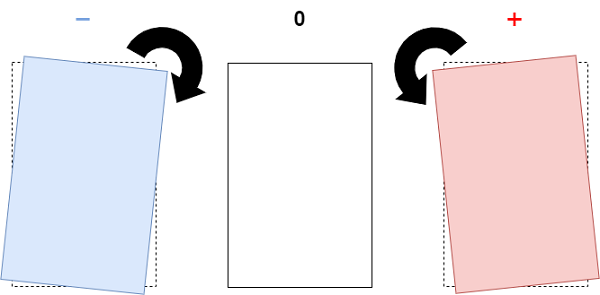
| Paper Front | -58~58 | 0 | Angle correction offset value on paper front side | 0.01 degree |
| Paper Back | -58~58 | 0 | Angle correction offset value on the back side of paper | 0.01 degree |
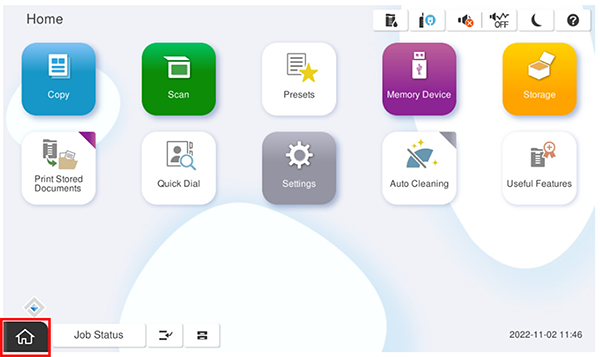
- Start the service support mode.
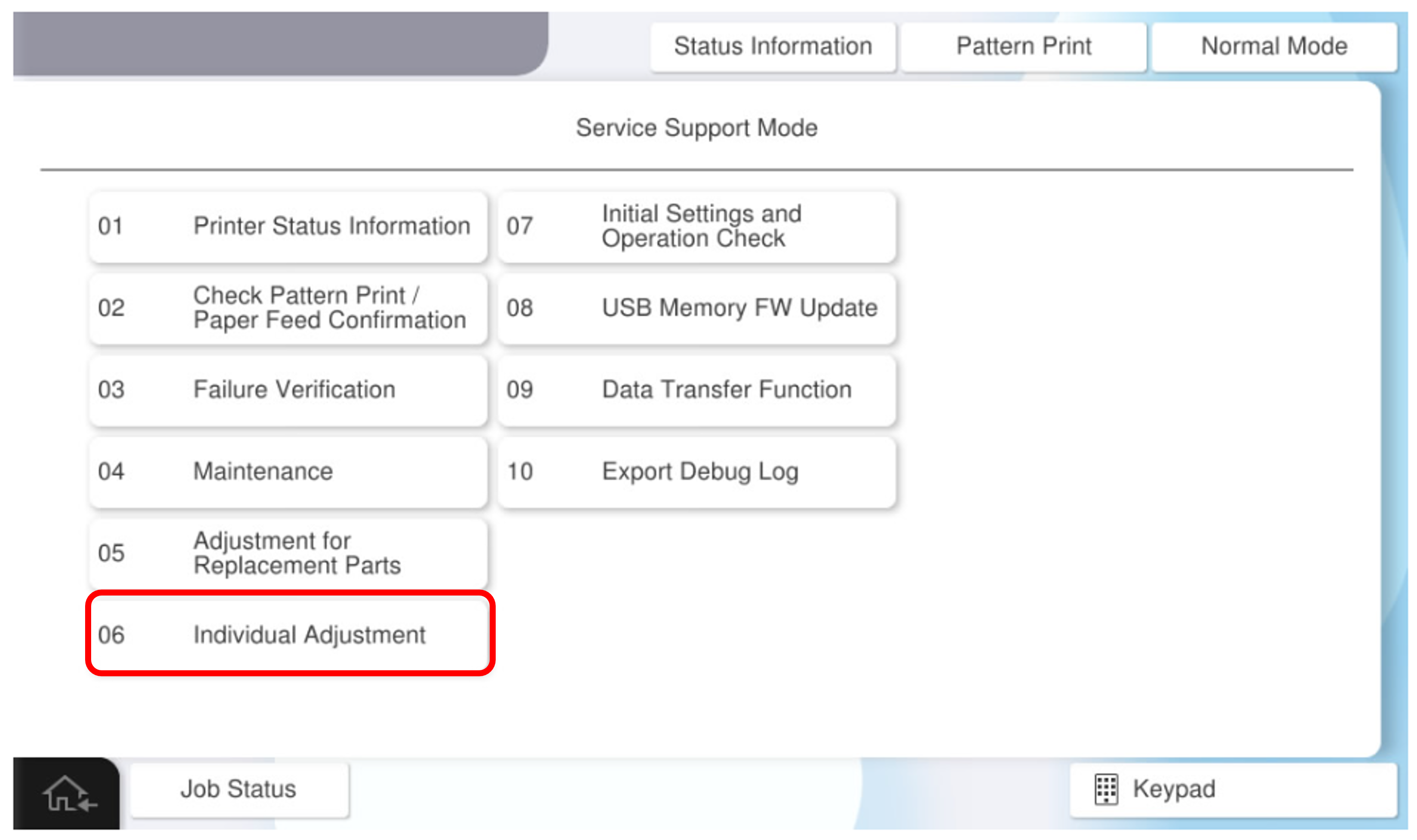
- Select [06 Individual Adjustment].
- Select the [ADF/SCN] tab.
- Select [60205 Manual ADF Skew Correction].
- Select [Auto skew] and set it to [OFF].
- Select [Paper Front] and [Paper Back], enter any adjustment values, and press [OK].