
214 Finisher Speed Control Disable Setting
- Start the Special setting mode. (Starting Special Setting Mode (AM-C6000/C5000/C4000))
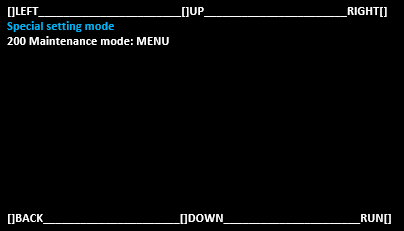
Select [200 Maintenance Mode: MENU] and select [RUN].
 Note / 補足
Operate with the following buttons
[UP] button: Move the selected item (move up)
[DOWN] button: Move the selected item (move down)
[RUN] button: Execute the selected item
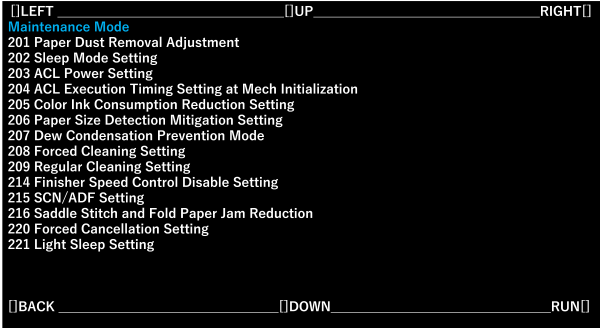
- Select [214 Finisher Speed Control Disable Setting] and select [RUN].
Change the setting value as follows.
Note / 補足Press the bottom of the screen to move.
Press the center of the screen to select.
Press the power button to return.
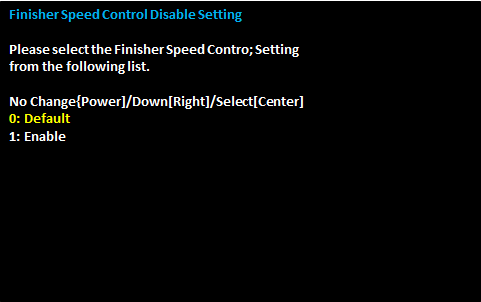
Setting value Initial value Default Default Enable