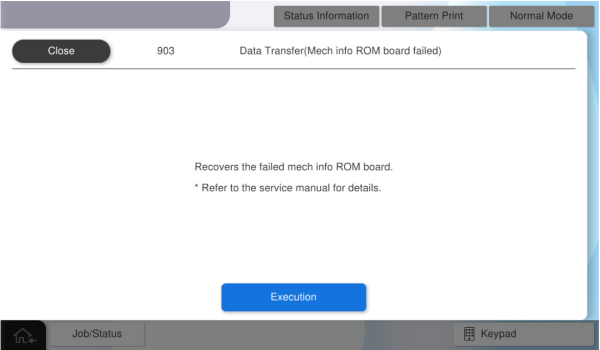
903 Data Transfer(Mech info ROM board failed)
Write back the backup data saved on the user info ROM board to the mech info ROM board.
Turn the power OFF.
Replace the failed mech info ROM board with a new one (B). (Mechanical Information ROM Board)
Start the service support mode from the power off state. (Starting Service Support Mode (AM-C6000/C5000/C4000) > Start from the power OFF)
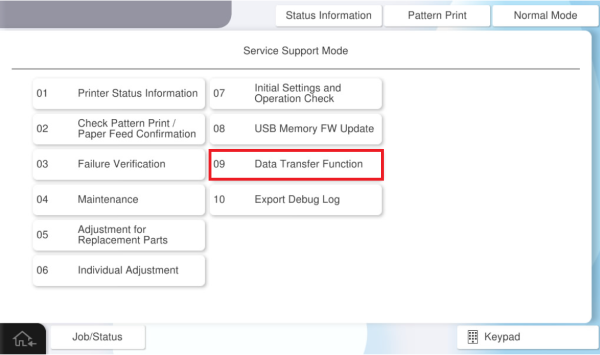
- Select [09 Data Transfer Function].
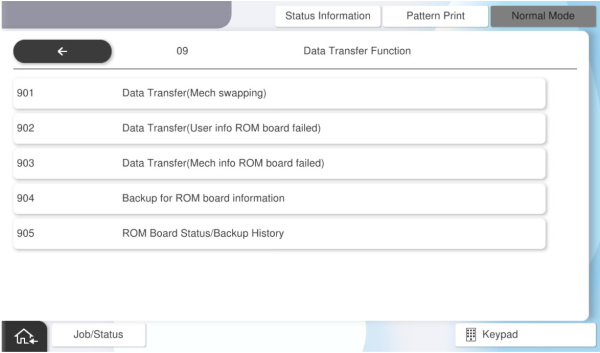
- Select [903 Data Transfer(Mech info ROM board failed)].
Press [Execution].