
60101 Belt Eccentricity / Circumference Correction
To correct printing defects caused by individual differences in belt units. Enter the correction value for the label attached to the belt unit.
- Start the service support mode.

- Select [06 Individual Adjustment].
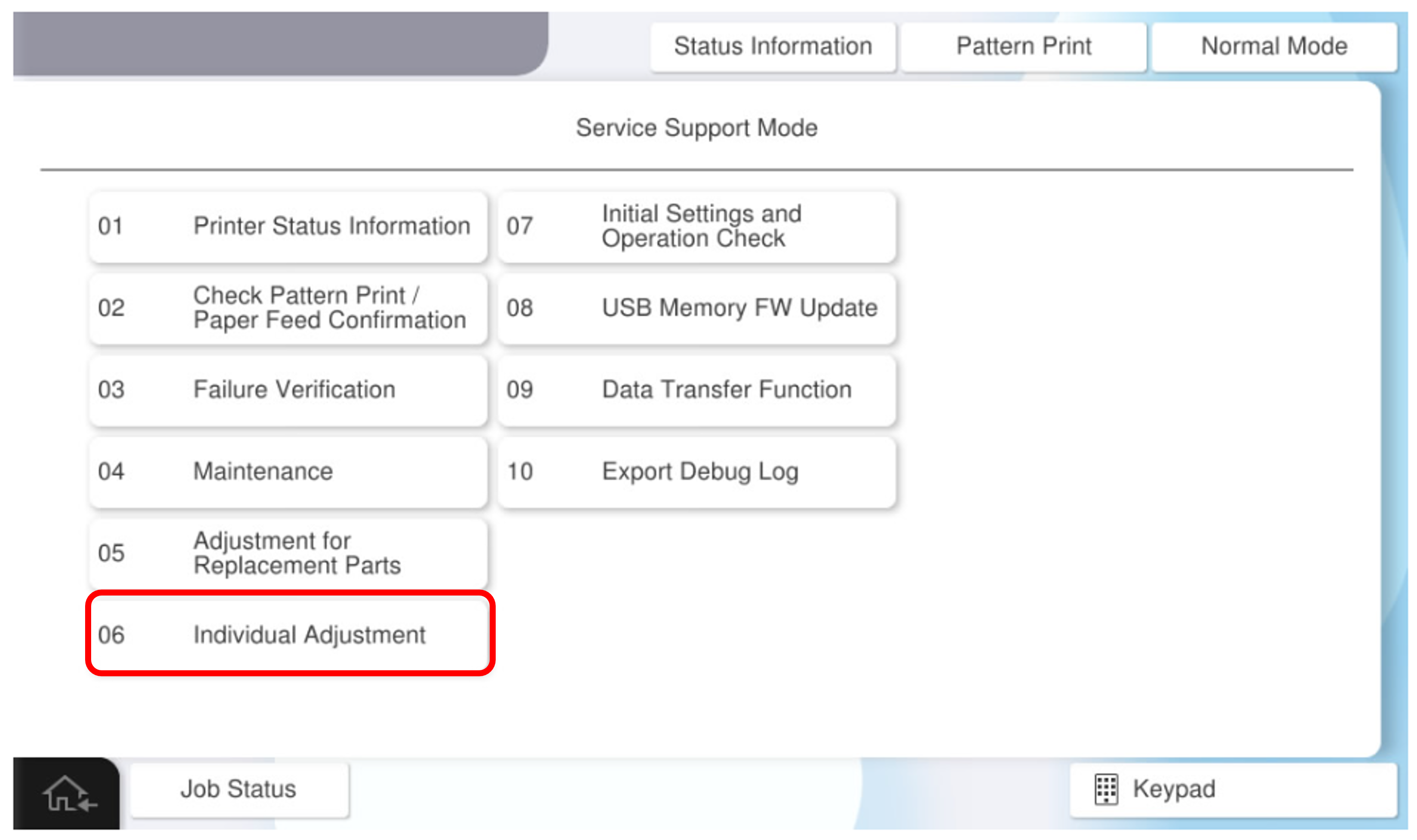
- Select the [Main Unit・Additional Cassette] tab.
- Select [60101 Belt Eccentricity / Circumference Correction].
- Open the Right Door Unit and check the correction value label.
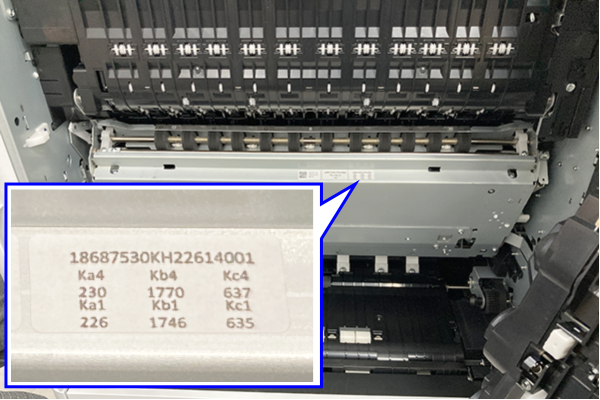
- Enter the correction values Ka1, Kb1, Kc1, Ka4, Kb4, Kc4.
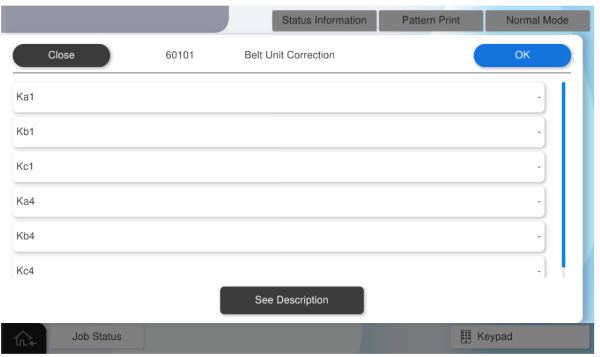
- After entering all the values, press [OK].