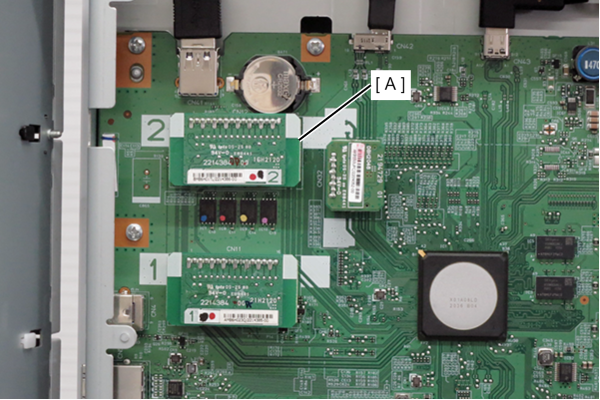
Mechanical Information ROM Board
- Remove the 4 screws and remove the right cover sub (A).
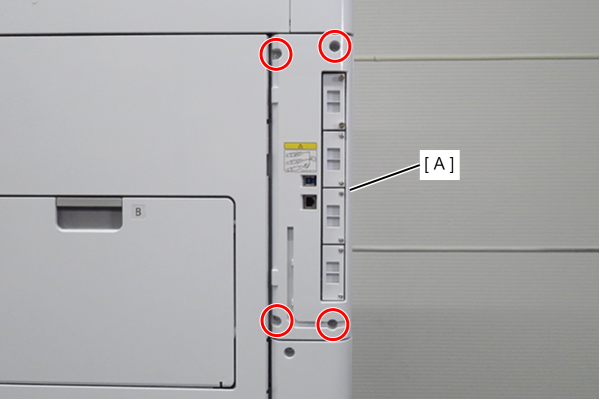
 : 3x10DW
- Remove 1 screw and slide the rear cover (A) in the direction of the arrow to remove it.
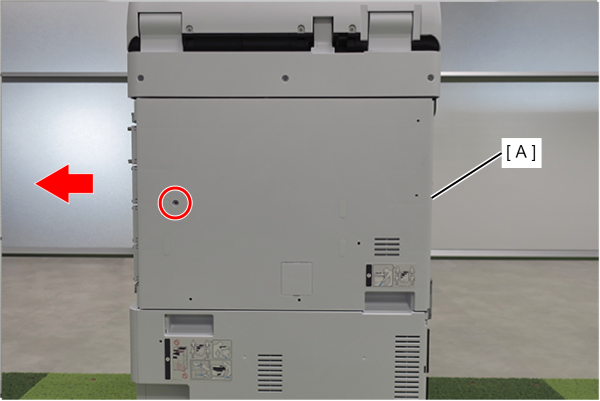
- : 3x10DW
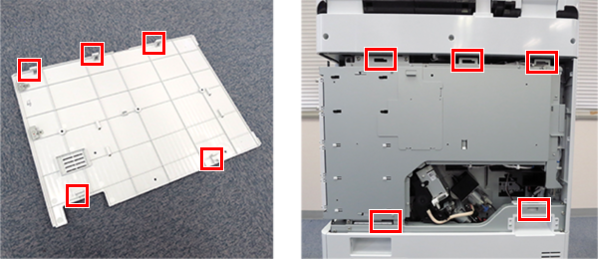
 Assembly / 組み立て
Align the 5 hooks on the rear cover with the 5 holes on the main unit and attach it.
- Remove one screw and remove the shield plate (A) upwards.
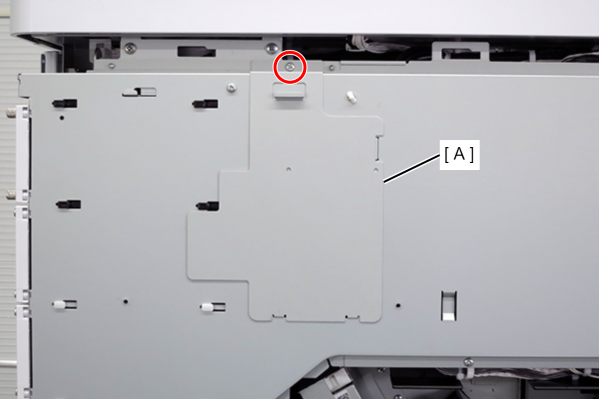
- : 3x8D
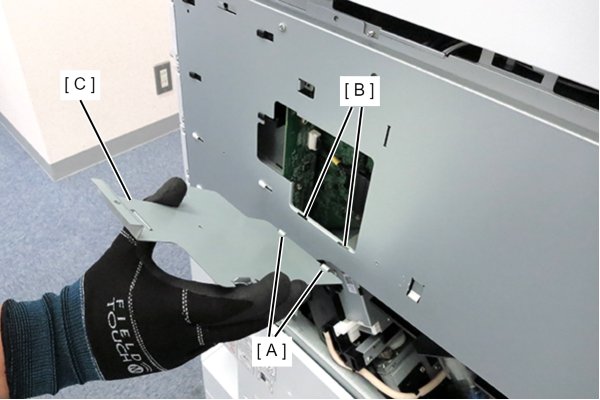
Assembly / 組み立てHook the 2 hooks (A) of the shield plate to the 2 holes (B) of the circuit board box and attach the shield plate (C).
- Disconnect the cable (A) from the connector.
- Remove 3 screws.
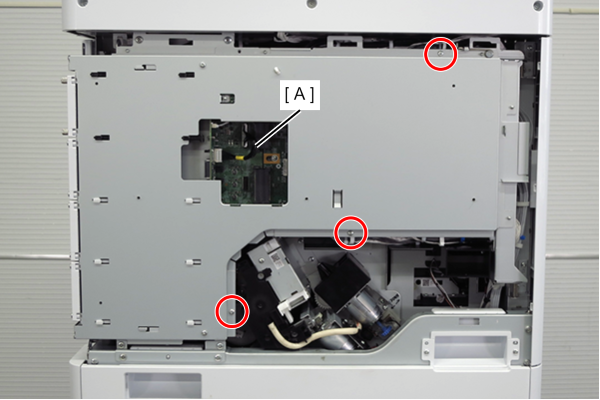
- : 3x8D
 Caution / 注意
When tightening screws, make sure that the screw holes are aligned before tightening.
If the screw holes do not match, the threads may be stripped.
- Lift the handle to release the hook.
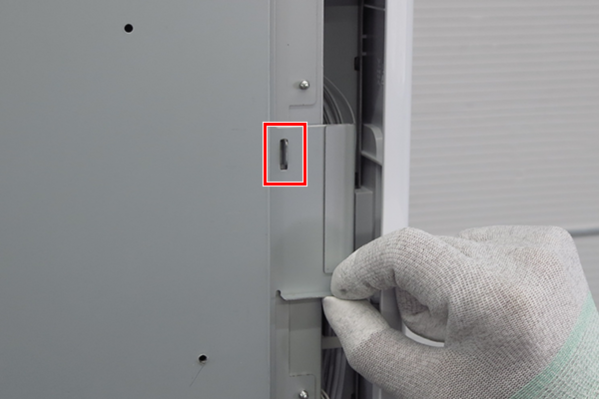
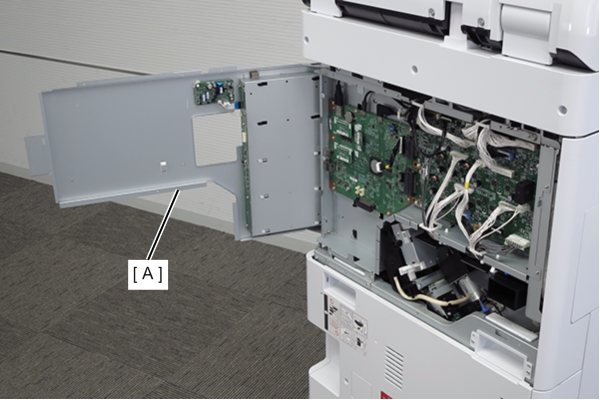
- Open the board box upper case (A).
- Remove the Mech info ROM board (A).