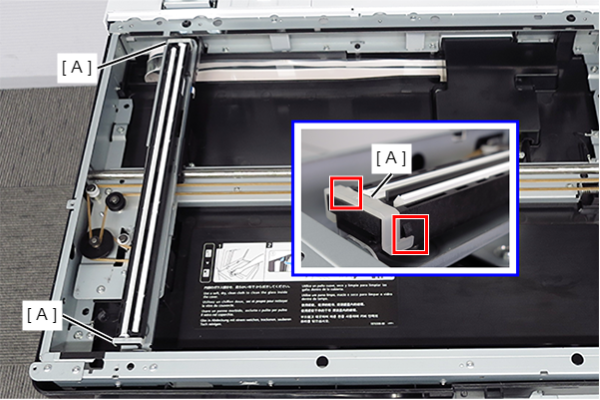
CISM Spacers (x2)
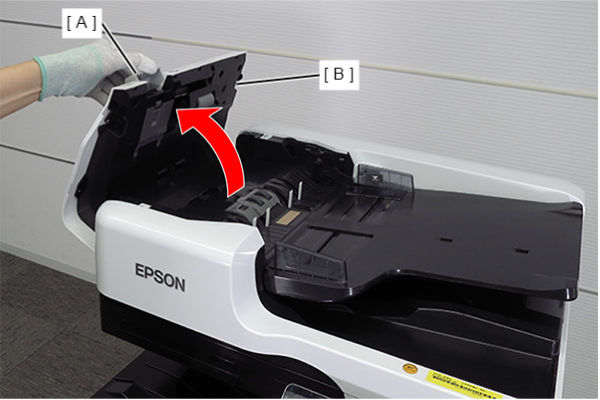
- Open the ADF cover (B) while pulling the lever (A).
- Remove the 6 screws that secure the ADF rear cover (A), and release the 4 hooks.
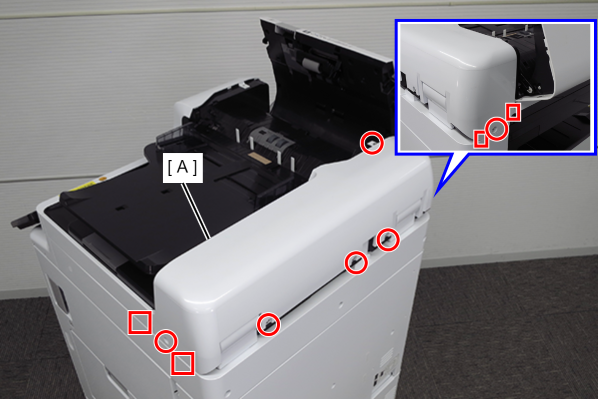
 : 3x10DW
Release the two hooks while pressing the position shown in the figure in the direction of the arrow, and remove the ADF rear cover (A).
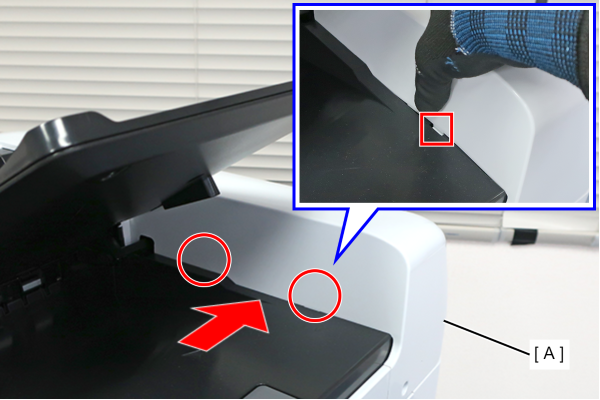
 Assembly / 組み立て
Attach the ADF rear cover (A) by inserting the two tabs into the holes.
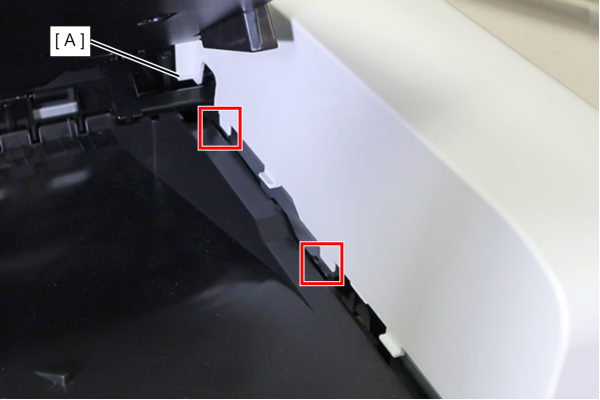
- Remove the C-Ring (A).
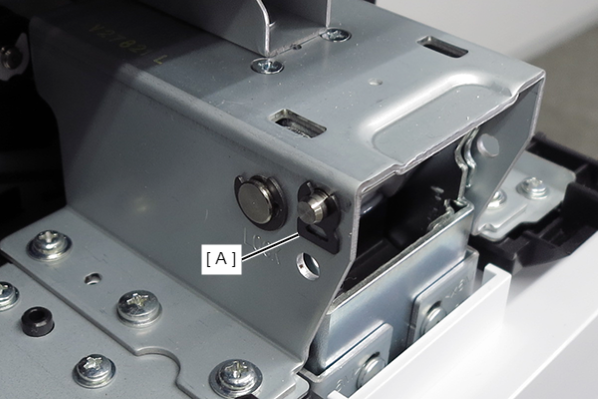
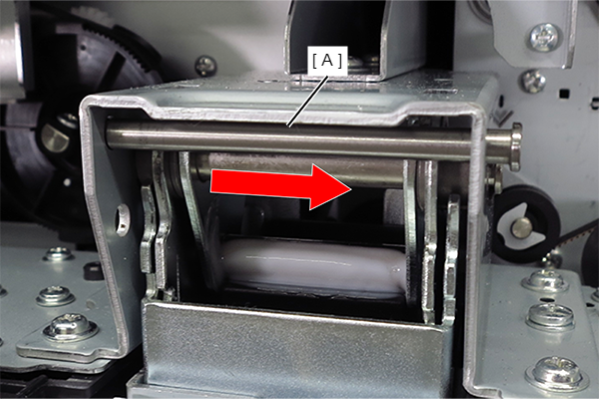
- Pull out the hinge stopper (A) in the direction of the arrow.
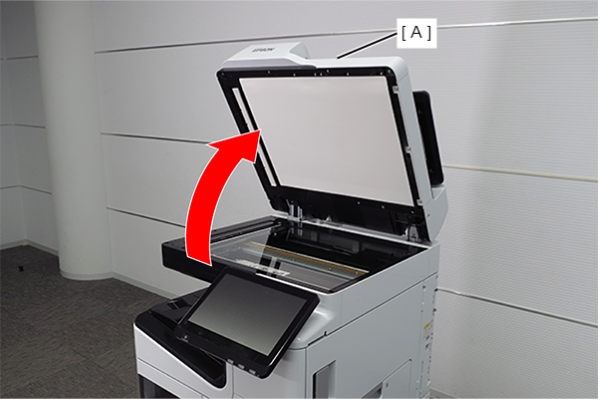
- Open the ADF (A).
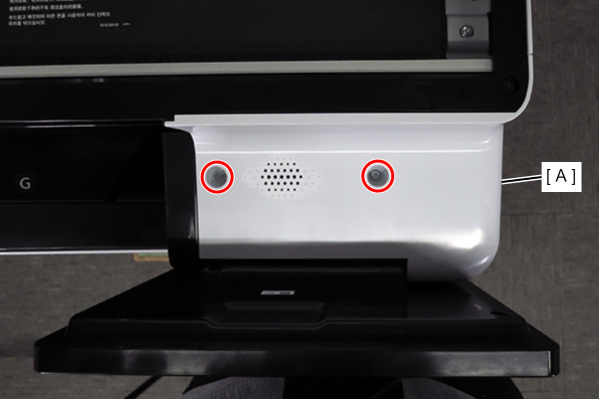
- Remove the 2 screws and remove the Panel Upper Cover (A).
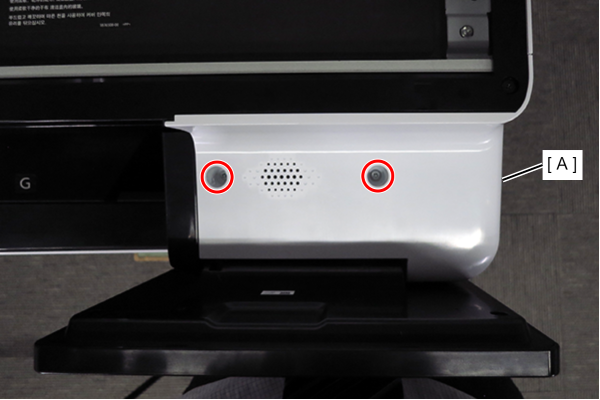
- : 3x10DW
- Remove the 8 screws and remove the SCN upper case (A).
- : 3x5DC/B
- Release the two dowels and rotate the CISM spacers (A) to remove them.