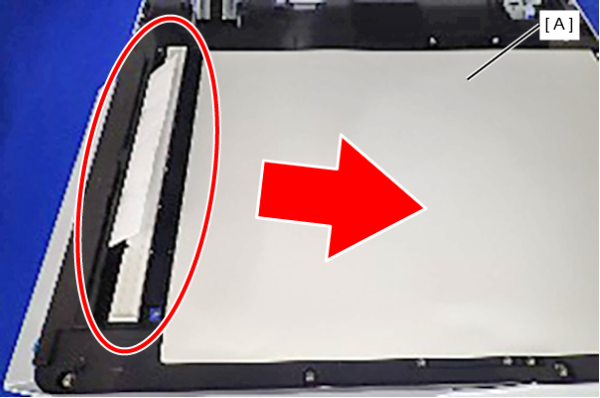
303010207 ADF Document Distance Sensor
| Program No. | Menu Name | Judgment method | Remarks |
|---|---|---|---|
| 303010207 | ADF Document Distance Sensor | Pass the paper through the ADF Paper Feed Path and check. | TRUE: Detection FALSE: No Detection Default: FALSE |
- Open the ADF Cover (A).
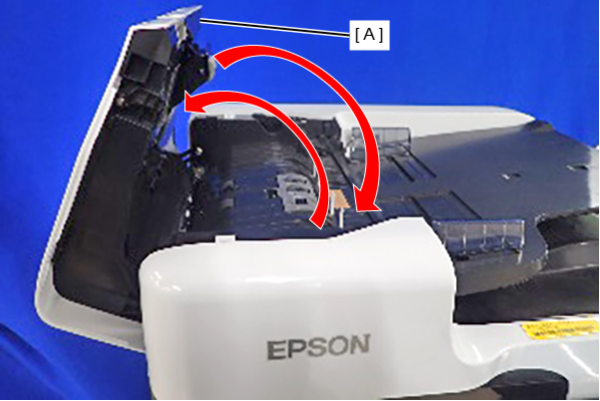
- Open the ADF unit (A).
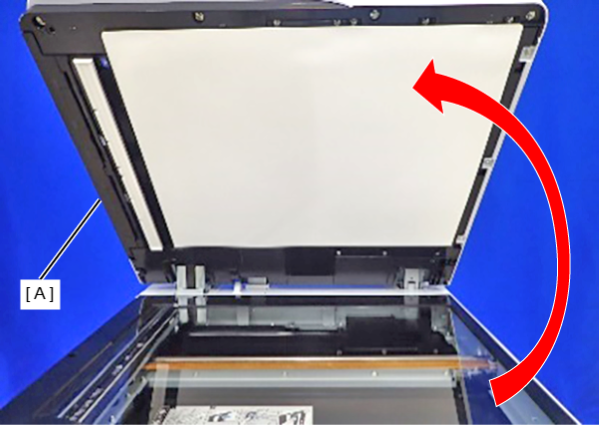
- Insert a sheet of paper through the gap (A) shown below.
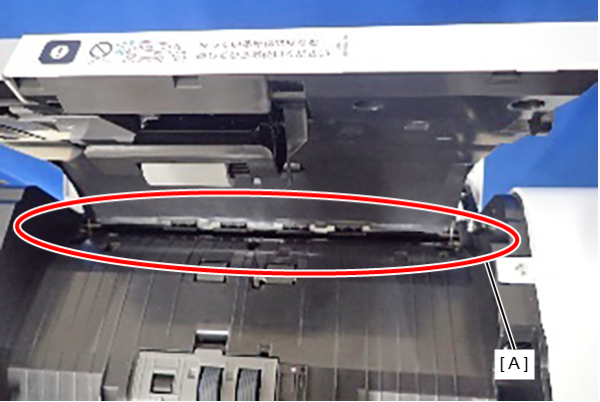
- Gently pull out the paper from the scanner glass side (A) and check the sensor detection status.