
SDL Paper Alignment-related - After replacement
 Check Point / チェックポイント Check Point / チェックポイント |
||||
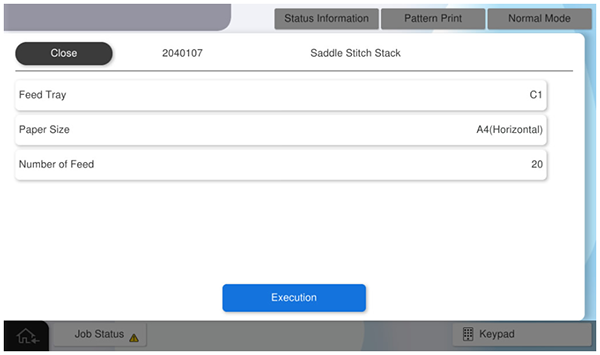
When this menu is executed, the following menu is automatically executed.
|
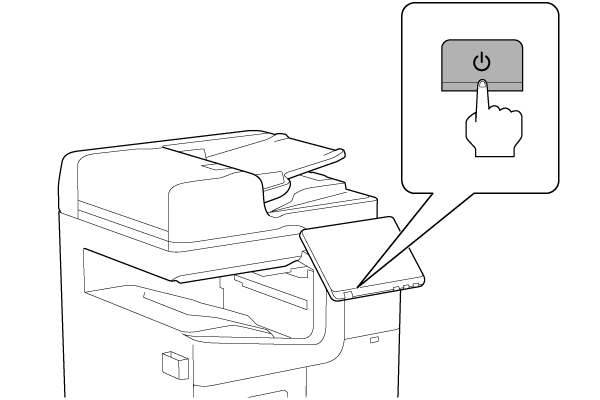
- Turn the power ON.
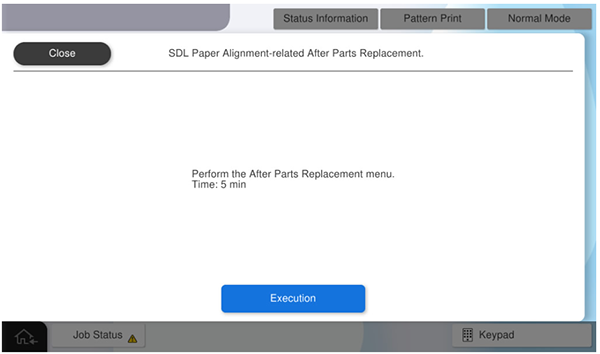
- Press [Execution].
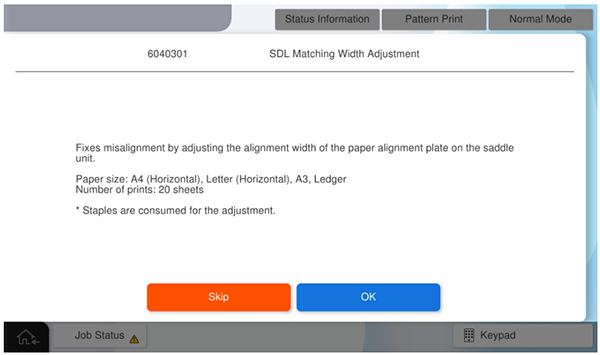
- Press [OK].
- Press [Pattern Print].
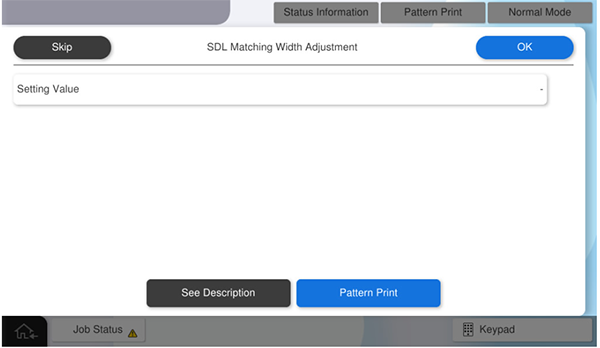
- Press each setting item button to make the print settings.
The parameters that can be set are as follows.Setting Items Selection Feed Tray C1, C2, C3, C4, Paper Tray Available Paper Sizes A4 (Horizontal), Letter (Horizontal), A3, Ledger Number of sheets 20 (fixed)  Caution / 注意
Make sure the paper orientation is as specified (SEF/Horizontal).
If the orientation is different from the specifications (LEF/Vertical), the paper will be ejected without being processed correctly and the operation cannot be checked.
- Press [Execution] to output the adjustment sample.
- Confirm the state of the paper edge of the adjustment sample and calculate the adjustment value according to the sample state.
- If the paper edge is damaged (the paper alignment cursor width is narrower than the paper size)
- Check the paper edge of the adjustment sample, and measure the amount of misalignment between the most retracted portion and the most protruded portion.
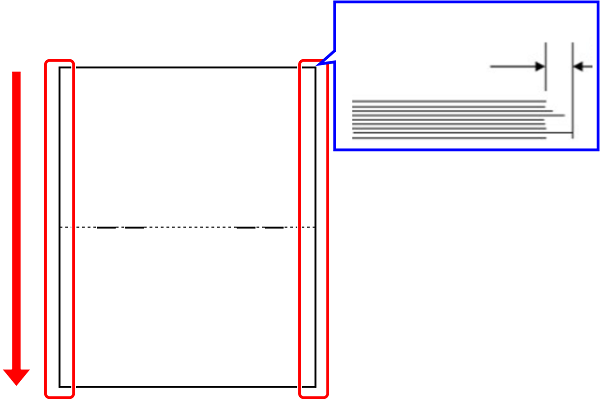
The measurement result (matching deviation amount) is converted into an adjustment value.
Check Point / チェックポイント- Adjustment value calculation method: Adjustment value = Measurement result x10
Example) If the measurement result (alignment deviation) is 1.5 mm, the adjustment value = 15
- If the paper edge is damaged (the paper alignment cursor width is narrower than the paper size), one of the values from -1 to -50 shall be the adjustment value.
- Adjustment value calculation method: Adjustment value = Measurement result x10
- Check the paper edge of the adjustment sample, and measure the amount of misalignment between the most retracted portion and the most protruded portion.
- If the paper edge is damaged (the paper alignment cursor width is narrower than the paper size), one of the values from -1 to -50 shall be the adjustment value.
- If the paper edge is damaged (the paper alignment cursor width is narrower than the paper size)
Press [Setting value] and enter the calculated adjustment value.
Check Point / チェックポイントAdjustment value input range: -102 ~ 102 (-10.2 mm ~ 10.2 mm) * Values outside the adjustment value input range cannot be entered.
- Positive adjustment value: more space between alignment cursors.
- Negative adjustment value: Closer spacing between alignment cursors.
- Press [Pattern Print] to apply the adjustment values and output an adjustment sample.
- Check the adjustment sample, and if the binding misalignment is improved, press [Skip] to finish the adjustment.
If the binding misalignment is not improved, repeat the adjustment.