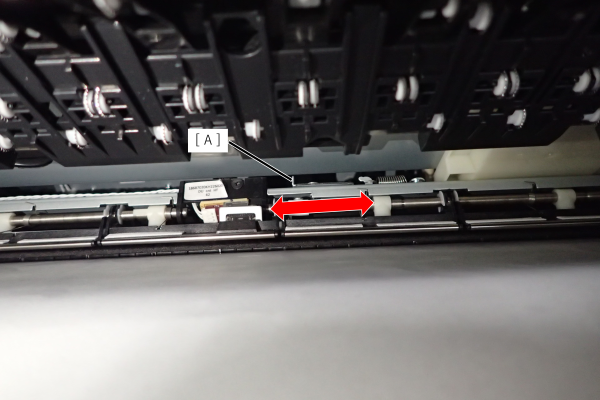
Pre-Printing Sensor
Pre-Printing Sensor
Position
- Pull the lever to open the Right Door Unit (A).
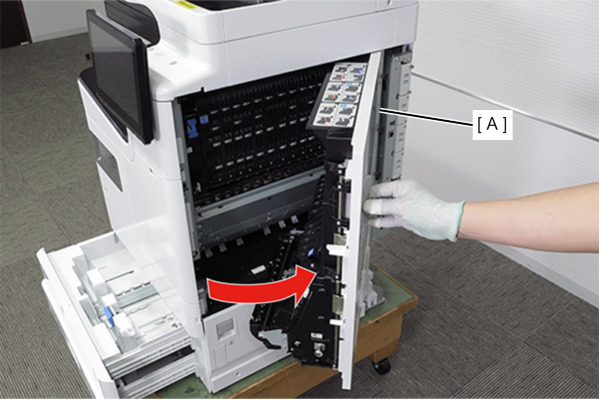
- Pull the lever (A) to open the belt unit (B).
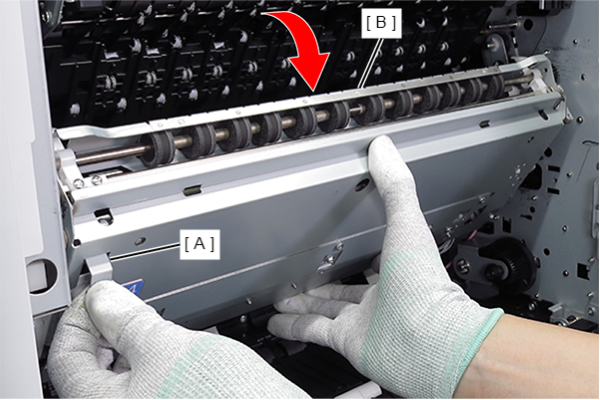
- Put the paper on the belt surface of the belt unit (A). (To prevent contact with the belt surface.)
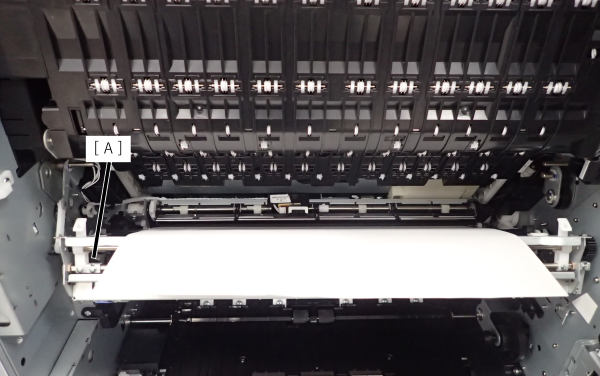
- It is held by the Anti Static Brush Unit (A).
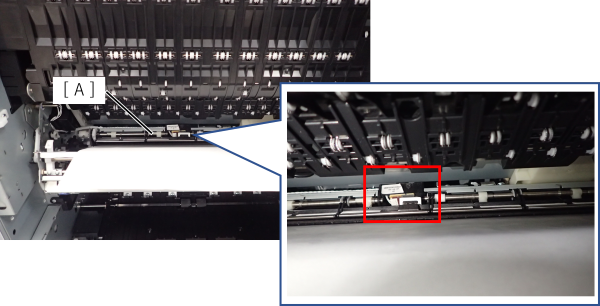
Cleaning method
Slide the cleaning lever (A) left and right multiple times.