
ADF CIS Module
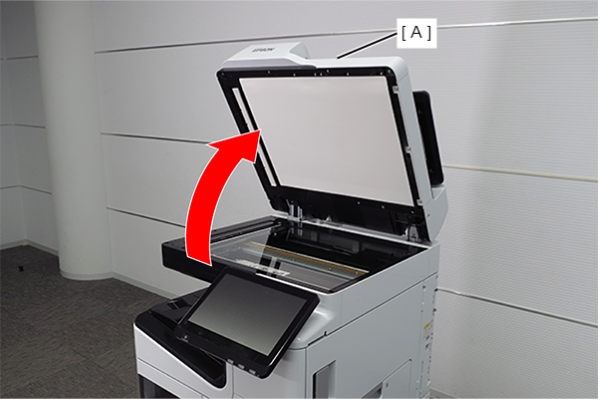
- Open the ADF (A).
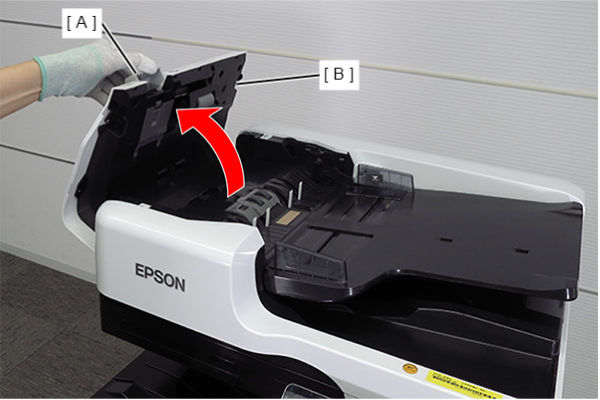
- Open the ADF cover (B) while pulling the lever (A).
- Remove the 5 screws and remove the ADF front cover (A).
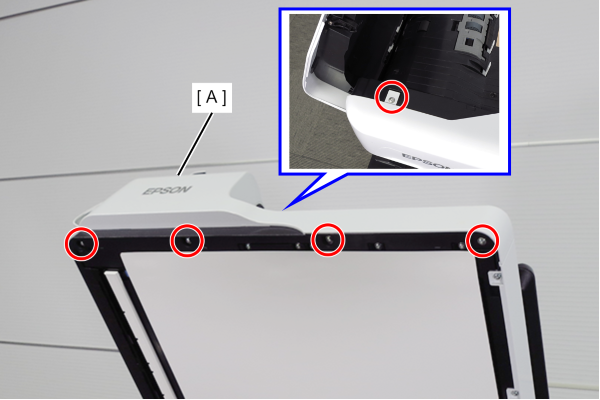
 : 3x10DW
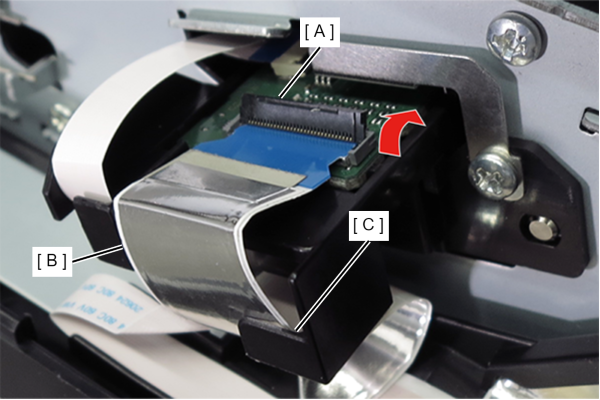
- Release the connector lock (A) and remove the FFC (B) from the connector.
- Release the FFC (B) from the guide (C).
- Remove the two screws and pull out the ADF CIS module (A) slightly.
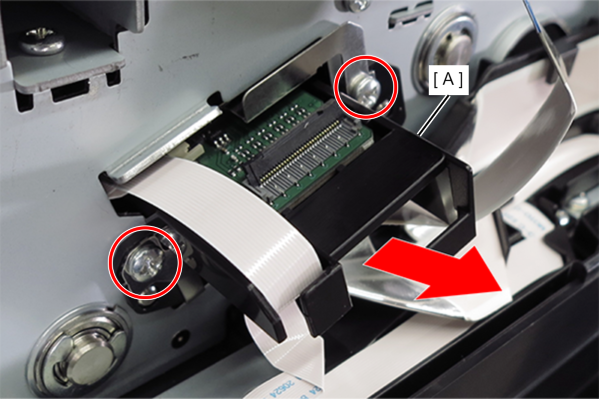
- : 3x6D
- Release the connector lock (A) and remove the FFC (B) from the connector.
- Release the FFC (B) from the guide (C).
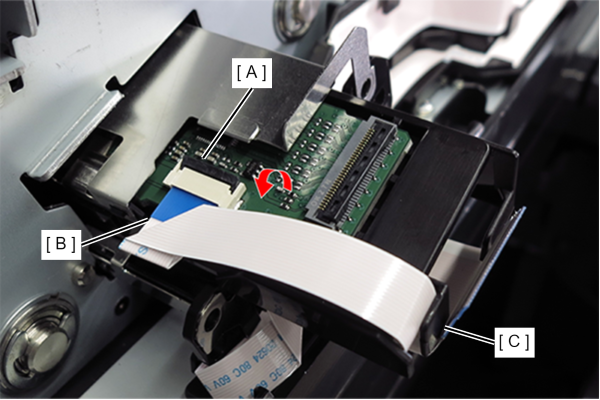
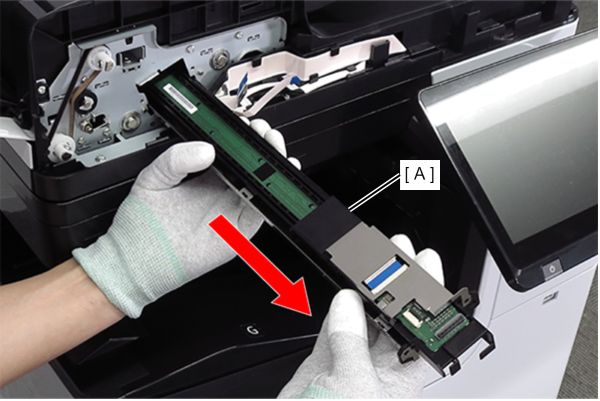
- Remove the ADF CIS module (A) in the direction of the arrow.
 Assembly / 組み立て
When installing the ADF CIS module, check the following points.
- Align the two dowels on the ADF CIS module with the positioning holes on the frame.
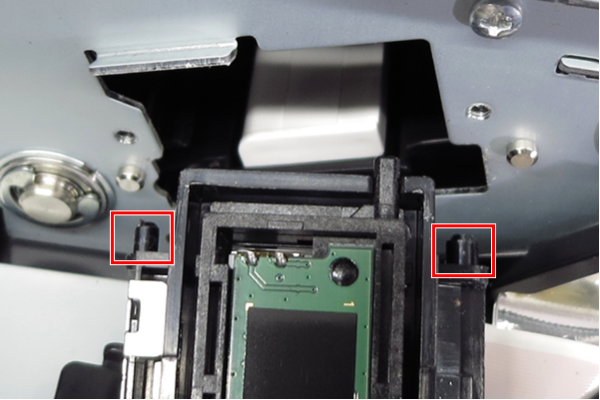
- Align the two dowels on the frame with the two positioning holes on the ADF CIS module (A).
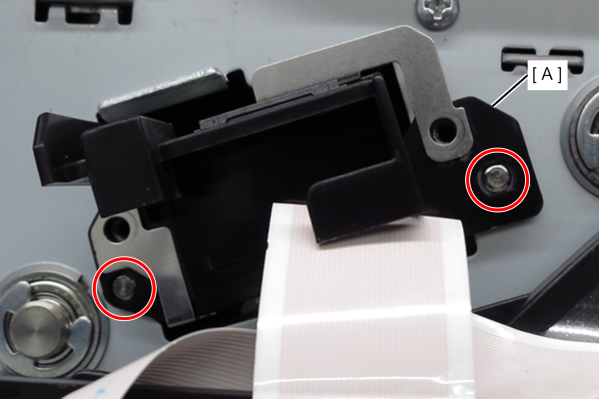
- Align the two dowels on the ADF CIS module with the positioning holes on the frame.