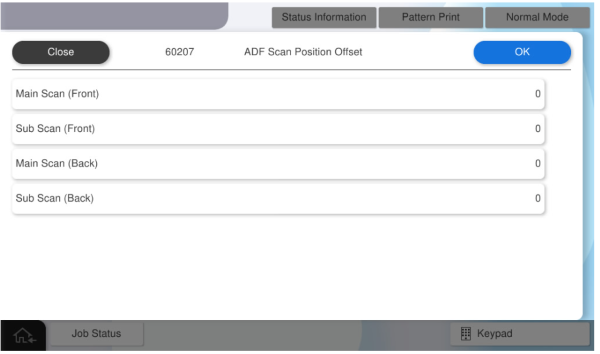
60207 ADF Scan Position Offset
Perform this adjustment if the customer tells you that there is some problem with the starting position of the scan using the scanner glass.
Consult with the customer while checking the actual scanned data to determine the adjustment value.
Manually adjust the scanning start position for ADF scanning.
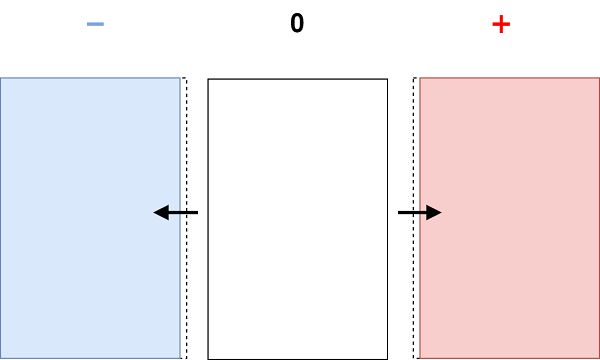
- Main Scan
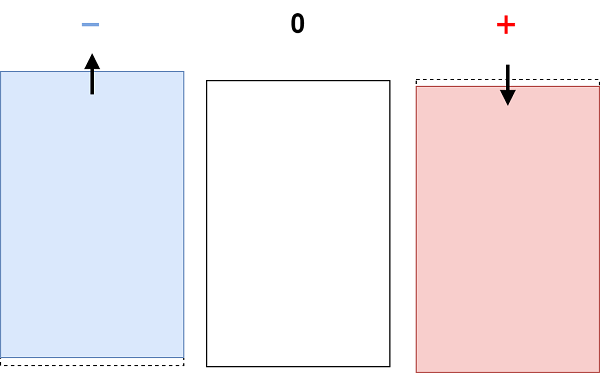
- Sub Scan
| Setting value name | Input range | Initial value | Amount of change |
|---|---|---|---|
| Main Scan (Front) | -53 ~ 54 | 0 | about 0.1 mm |
| Sub Scan (Front) | -53 ~ 54 | 0 | about 0.1 mm |
| Main Scan (Back) | -53 ~ 54 | 0 | about 0.1 mm |
| Sub Scan (Back) | -53 ~ 54 | 0 | about 0.1 mm |
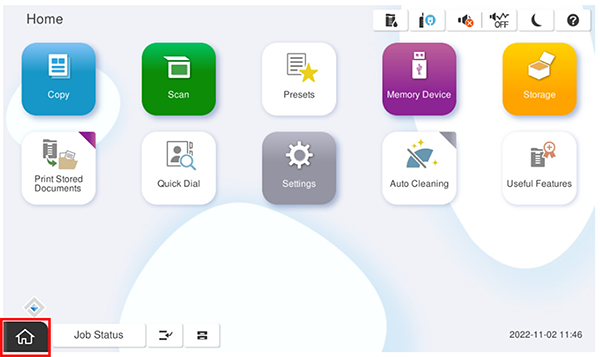
- Start the service support mode.
- Select [06 Individual Adjustment].
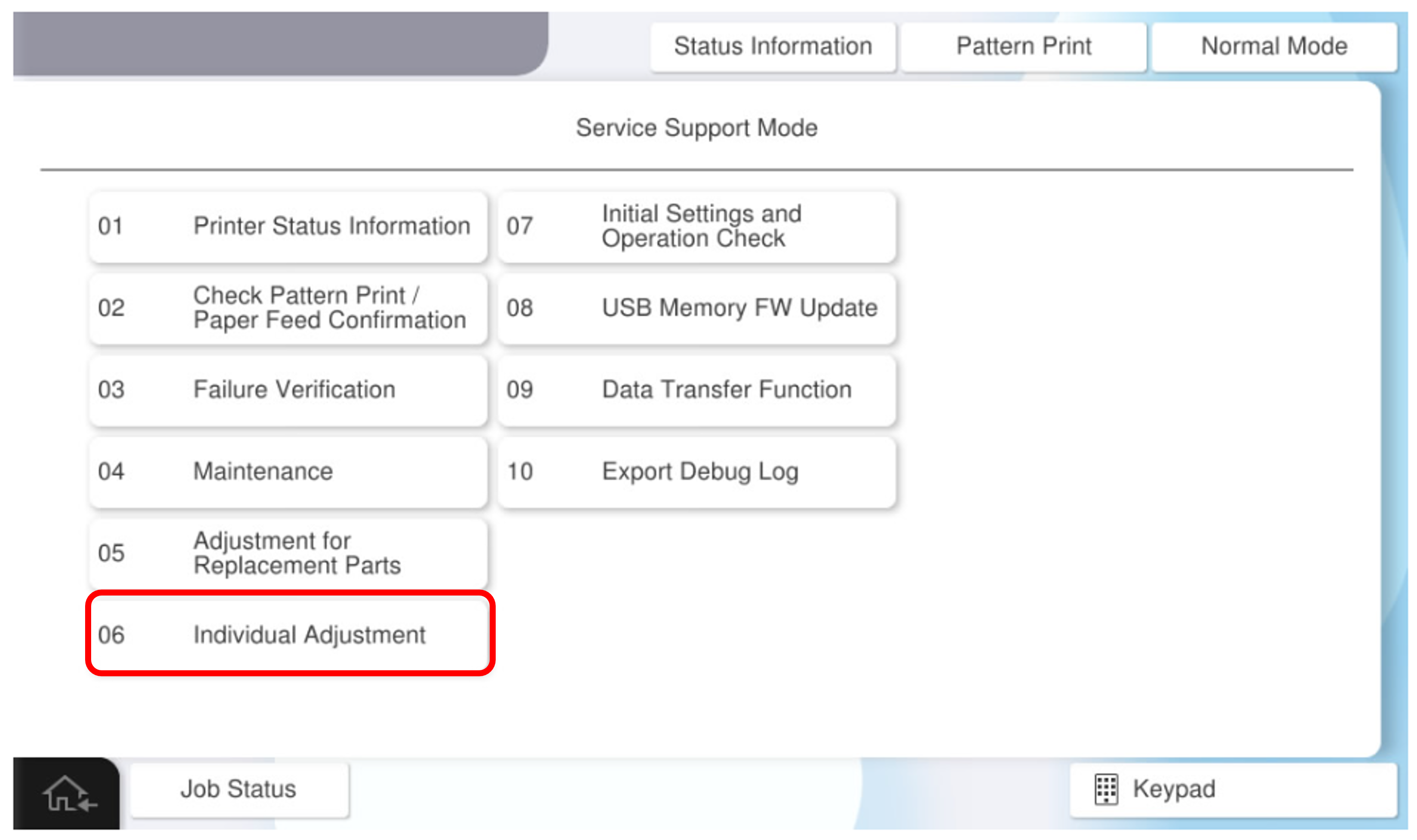
- Select the [ADF/SCN] tab.
- Select [60207 ADF Scan Position Offset].
- Enter the desired adjustment value for each setting item, and press [OK].