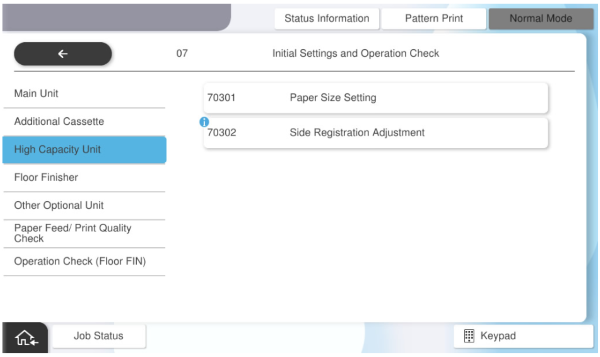
70301 Paper Size Setting
 Check Point / チェックポイント Check Point / チェックポイント |
This adjustment must be performed when High Capacity Unit is installed. |
Switch the paper size setting (A4 or Letter or B5) used in the high capacity paper feed unit.
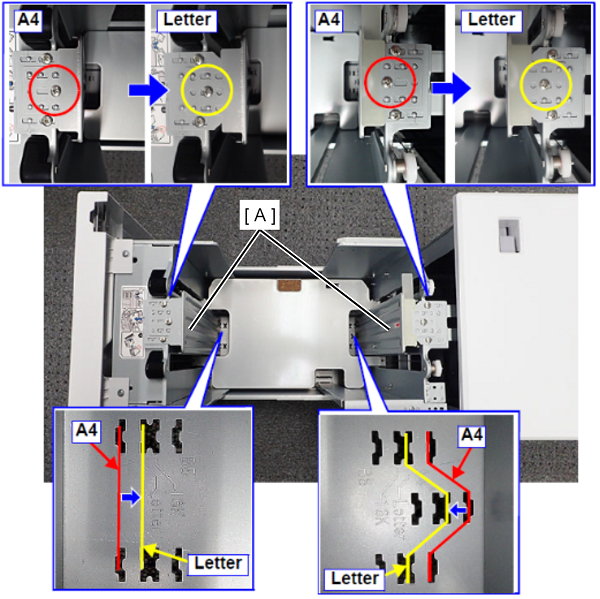
- Remove the paper side regulating plates (A) on both the front and rear sides with the screw, move to the paper size position to change, and fix it again with screws. (M4x8)
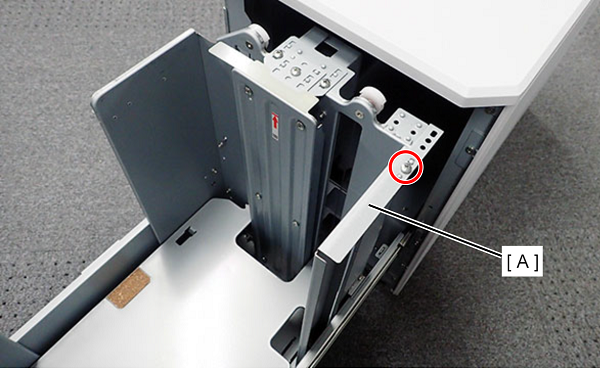
- Remove the paper trailing edge regulating plate (A) with one screw. (To switch from Letter to A4, attach the paper trailing edge regulating plate.)
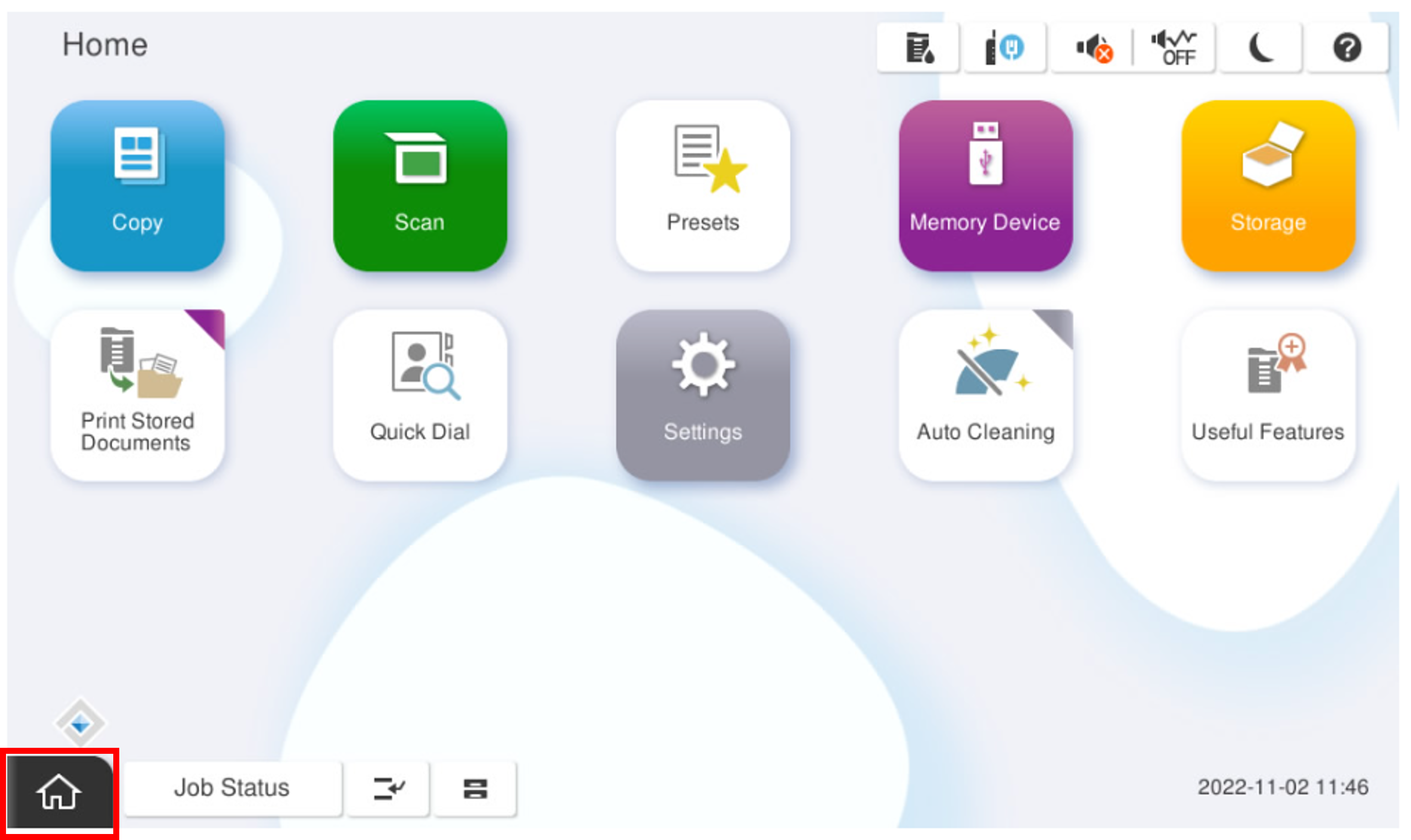
Start the service support mode.
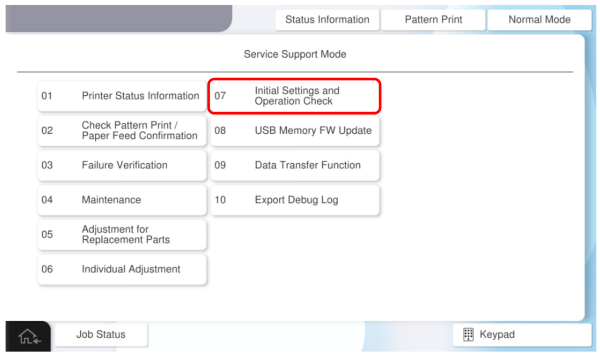
- Select [07 Installation Setting / Operation Check].
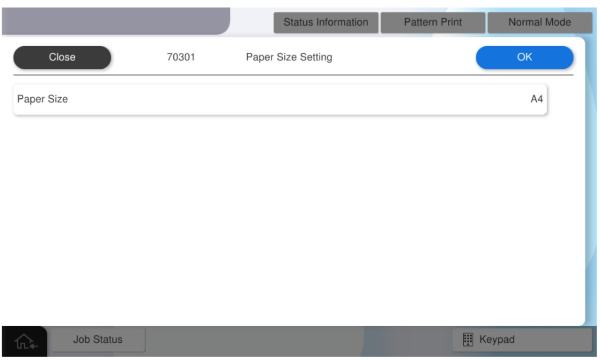
- Select [70301 Paper Size Setting] and change the paper size (A4 or Letter) on [Paper Size Setting], then press [OK].