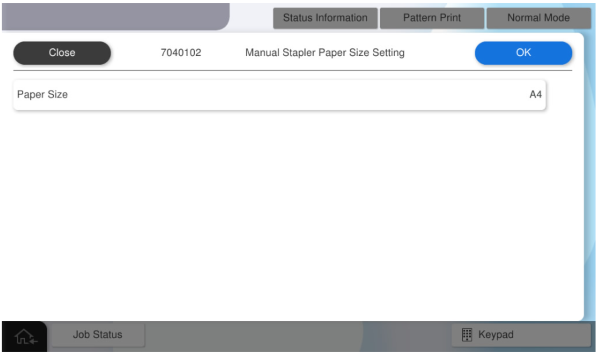
7040102 Manual Staple Paper Size Setting
Overview: Switches the staple paper size (A4 or Letter).
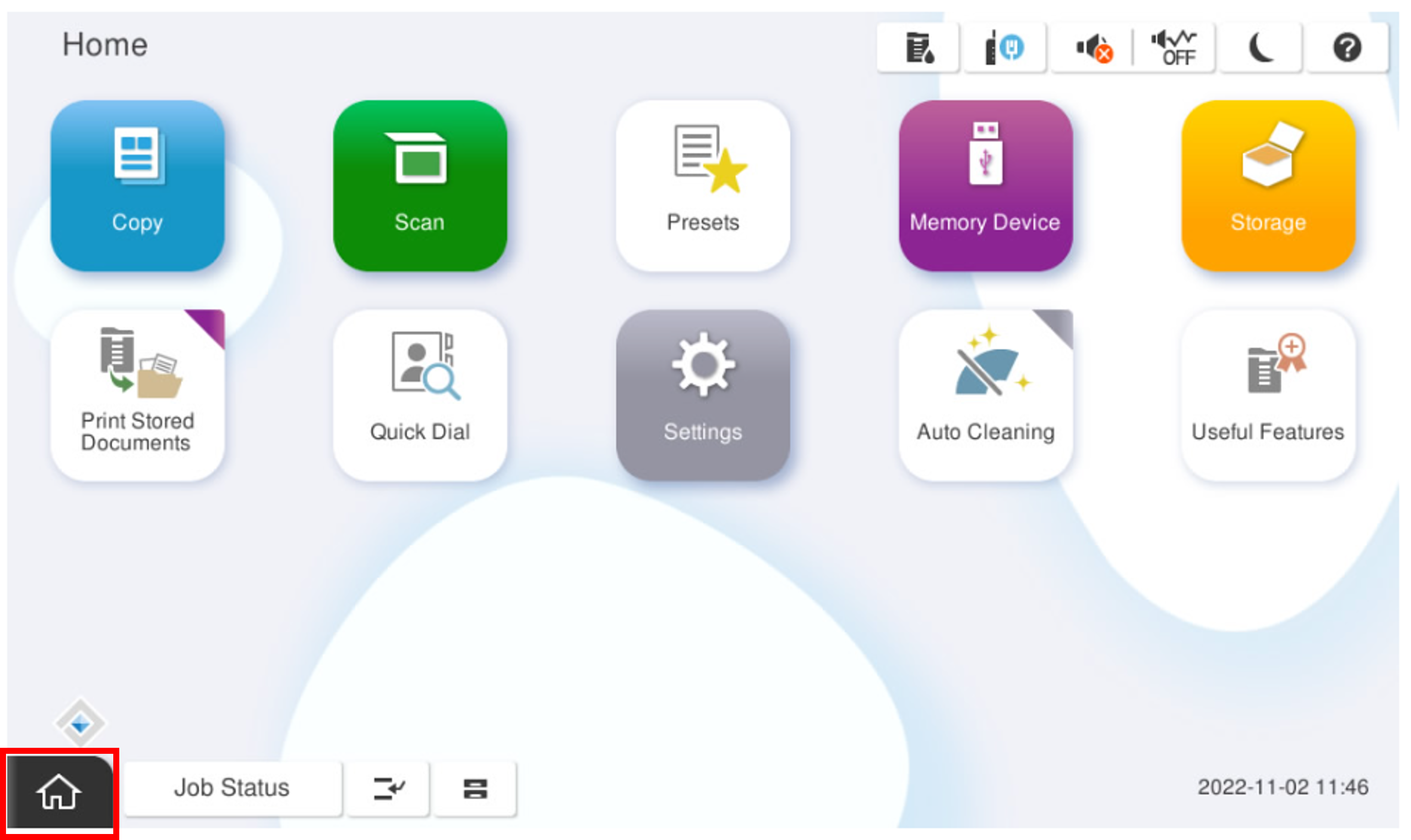
- Start the service support mode.
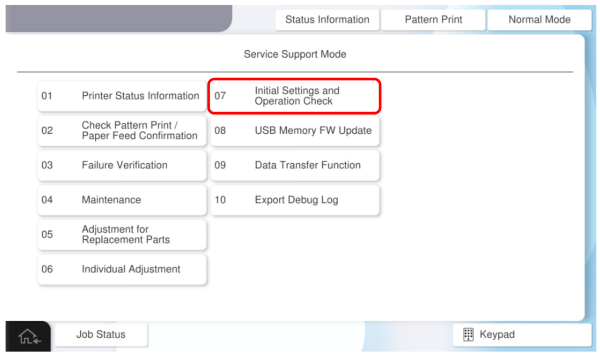
- Select [07 Initial Settings and Operation Check]
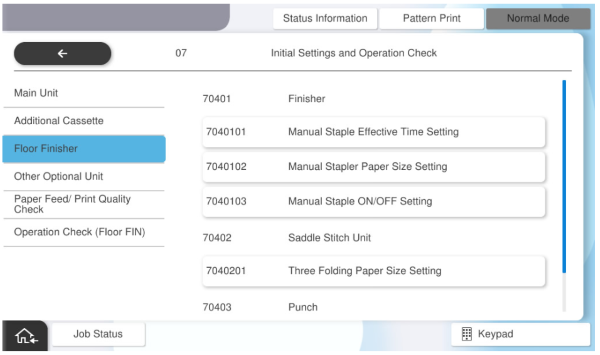
- Select [7040102 Manual Staple Paper Size Setting].
Set the paper size, select the desired paper size (A4 or Letter), and press [OK].