
Blank pages print
Assumed cause
- Printing operation with no ink
- Waveform data is not transferred to the Head.
- Image data generation or transfer failure
- Ink is not supplied or sucked due to failure in ink system parts
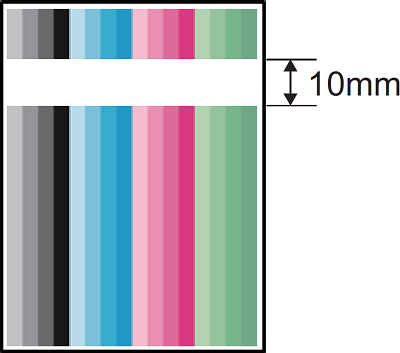

Defect-related parts
- Ink cartridge
Poor ink recognition - Head FFC
Image data transfer failure - Head Drive Board
Waveform generation failure - Main Board
Image data generation circuit failure - Head Unit
Discharge failure due to nozzles clogged or malfunction - Maintenance Unit
Suction failure - Cap Motion Unit
Head capping failure - Main Supply Assy
Ink supply failure - Wiper
Causes nozzles failure when wiping
Troubleshooting
| Step | Confirmation and action | YES | NO |
|---|---|---|---|
| 1 | Run Head Cleaning (CL3)
(It is possible to determine whether the ink system is defective by checking whether ink is flowing in the transparent waste liquid tube during cleaning.) |
End of work | Go to step 2 |
| 2 | Replace a new Ink cartridge
(I suspect that the cartridge was empty but I recognized ink.) |
End of work | Go to step 3 |
| 3 | Check the connection of the Head FFC
|
End of work | Go to step 4 |
| 4 | Replace the Head Drive Board
|
End of work | Go to step 5 |
| 5 | Replace the Main Board
|
End of work | Go to step 6 |
| 6 | Replace the Head Unit
|
End of work | Replace the parts/components to be checked one by one. |