
Drawer connector Mounting Plate
- Refer to the following and remove the inner finisher from the printer.
Inner Finisher Installation Procedure - Remove 1 screw.
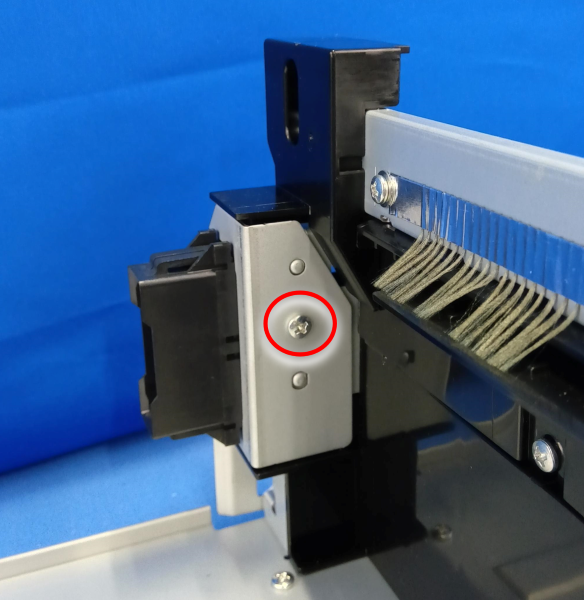
 : 3x8D
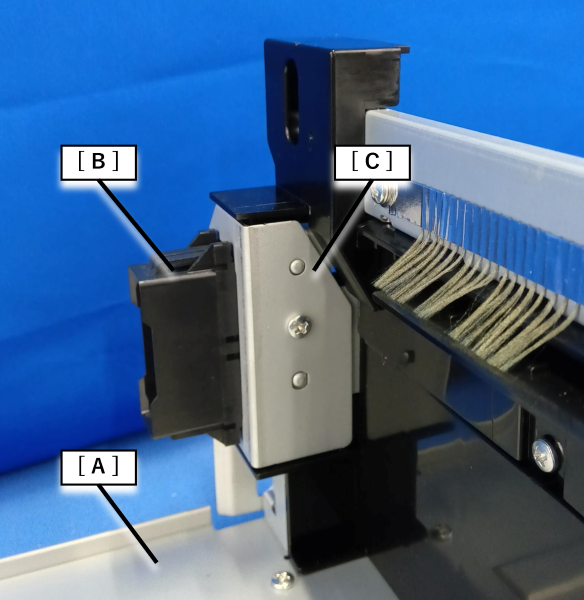
- Remove the drawer connector (B) and the drawer connector mounting plate (C) from the inner bridge unit (A).
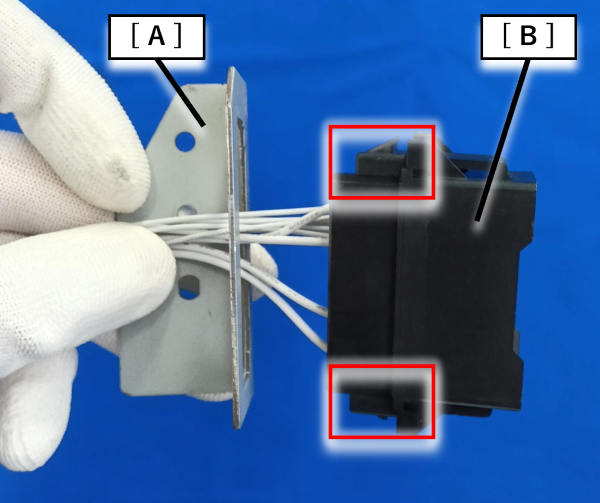
- Release the 2 hooks and remove the drawer connector (B) from the drawer connector mounting plate (A).
 Assembly / 組み立て
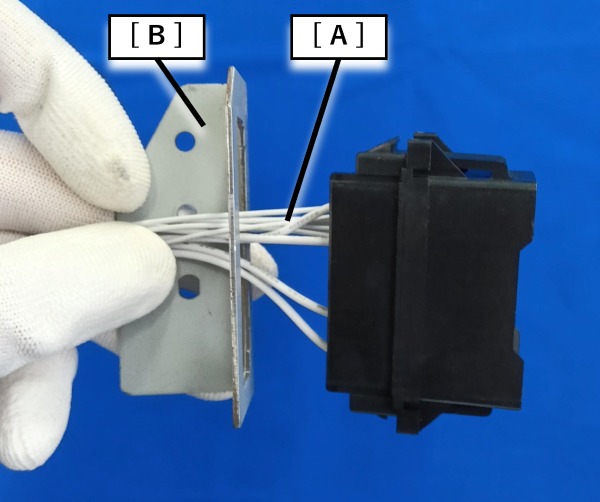
- First, pass the drawer connector cable (A) through the drawer connector mounting plate (B) and then install it.
- Move the drawer connector (B) in the direction of the arrow and while it is fixed in place route the drawer connector cable (B) around the hook .
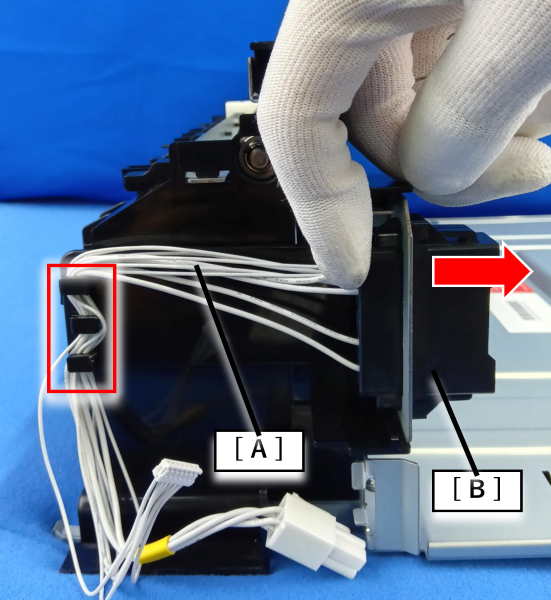
- First, pass the drawer connector cable (A) through the drawer connector mounting plate (B) and then install it.