
Belt Unit - Before replacement
 Check Point / チェックポイント Check Point / チェックポイント |
||||||
When this menu is executed, the following menu is automatically executed.
|
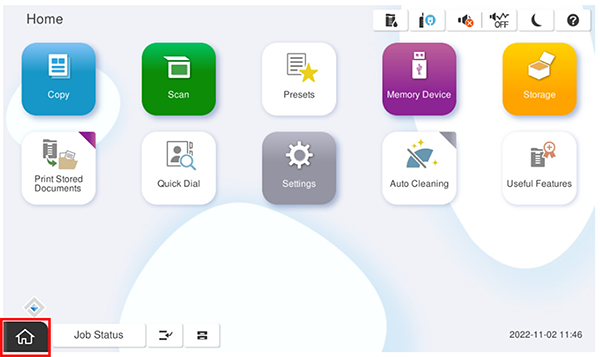
- Start the service support mode.
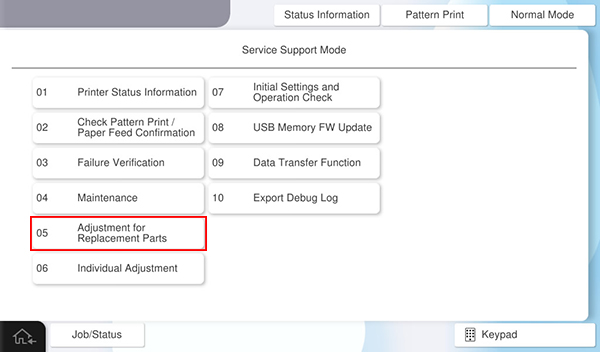
- Select [05 Adjustment for Replacement Parts].
- Select [Main Unit] tab.
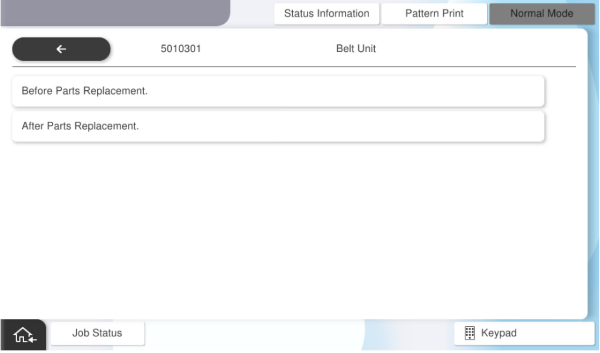
- Select [5010301 Belt Unit].
- Select [Before Parts Replacement]
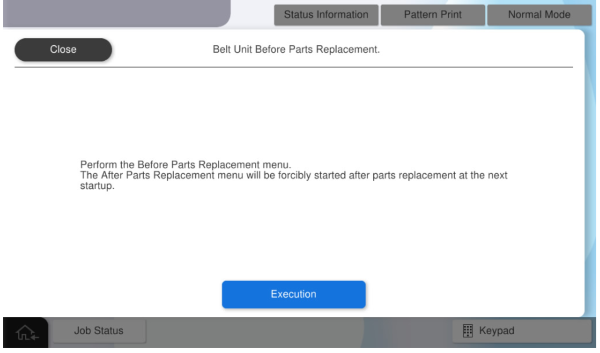
- Press [Execution].
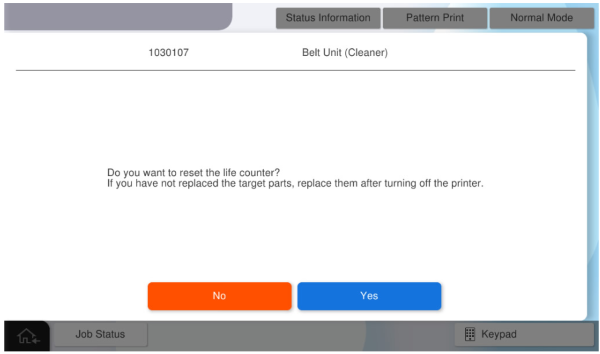
- Press [Yes] to reset the counter.
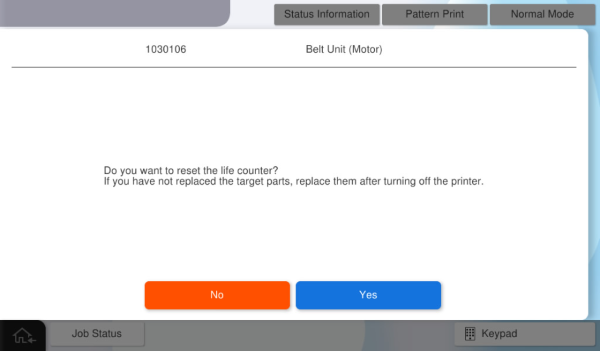
- Press [Yes] to reset the counter.
- Turn Off the main unit when the following screen is displayed.
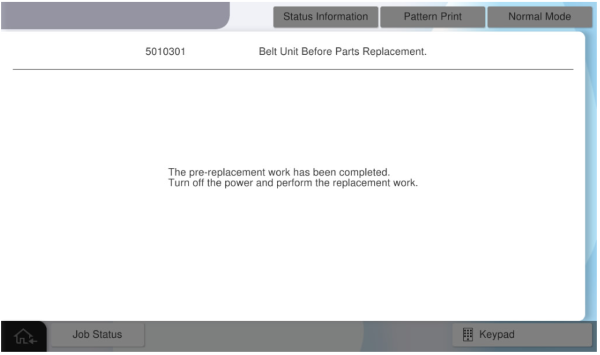
After replacement menu will start automatically at next startup.