
ADF PF Roller 2
Cleaning purpose
Paper dust and foreign objects adhere to the ADF PF roller 2, it may cause paper feeding and image quality problems.
Position
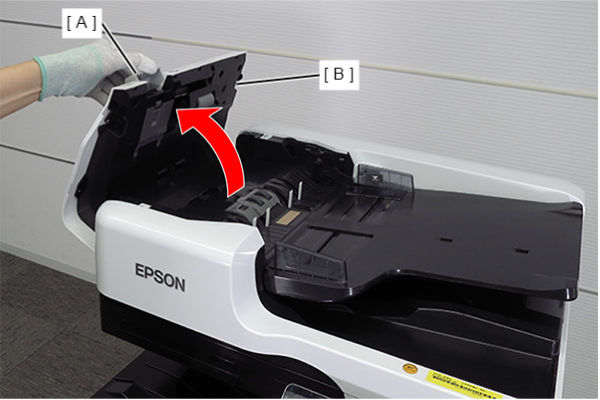
- Open the ADF cover (B) while pulling the lever (A).
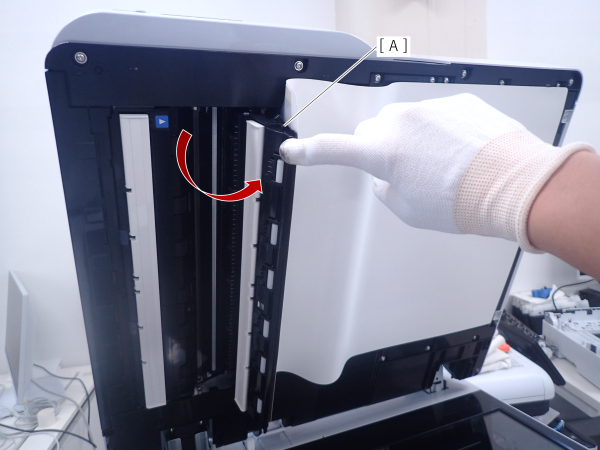
- Open the ADF reading glass cover (A).
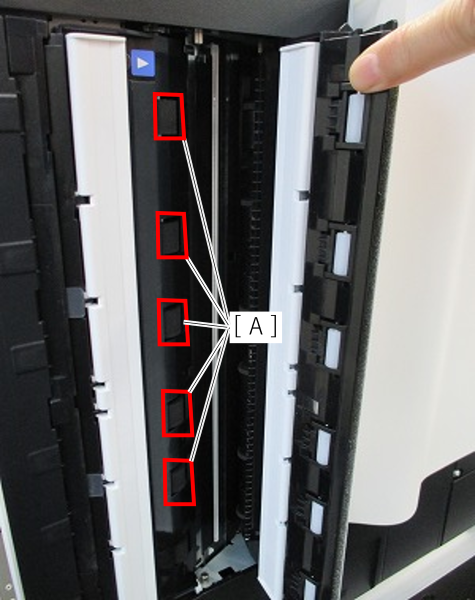
- Clean ADF PF roller 2(A).
Cleaning method
Place a cloth that has been dampened with pure water and wrung out tightly on the ADF PF 2 roller and clean it by executing [403 ADF Feed Roller Cleaning] in the service support mode.
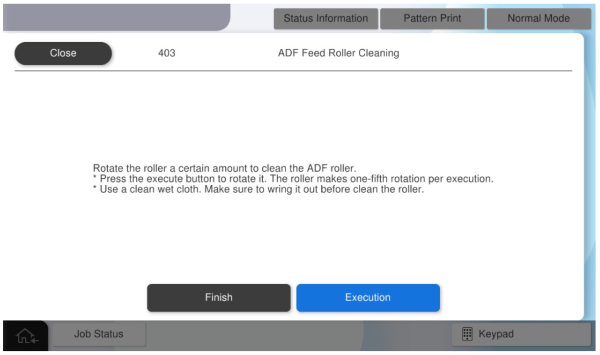
To clean the ADF feed rollers, rotate the rollers a fixed amount.
* The roller makes one-fifth of a turn at a time, so to make one turn, press [Execution] five times.
 Note / 補足 Note / 補足 |
|
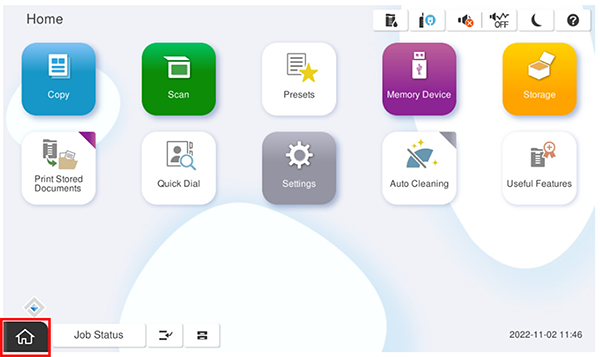
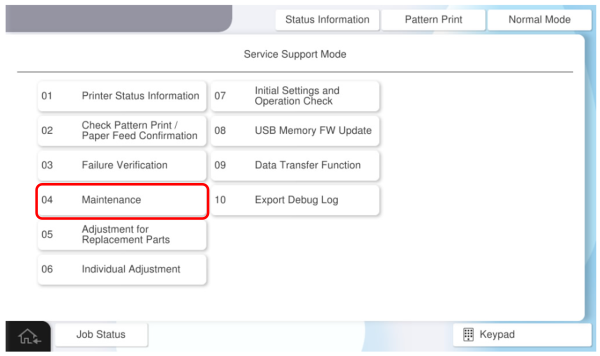
- Start the service support mode.
- Select [04 Maintenance].
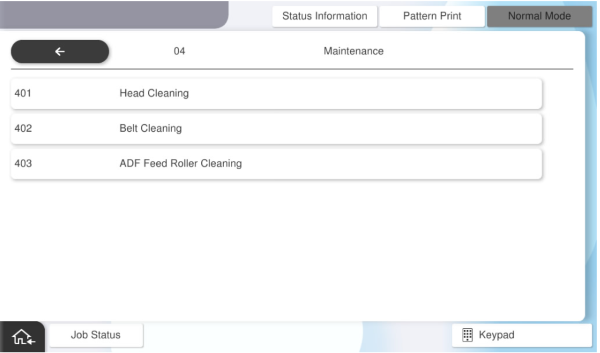
- Select [403 ADF Feed Roller Cleaning].
- Open the ADF cover. The cover open error screen is displayed, then press [Close] to close the error screen.
- Press [Execution].
 Check Point / チェックポイント Check Point / チェックポイント |
Each run is 1-fifth of a rotation, so run it five times to clean one circumference of the roller. |