
Ink Cartridge Front Cover
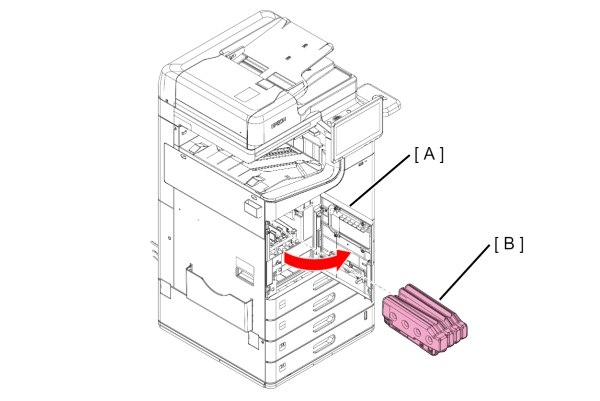
- Open the front cover (A) and remove the Ink Cartridge (A).
 Caution / 注意
Immediately attach the ink supply port cap (A) to the removed ink cartridge.
If the ink supply port cap is not attached, ink remaining in the supply port may drip. (Ink cartridge )
- Remove 4 screws and remove the Ink Cartridge Front Cover (A).
AM-C6000/5000/4000
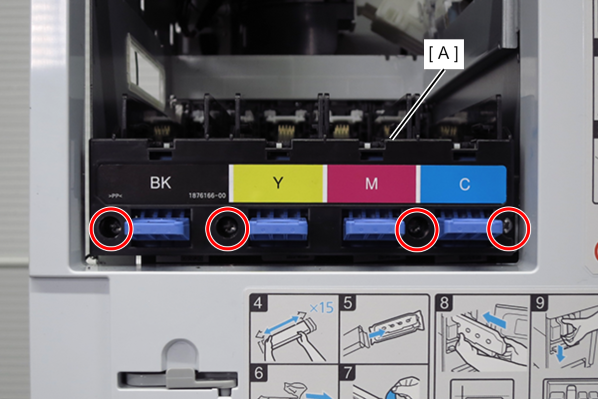
 : 3x8D/BK
AM-M5500
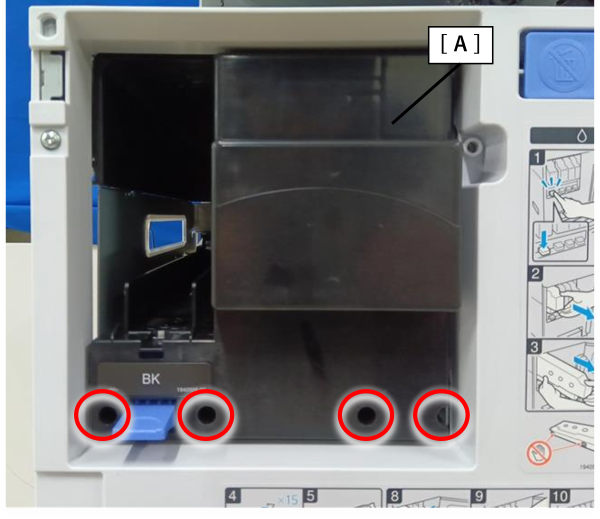
- : 3x8D/BK