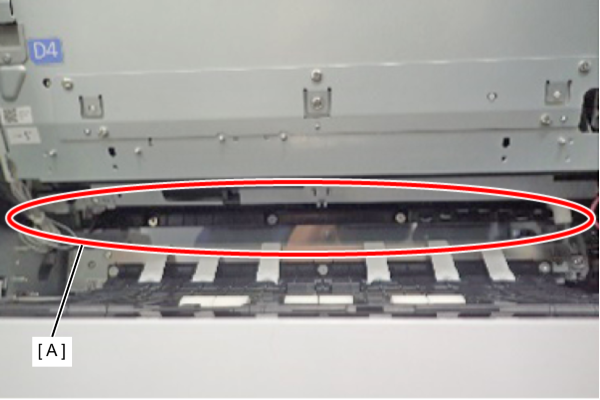
301030206 Pre-Printing Sensor
| Program No. | Menu Name | Judgment method | Remarks |
|---|---|---|---|
| 301030206 | Pre-Printing Sensor | Check by removing and inserting paper into the sensor section. | TRUE: Detection FALSE: No Detection Default: FALSE |
- Open the right door unit (A).
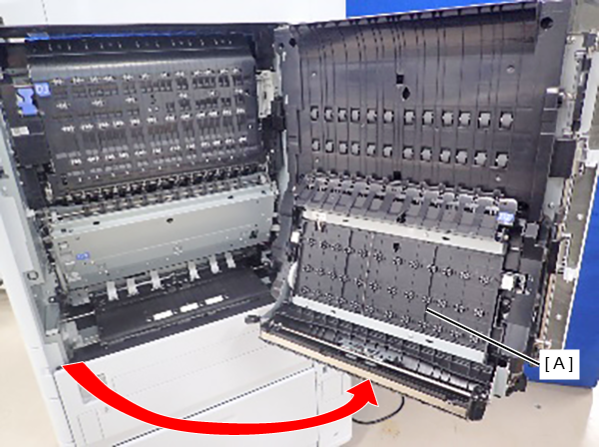
- Check the sensor detection status by inserting/removing a sheet of paper in/from the portion (A) in the figure.