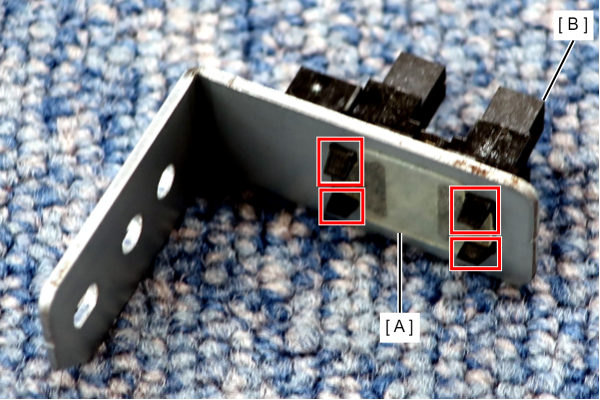
Head HP Sensor
- Release the 2 dowels with a flathead screwdriver and remove the Front Cover (A).
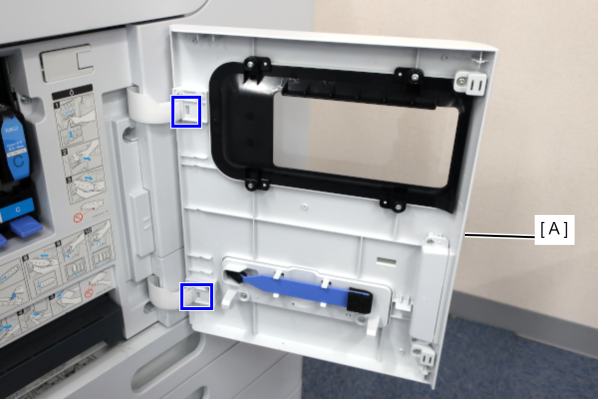
- Remove the 2 screws and remove the Left Cover Upper (A).
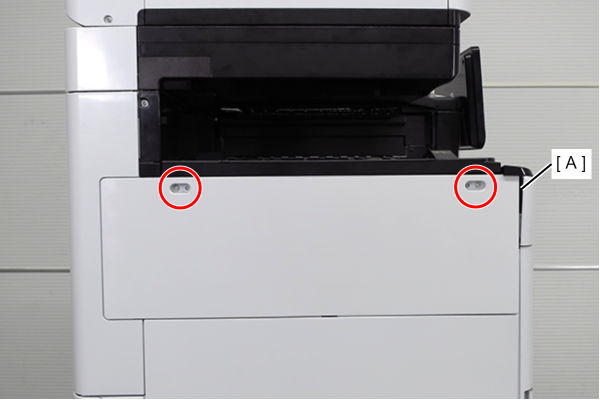
 : 3x10DW
- Remove one screw, and remove the front cover upper (A) in the direction of the arrow while pressing the hook.
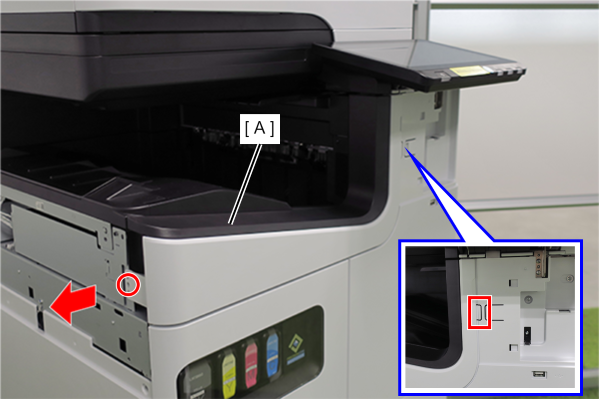
- : 3x10DW
- Slide the front decorative cover upper (A) in the direction of the arrow to remove it.
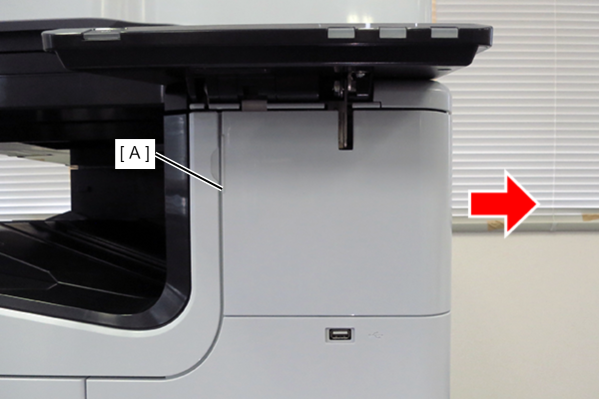
- Release the hook and remove the Front Decorative Cover Lower (A) in the direction of the arrow.
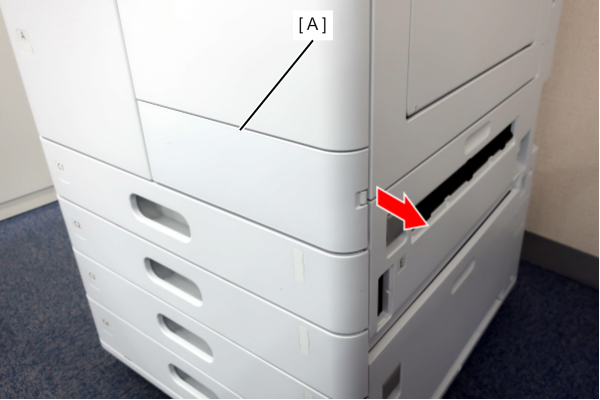
- Remove 6 screws and remove the Front Right Cover (A).
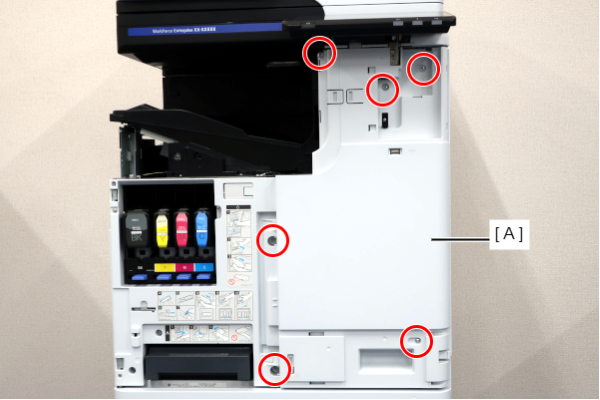
- : 3x10DW/P
- Remove 4 screws and remove the Front Left Cover (A).
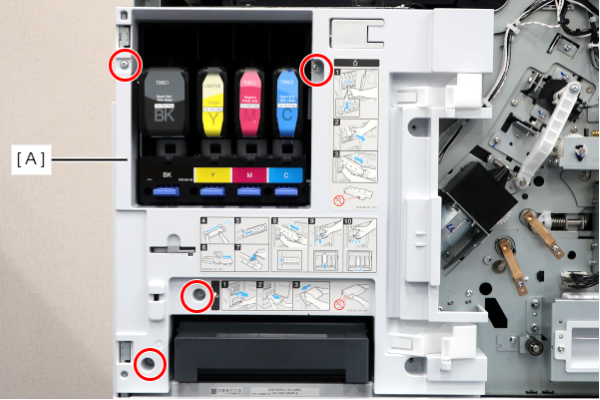
- : 3x10DW/P
- Disconnect the cable (A) from the connector.
- Remove 1 screw and remove the Head HP Sensor Assy (B).
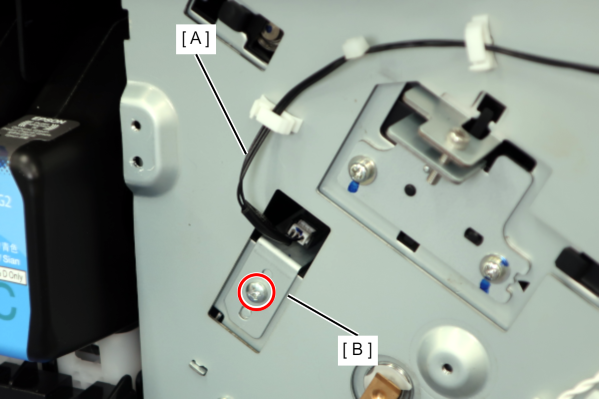
- : 3x8D/P
- Peel off the PET sheet (A).
- Release the 4 hooks and remove the Head HP Sensor (B).