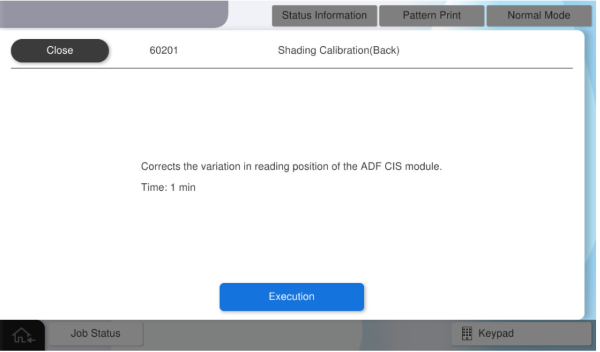
60201 Shading Calibration (Back)
Perform correction to reduce image unevenness in the CIS module on the ADF side.
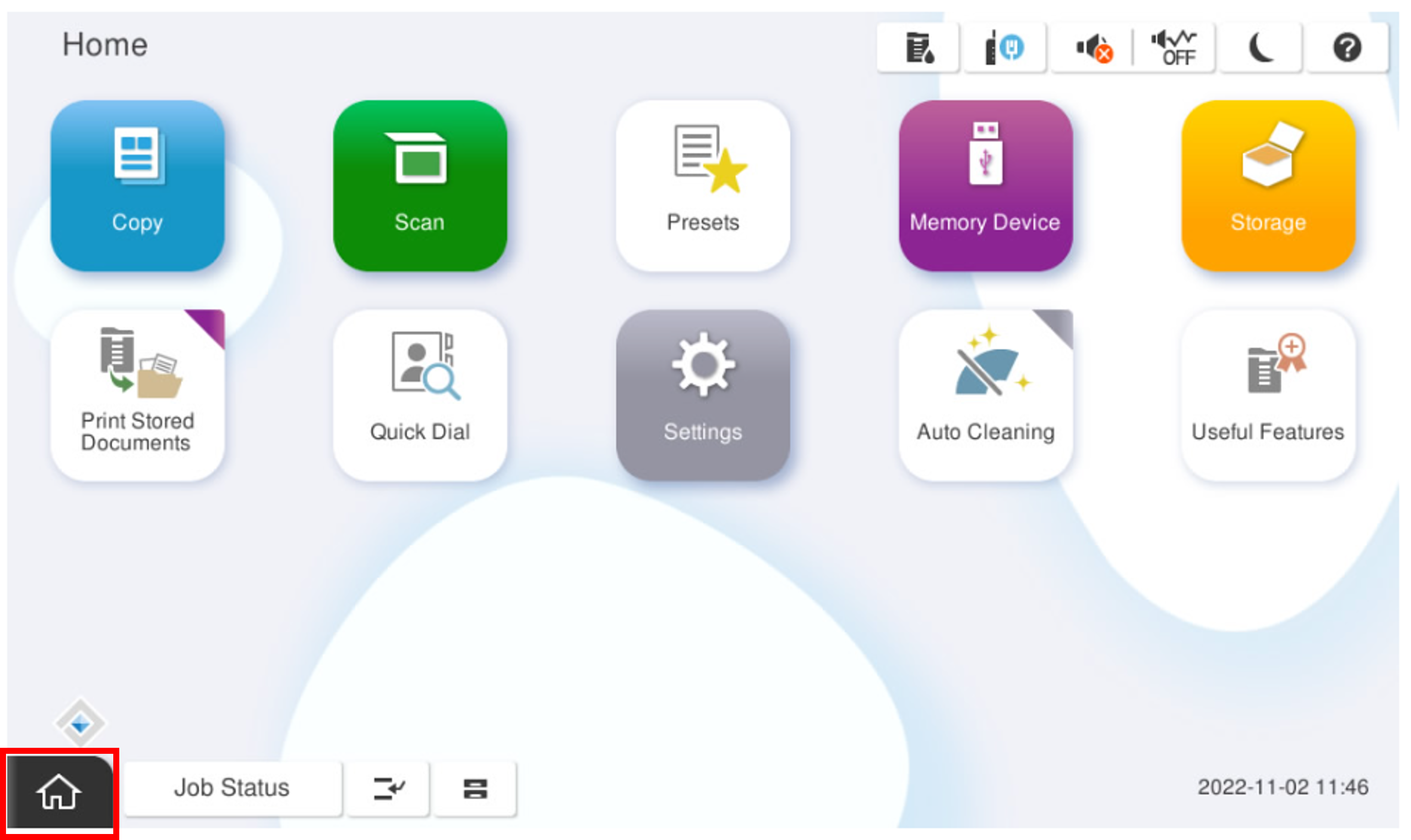
- Start the service support mode.
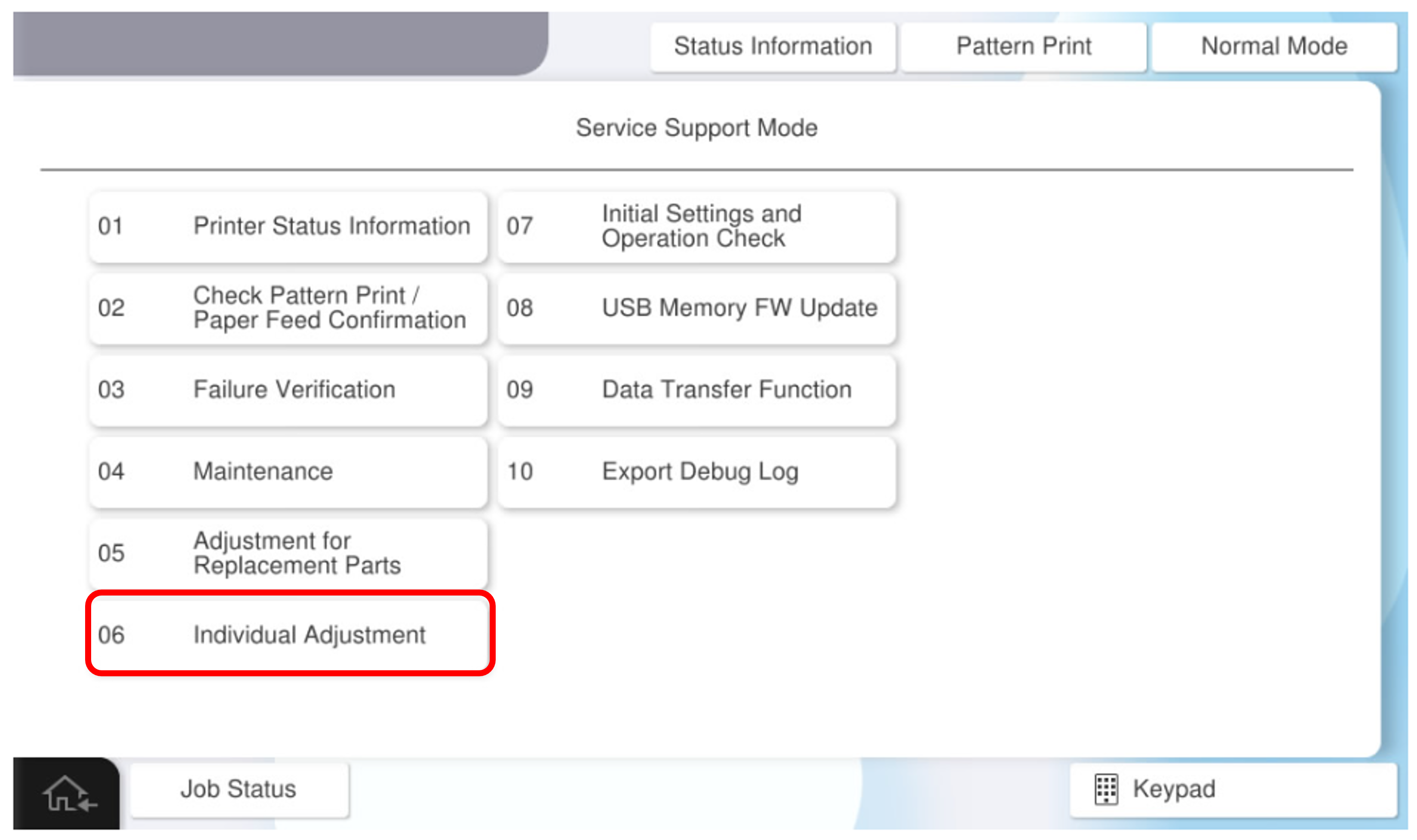
- Select [06 Individual Adjustment].
- Select the [ADF/SCN] tab.
- Select [60201 Shading Calibration (Back)].
- Press [Execution].