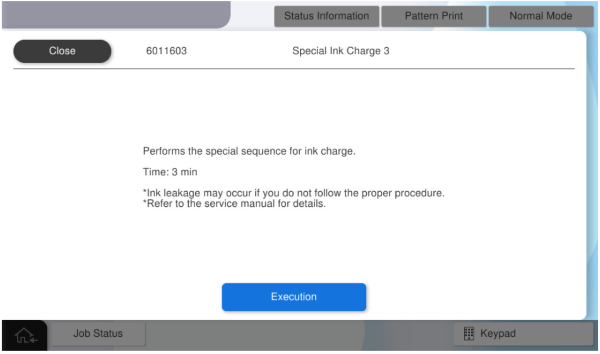
6011603 Special Ink Charge 3
Perform filling of moisturizing solution (filling of moisturizing solution in the moisturizing solution tank + filling of moisturizing solution in the path) after replacement of the Maintenance Unit.
* Basically, there is no opportunity to perform these separately. A maintenance box dedicated to Maintenance Unit replacement is required.
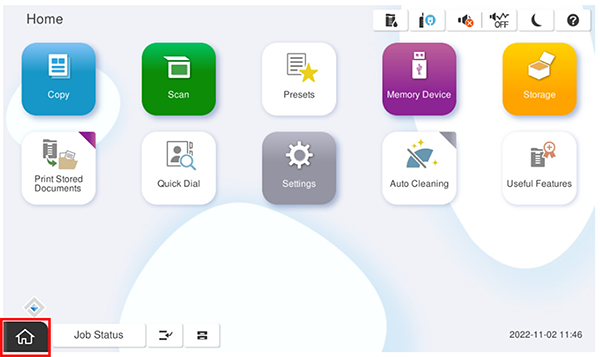
- Start the service support mode.
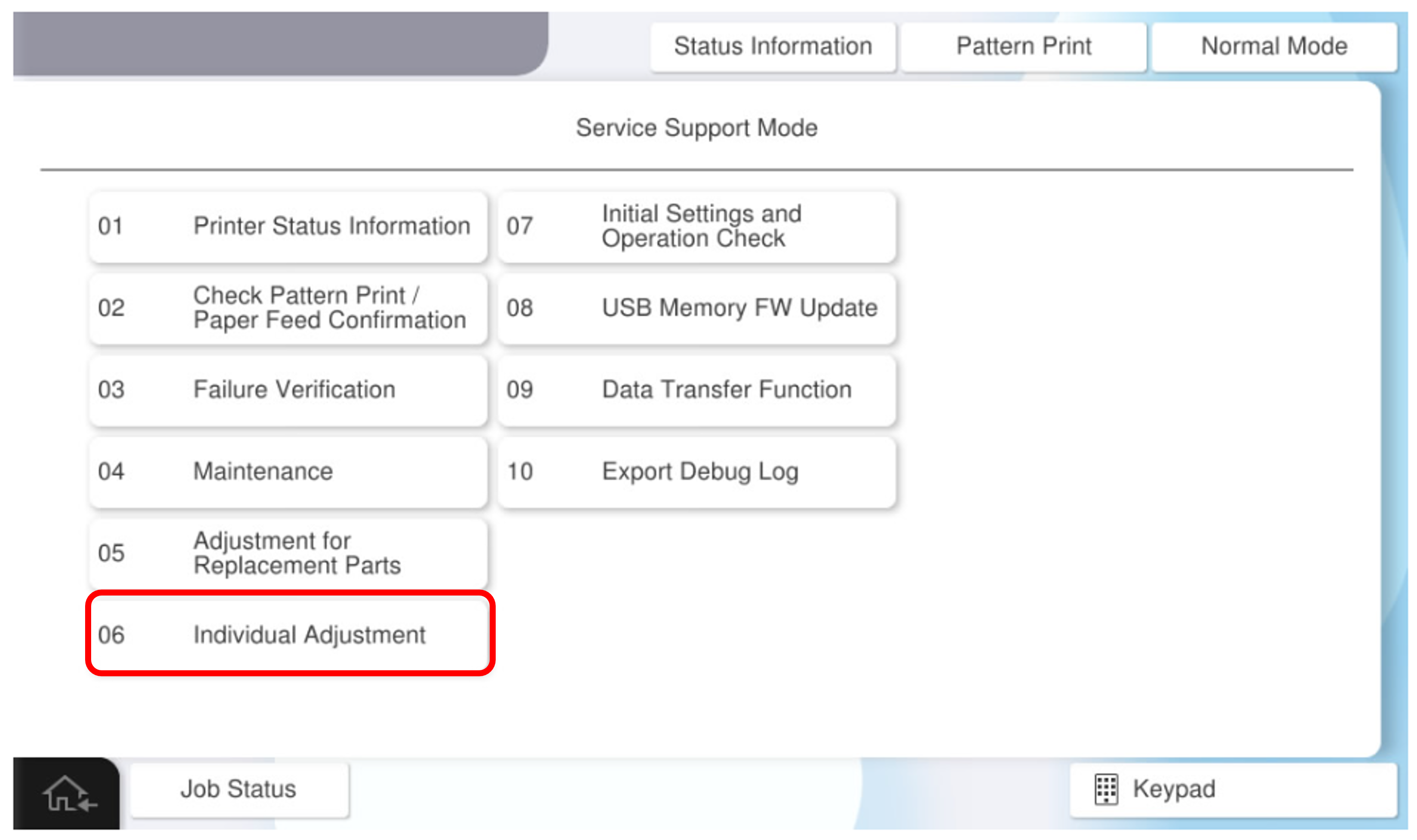
- Select [06 Individual Adjustment].
- Select the [Main Unit・Additional Cassette] tab.
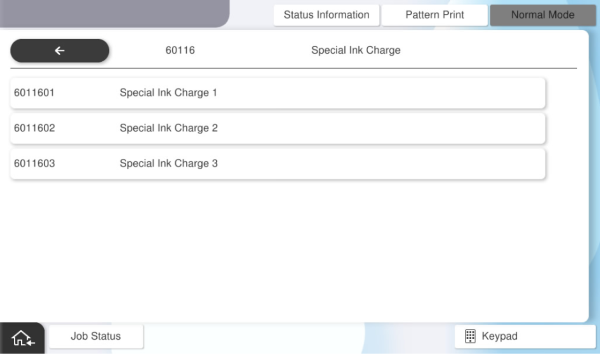
- Select the [60116 Special Ink Charge] tab.
- Select the [60116 Special Ink Charge 3] tab.
- Press [Execution].