
Additional Main Board
 Check Point / チェックポイント Check Point / チェックポイント |
|
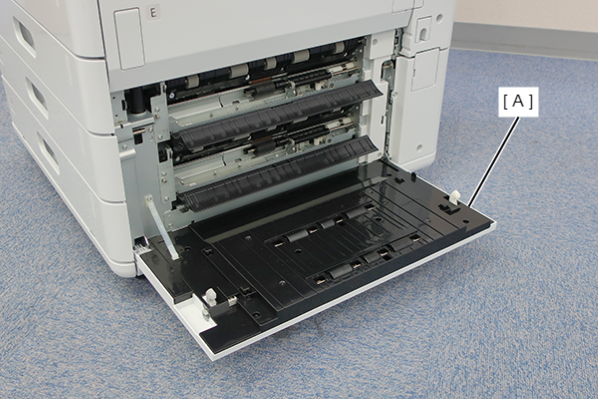
- Open the additional cassette paper feed cover (A).
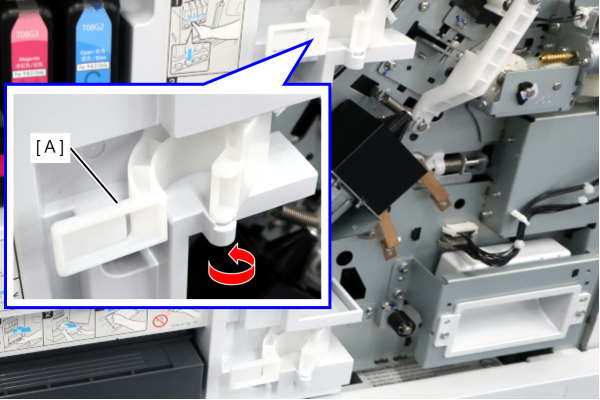
- Release the hook with a flathead screwdriver, etc., and remove the Additional Right Decorative Cover Rear (A).
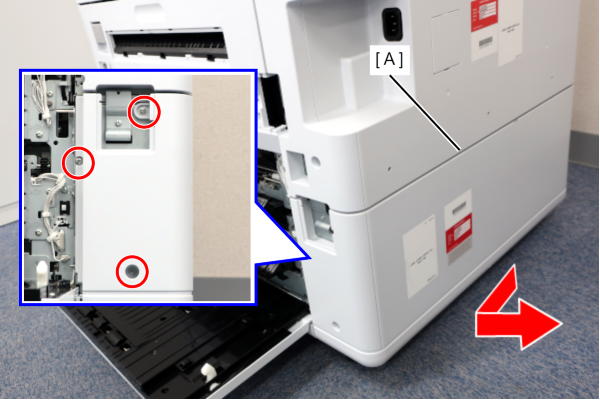
- Remove the 3 screws and remove the Additional Rear Cover (A) in the direction of the arrow.
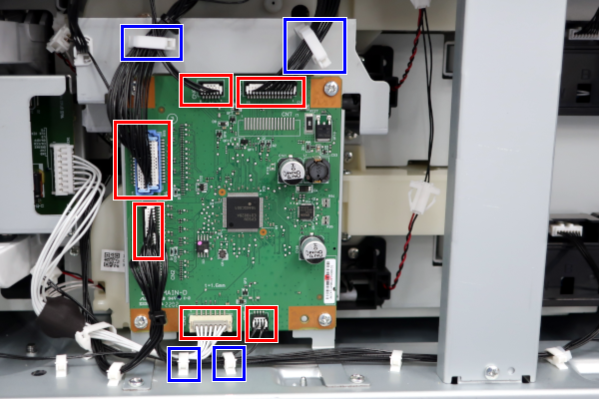
- Release the 4 clamps and release the cable.
- Remove all cables from the 6 connectors on the board.
- Remove 4 screws and remove the Additional Main Board (A).
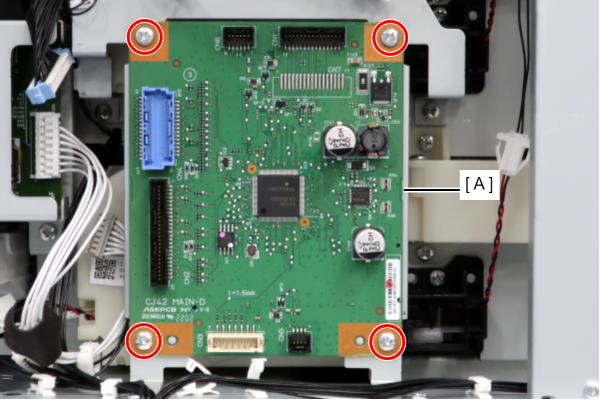
 : 3x8D/P
-
- : 3x10DW/P