
7010302 Manually Release (Head unit UP)
Overview
Change the position of the head unit (upper) so that the head transport parts are not locked.
 Check Point / チェックポイント Check Point / チェックポイント |
|
Step
- Start the service support mode.
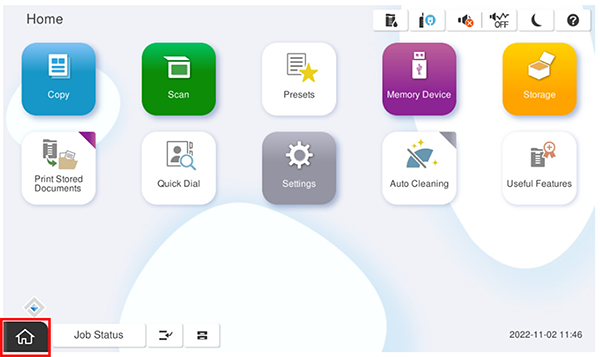
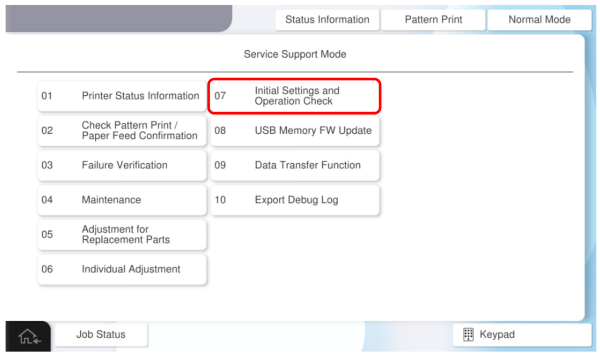
- Select [07 Installation Setting / Operation Check].
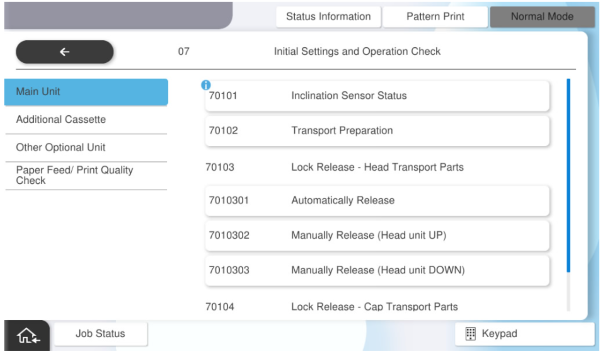
- Select [7010302 Manually Release (Head unit UP)].
- Press [Execution].
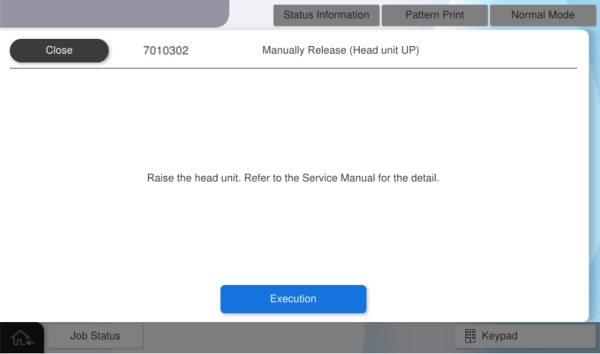
- Press [OK].
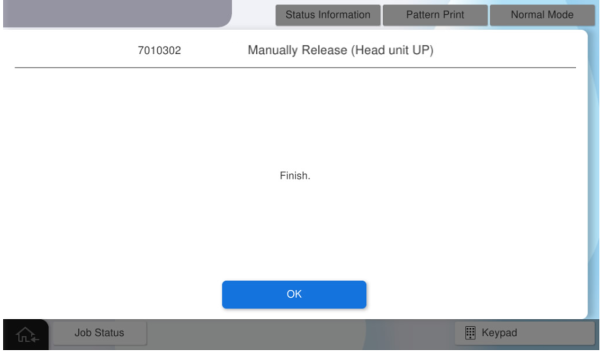
- Turn off the power and try to remove the head transport parts.
if the lock state could not be cleared, refer to "Head and cap transport parts cannot come off". Note / 補足
- Head Transportation Parts
Open the front cover, hold the handle of the transport parts, and pull it forward while rocking it left and right.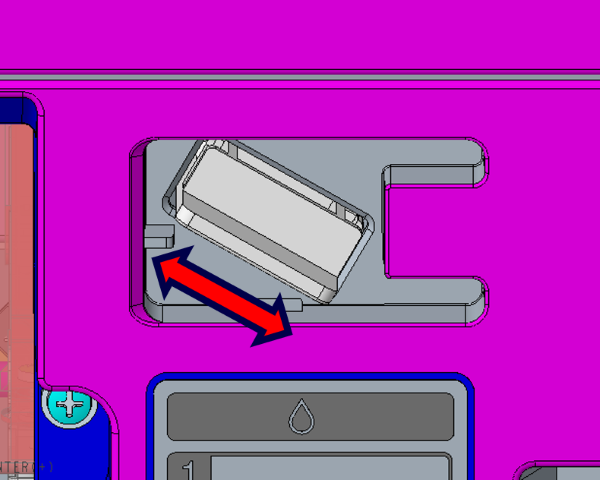
- Head Transportation Parts