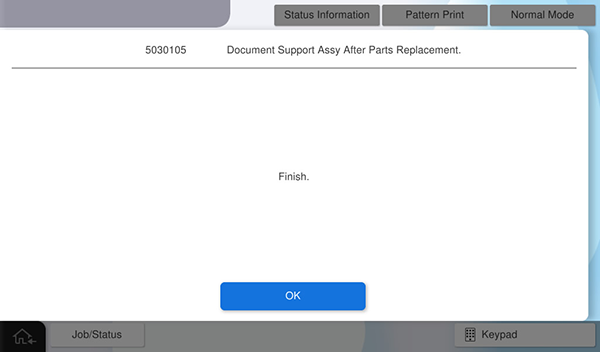
Document Support Assy - After replacement
The following adjustment charts are required to execute this menu. Chats are included in the ADF / SCN Unit ASP box.
- ADF,CHART (D),A3-DS
 Check Point / チェックポイント Check Point / チェックポイント |
||||||
When this menu is executed, the following menu is automatically executed.
|
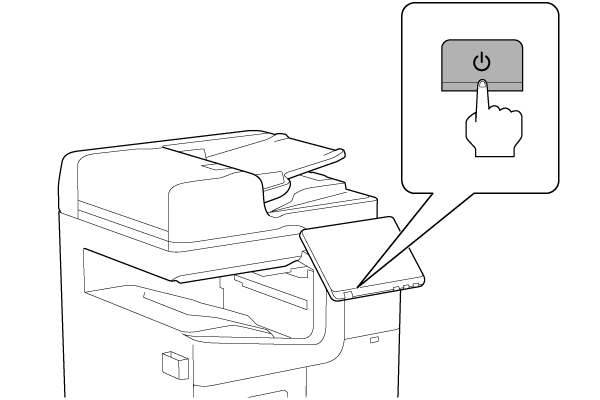
- Turn the power ON.
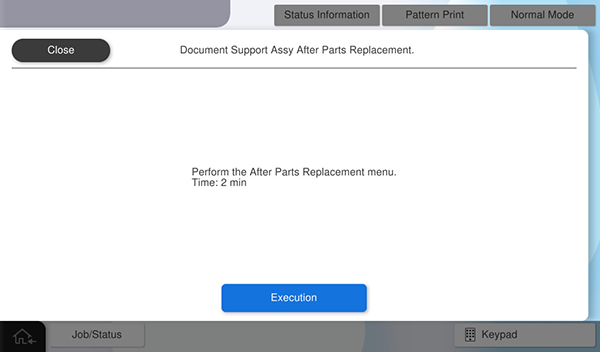
- Press [Execution].
- Set the chart on the ADF tray and press [Execute].
Chart setting direction: Load the paper with the A side facing up and facing the paper feed slot so that the arrow is at the top.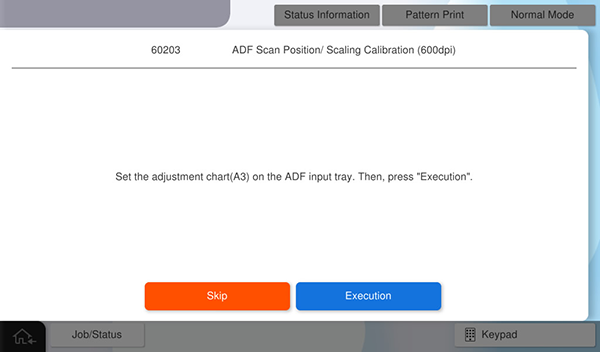
- Set the chart on the ADF tray again, and press [Execute].
Chart setting direction: Load the paper with the A side facing up and facing the paper feed slot so that the arrow is at the top.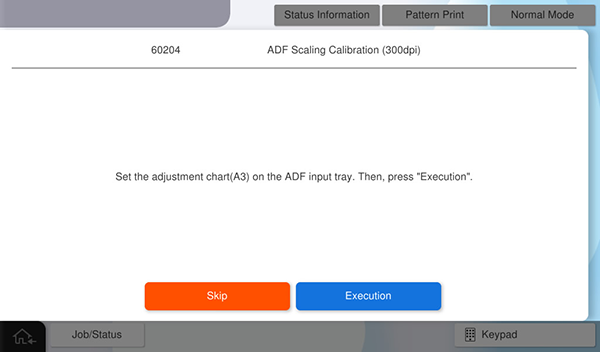
- Press [OK] to complete the menu.