Maintenance Unit - After replacement
 Check Point / チェックポイント Check Point / チェックポイント |
||||
|
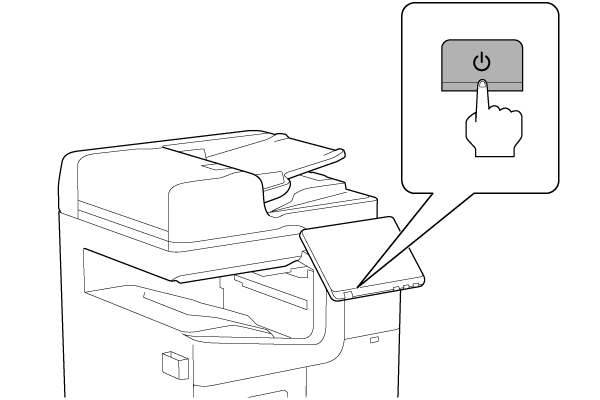
- Turn the power ON.
- Press [Execution].
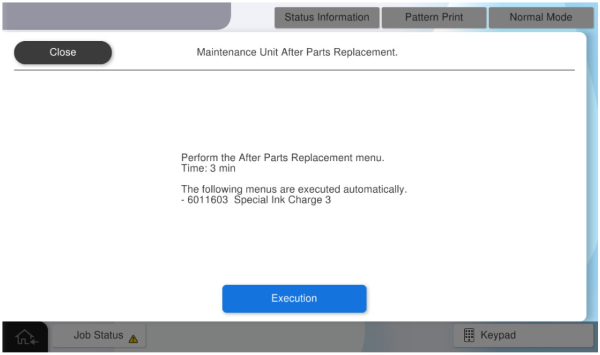
- Install the Maintenance Box for Repair when replacing the maintenance unit, and press [OK].
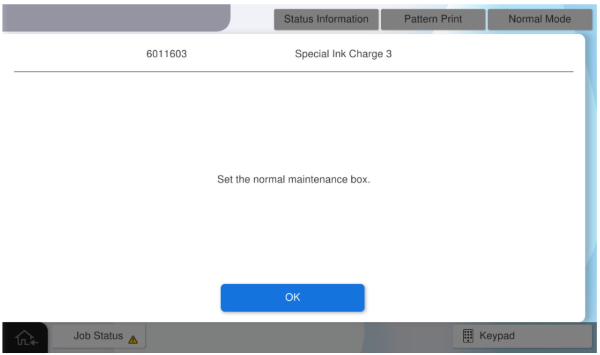
- Install the normal Maintenance Box and press [OK].
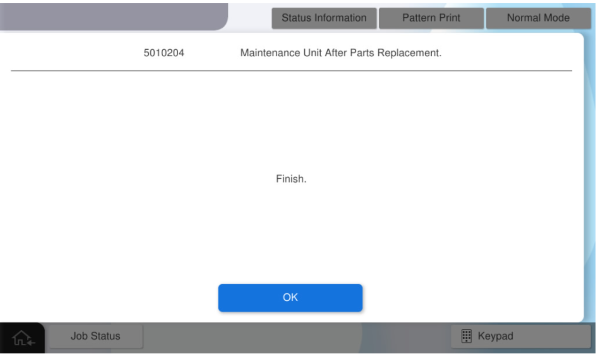
- Press [OK] to complete the menu.