
6011407 Reset Head Adjusted Value
Reset the head adjustment value that can be adjusted in the service support mode.
 Note / 補足 Note / 補足 |
The adjustment values to be reset are as follows. |
 important / 重要 important / 重要 |
After executing this menu, be sure to perform the head angular adjustment in order to reset the adjustment value performed in the manufacturing process. (60110 Head Angular Adjustment) After that, output the Special Gradation Pattern in all print modes and check the print status. (20110 Special Gradation Pattern) |
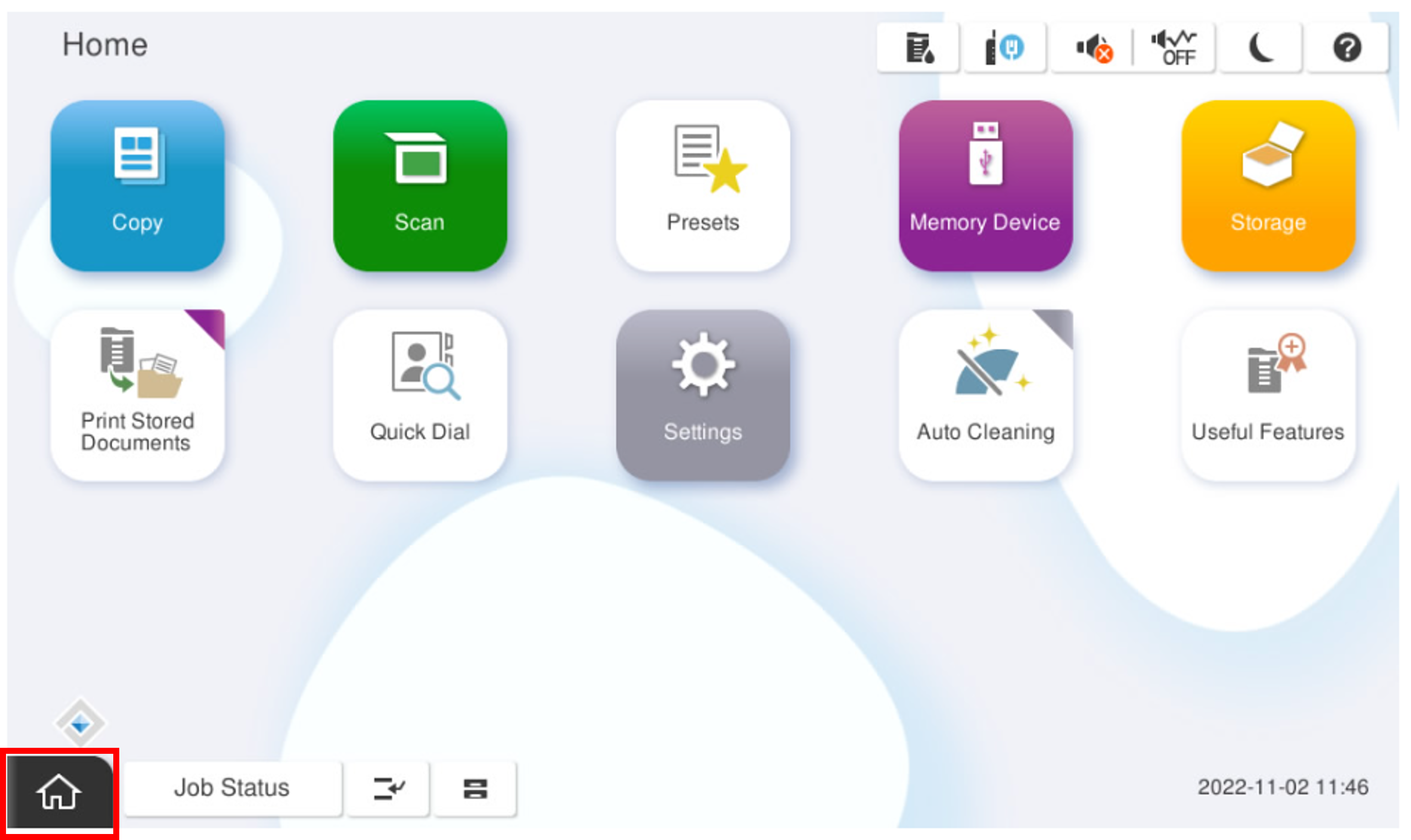
- Start the service support mode.
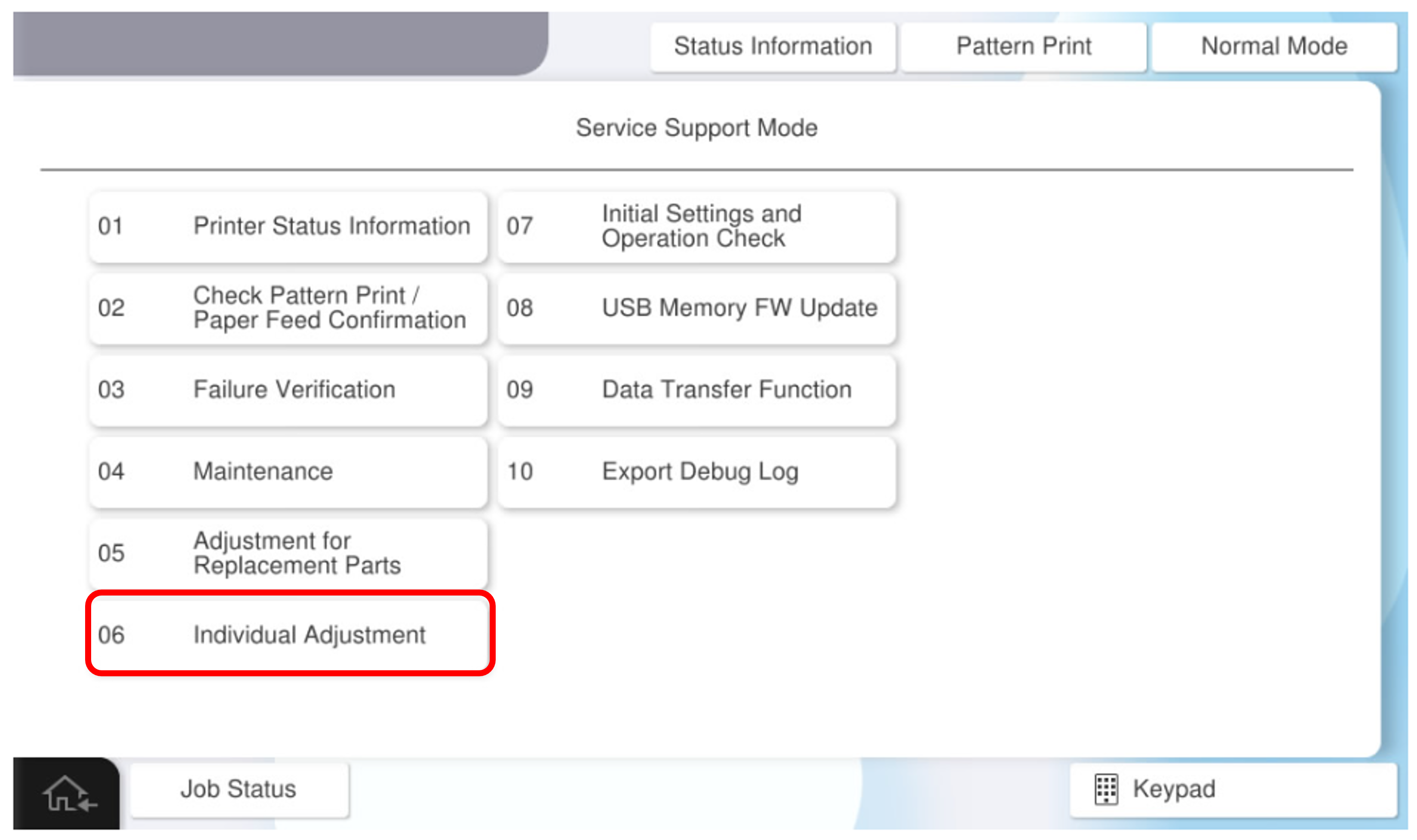
- Select [06 Individual Adjustment].
- Select the [Main Unit・Additional Cassette] tab.
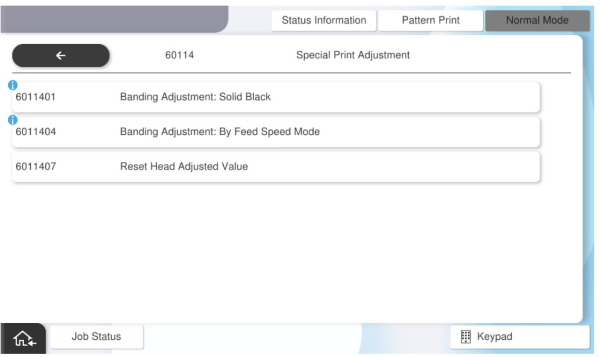
- Select the [60114 Special Print Adjustment] tab.
- Select [6011407 Reset Head Adjusted Value].
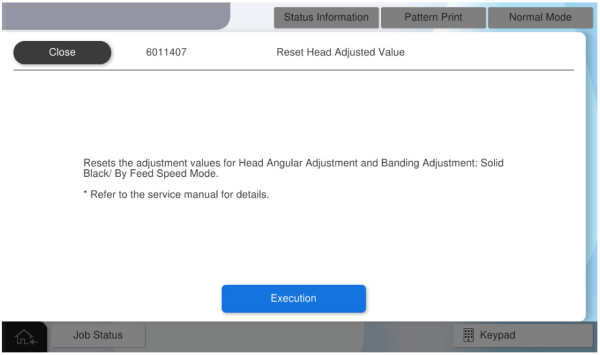
- Press [Execution].
- Perform the Head Angular Adjustment (60110 Head Angular Adjustment)
- Output the Special Gradation for checking the occurrence of streaking (20110 Special Gradation Pattern)