
1102 Special Ink Charge 1
This menu allows you to perform ink charge before the initial charge is complete or if the initial charge has failed.
By executing and completing this menu, the 11 Troubleshooting and Repair during Initial Ink Charge menu will no longer be displayed in the service support mode..
- Start the service support mode.
- Select the [11 Troubleshooting and Repair during Initial Ink Charge]
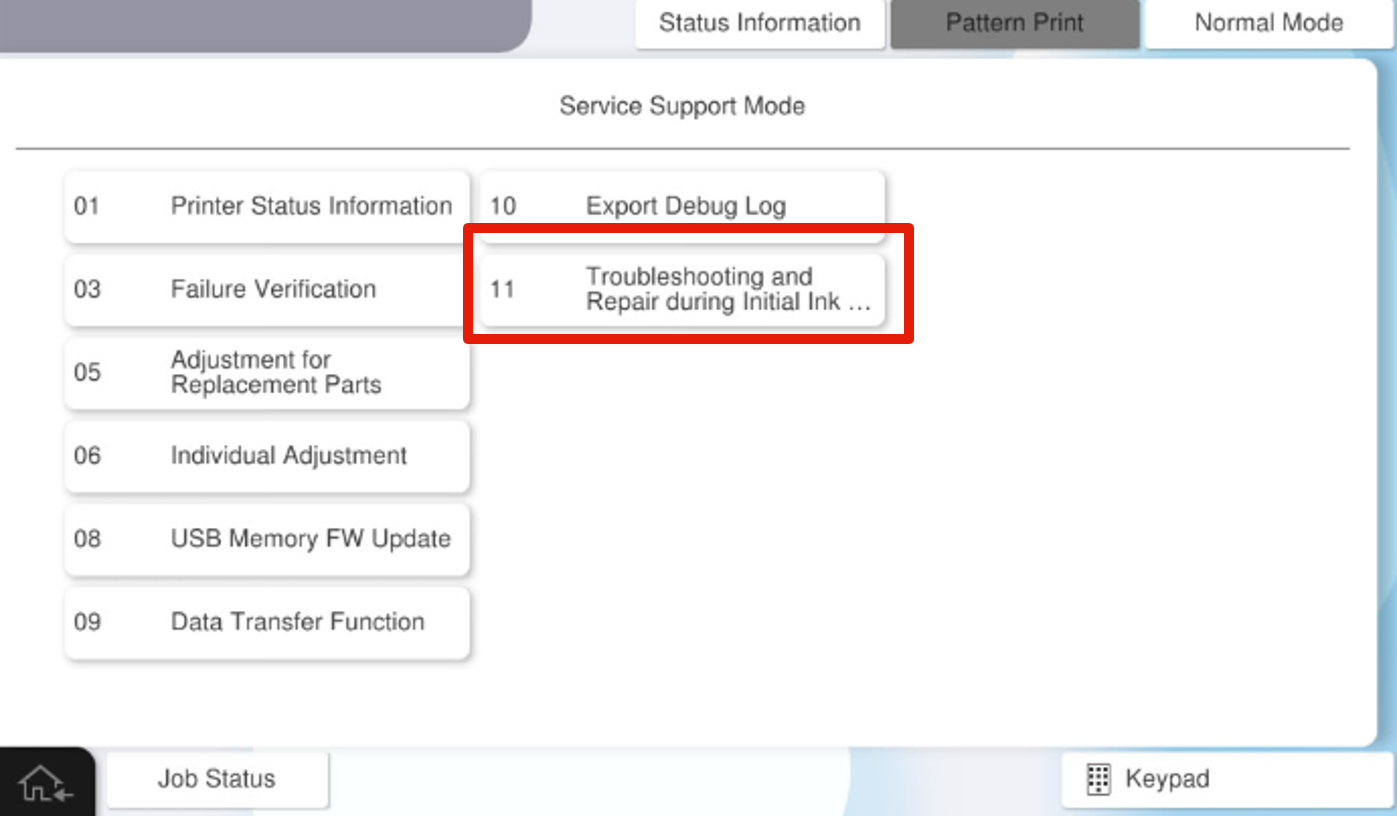
- Select [1102 Special Ink Charge 1].
- Press [Execution] to excute Special Ink Charge 1.
 Check Point / チェックポイント
- Once this special ink charge is complete, restart the printer and confirm that it starts up in normal mode.