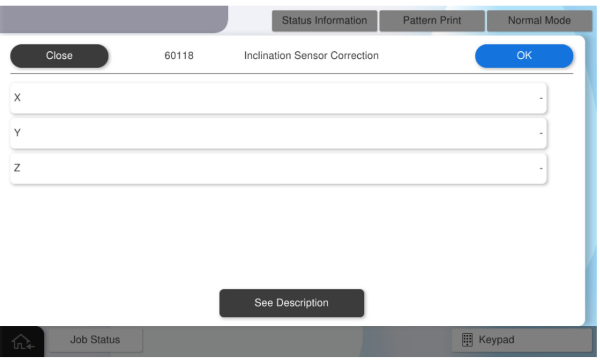
60118 Inclination Sensor Correction (Only for AM-C6000/C5000/C4000)
Corrects detection variations caused by individual differences in tilt sensors.
Enter the correction value for the label attached to the ink supply unit.
The AM-M5500 does not have a tilt sensor, so this adjustment is not displayed.
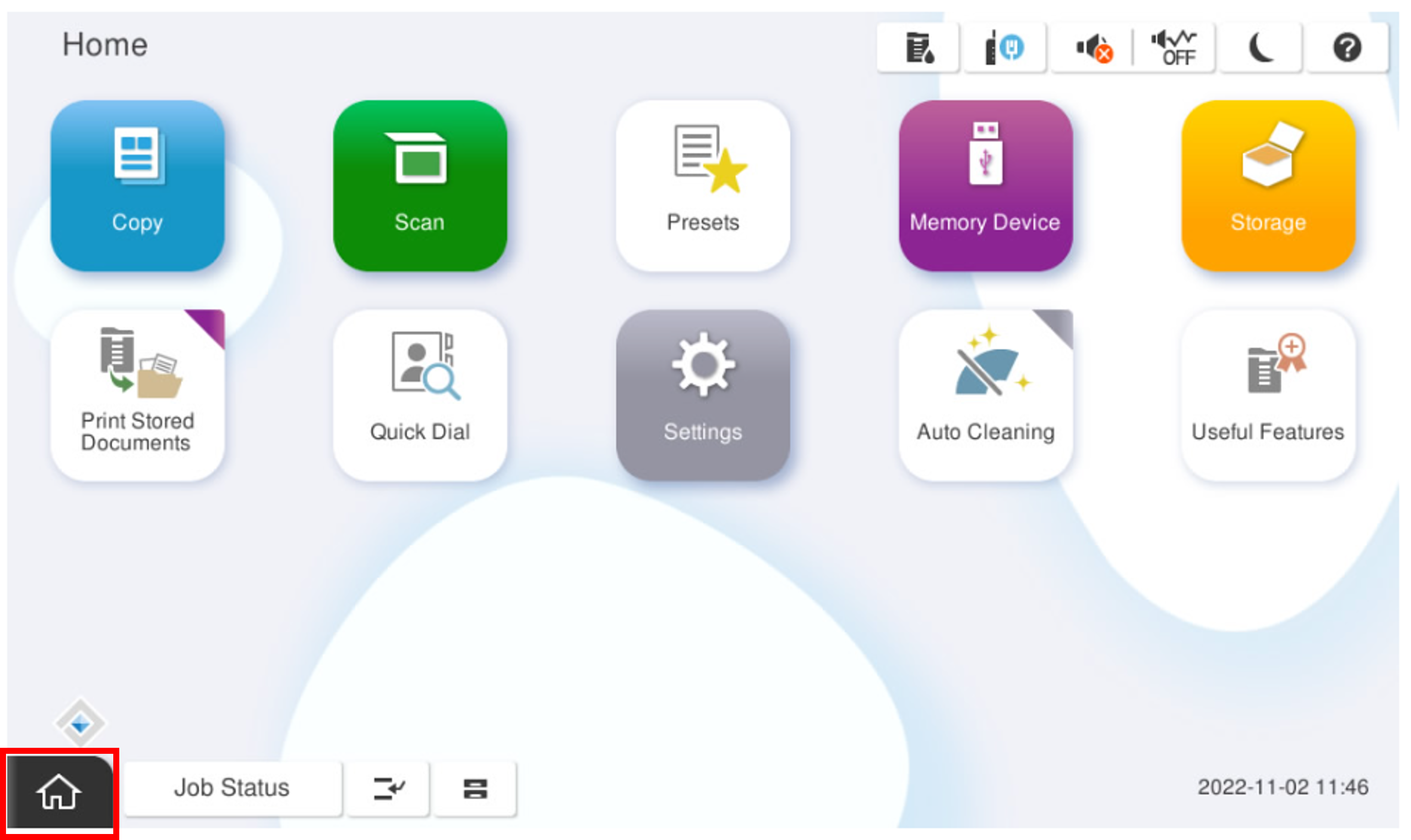
- Start the service support mode.
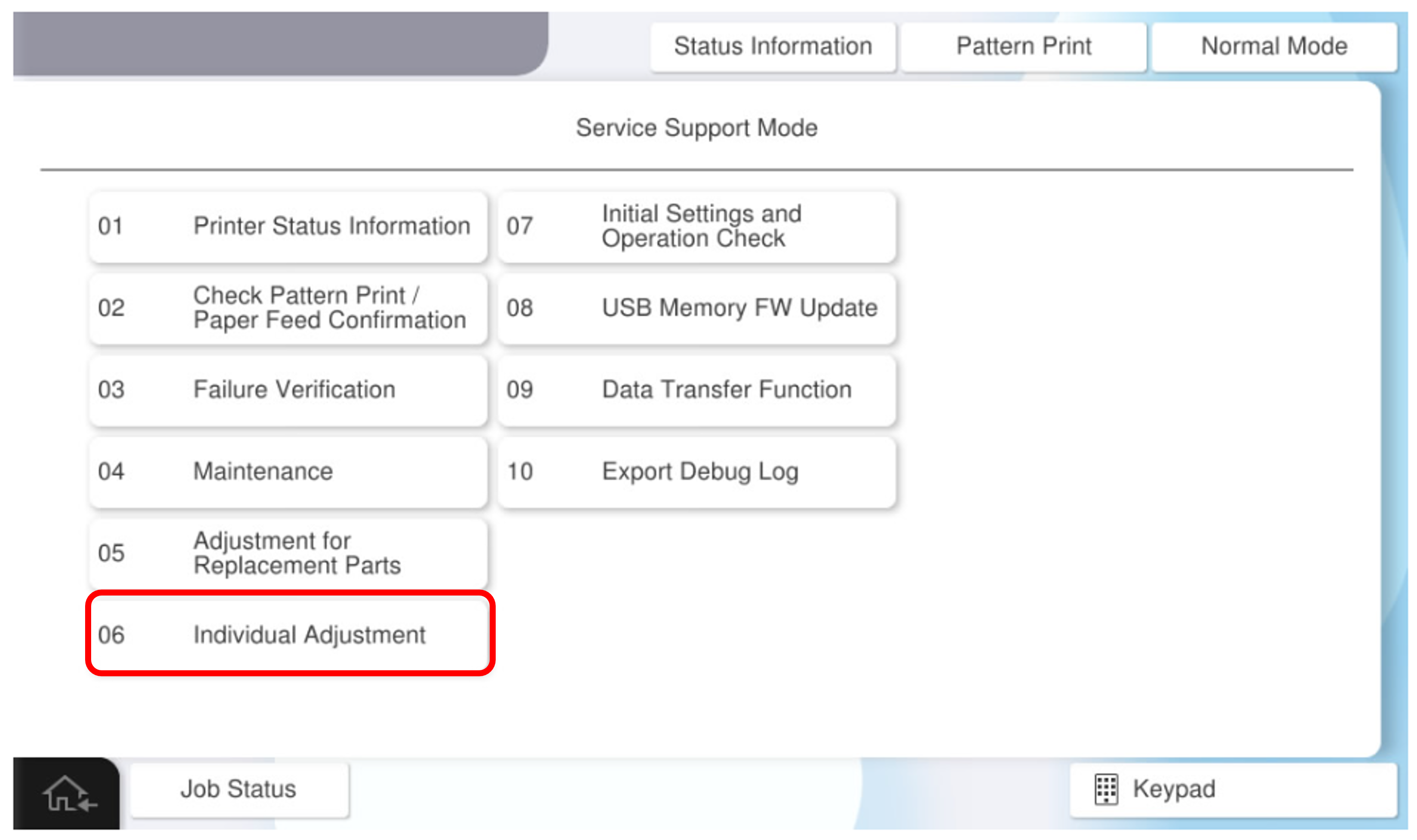
- Select [06 Individual Adjustment].
- Select the [Main Unit・Additional Cassette] tab.
- Select [60118 Tilt Sensor Adjustment].
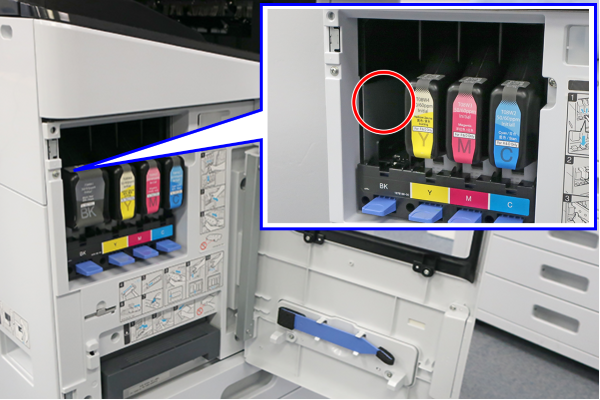
- Open the front cover, remove the ink cartridge (BK), and check the correction value label.
- Input the correction values of X, Y, Z and press [OK].