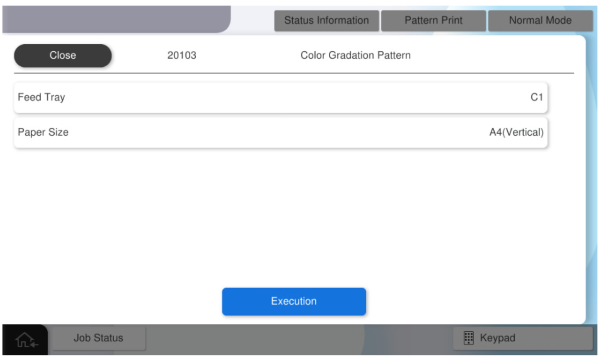
20103 Color Gradation Pattern (AM-M5500: Gradation Pattern)
Program No. |
Pattern Name |
Specifications |
Pattern Image |
Target image quality defect |
|---|---|---|---|---|
20103 |
Color Gradation Pattern (AM-M5500: Gradation Pattern) |
(AM-M5500: 1color 4 gradation patterns)
|
|
|

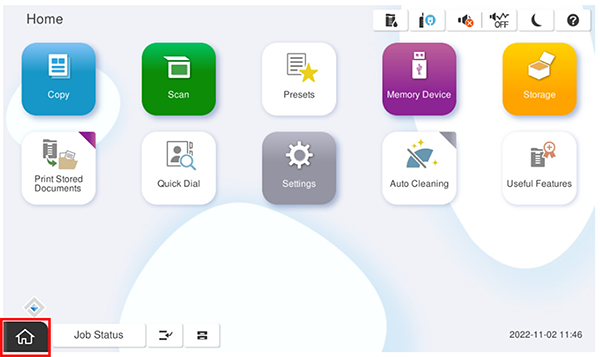
- Start the service support mode.
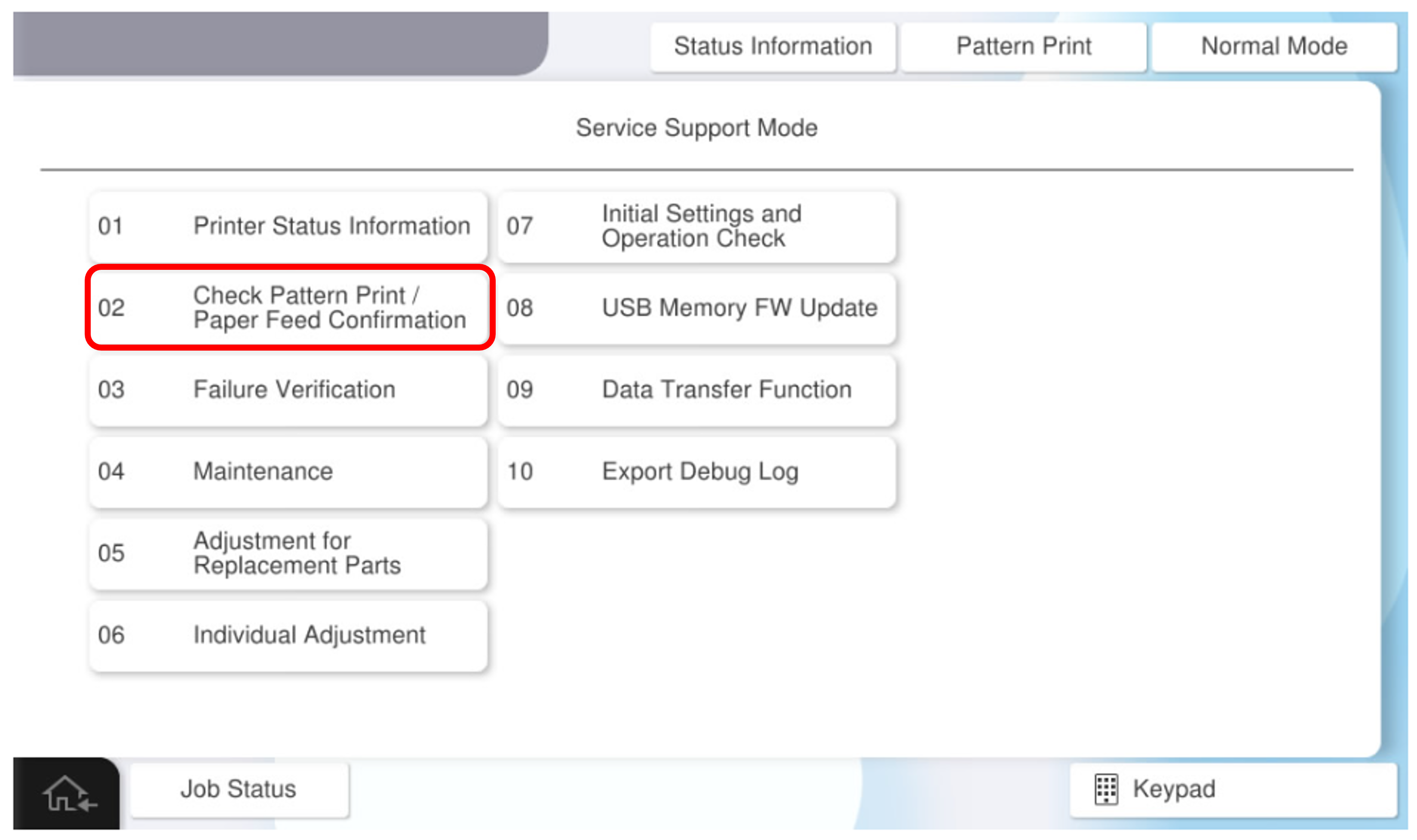
- Select [02 Check Pattern Print / Paper Feed Confirmation].
- Select [Check Pattern Print] tab.
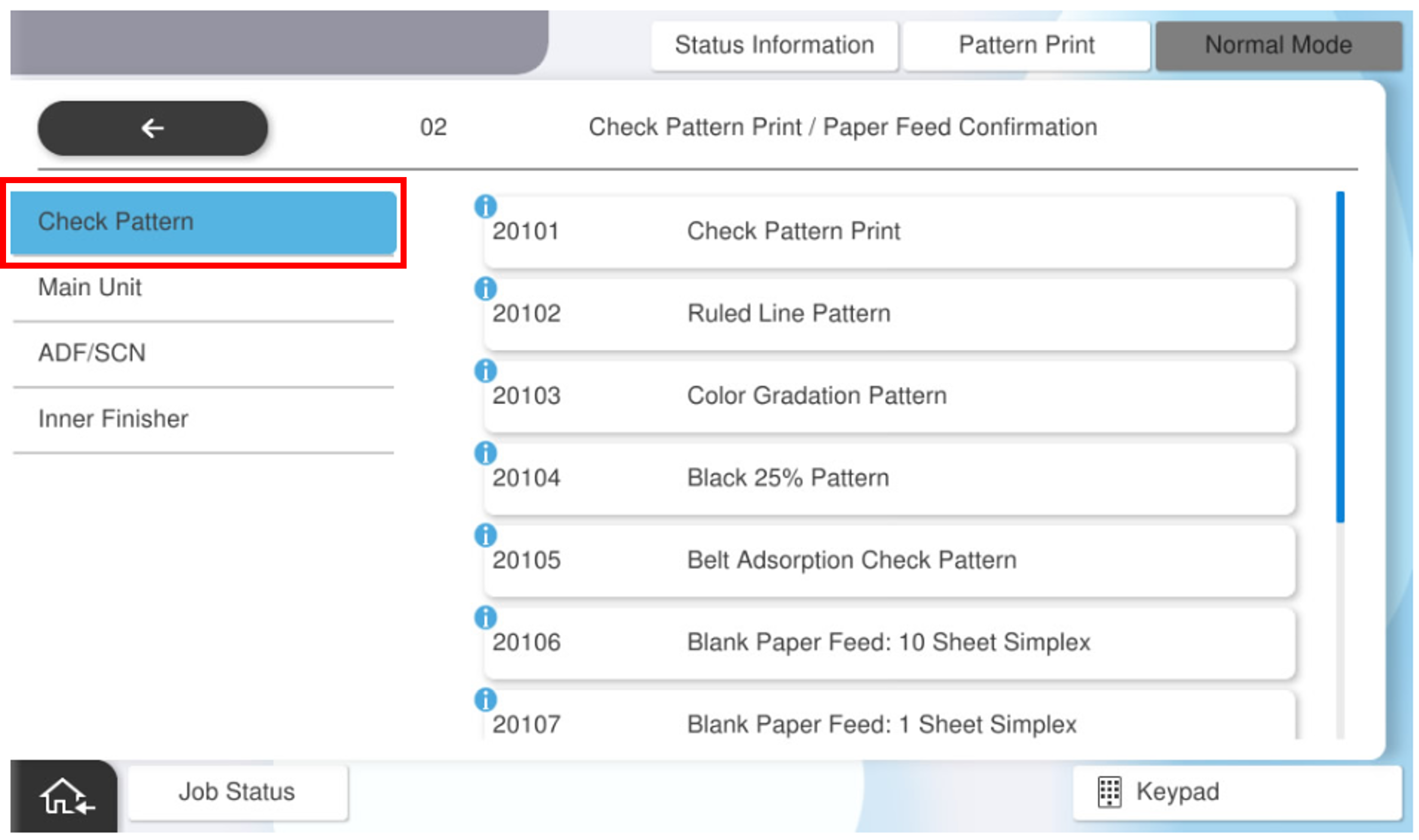
- Select [20103 Color Gradation Pattern (AM-M5500: 20103 Gradation Pattern)].
- Press each setting item button to make the print settings.
The selectable items are as follows.Setting Items Selection Feed Tray C1, C2, C3, C4, Paper Tray, High Capacity Unit Available Paper Sizes A4 (Vertical), Letter (Vertical)  Caution / 注意
Make sure the paper orientation is as specified (LEF/Vertical).
If the orientation is different from the specifications (SEF/Horizontal), the paper will be ejected without being processed correctly and the operation cannot be checked.
- Press [Execution].