After replacement work for ADF Unit
The following adjustment charts are required to execute this menu. Chats are included in the ADF / SCN Unit ASP box.
- ADF, CHART(81),A4H-MTF
- ADF,CHART (D),A3-DS
 Check Point / チェックポイント Check Point / チェックポイント |
||||||||||||||
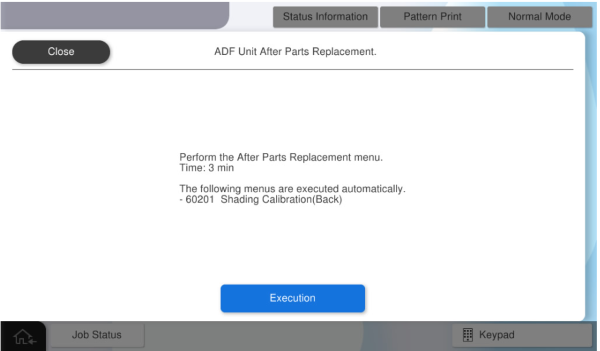
When this menu is executed, the following menu is automatically executed.
|
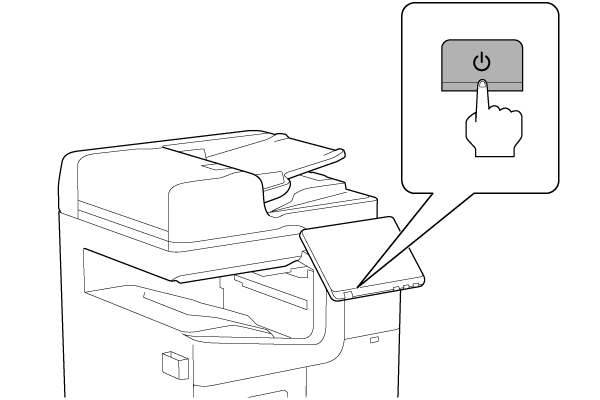
- Turn the power ON.
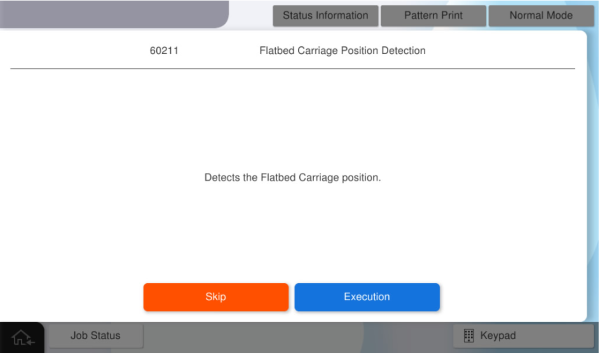
- Press [Execution].
- Set the A4H-MTF chart on the document placed and press [Execute].
Place the chart paper with the printed side down and the arrow pointing to the left, aligning its corner with the upper left corner of the scanner glass.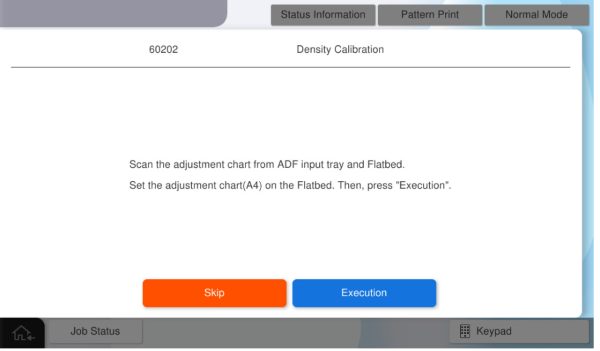
Concentration adjustment of the SCN unit is performed. - Set the A4H-MTF chart on ADF tray and press [Execute].
Place the chart paper in Vertical orientation with the printed side up and the arrow pointing toward the paper feed slot.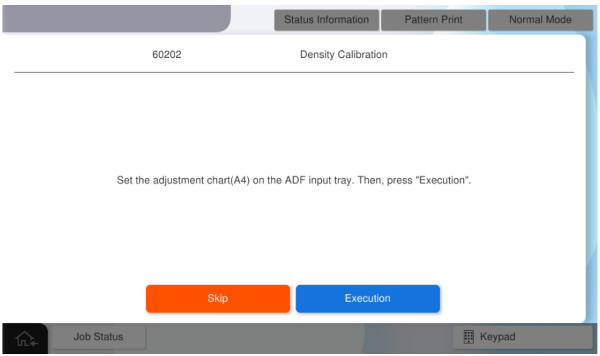
Density calibration for ADF performs. - Set the A3-DS chart on ADF tray and press [Execute].
Place the chart paper, A side up, with the arrow pointing toward the paper feed slot.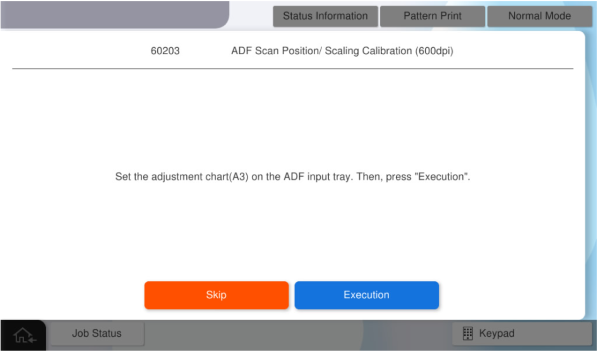
ADF Scan Position/ Scaling Calibration (600dpi) is performed. - Set the A3-DS chart on ADF tray again, and press [Execute].
Place the chart paper, A side up, with the arrow pointing toward the paper feed slot.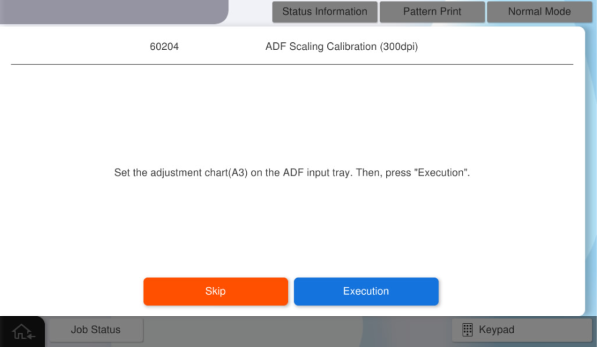
ADF Scaling Calibration (300dpi) performs. - Press [Execution].
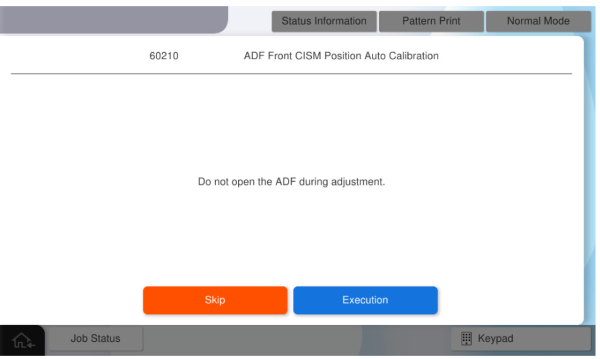
- Press [Execution].
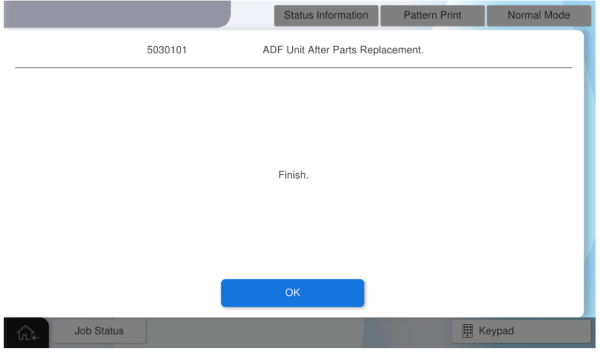
- Press [OK] to complete the menu.