
PG HP Sensor
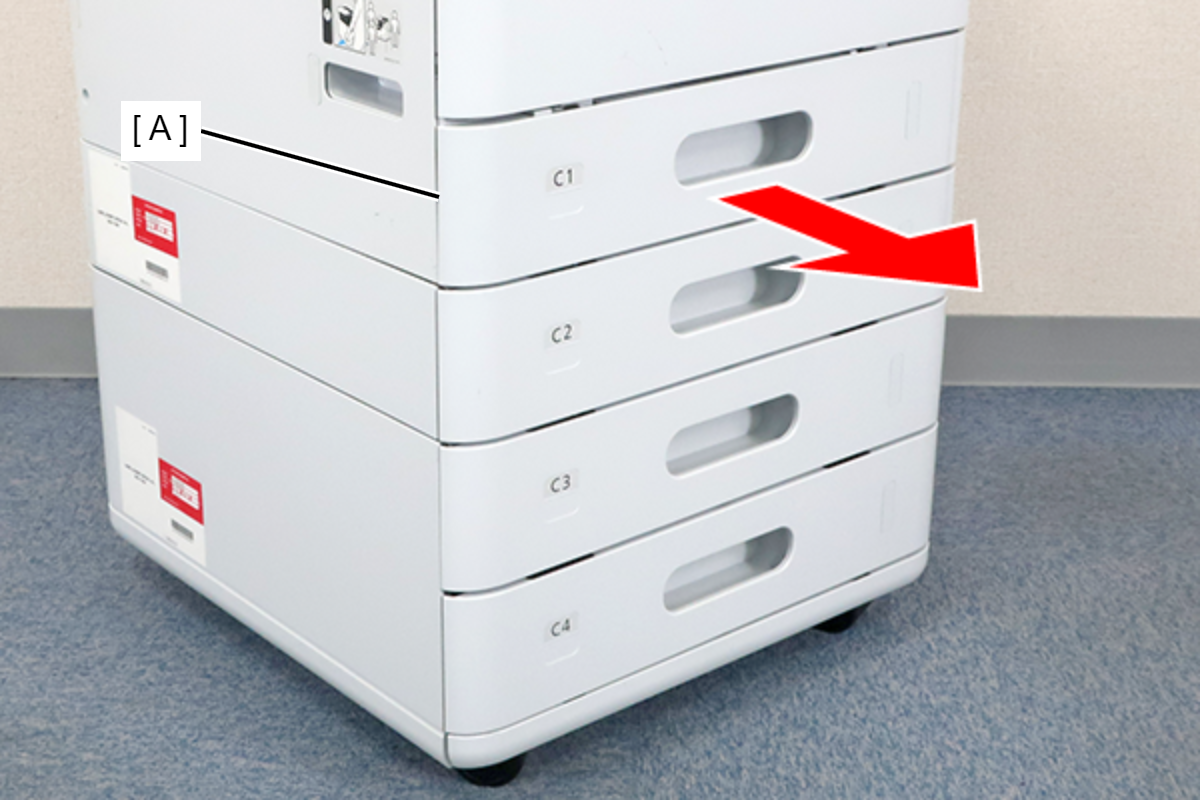
- Remove the C1 cassette (A).
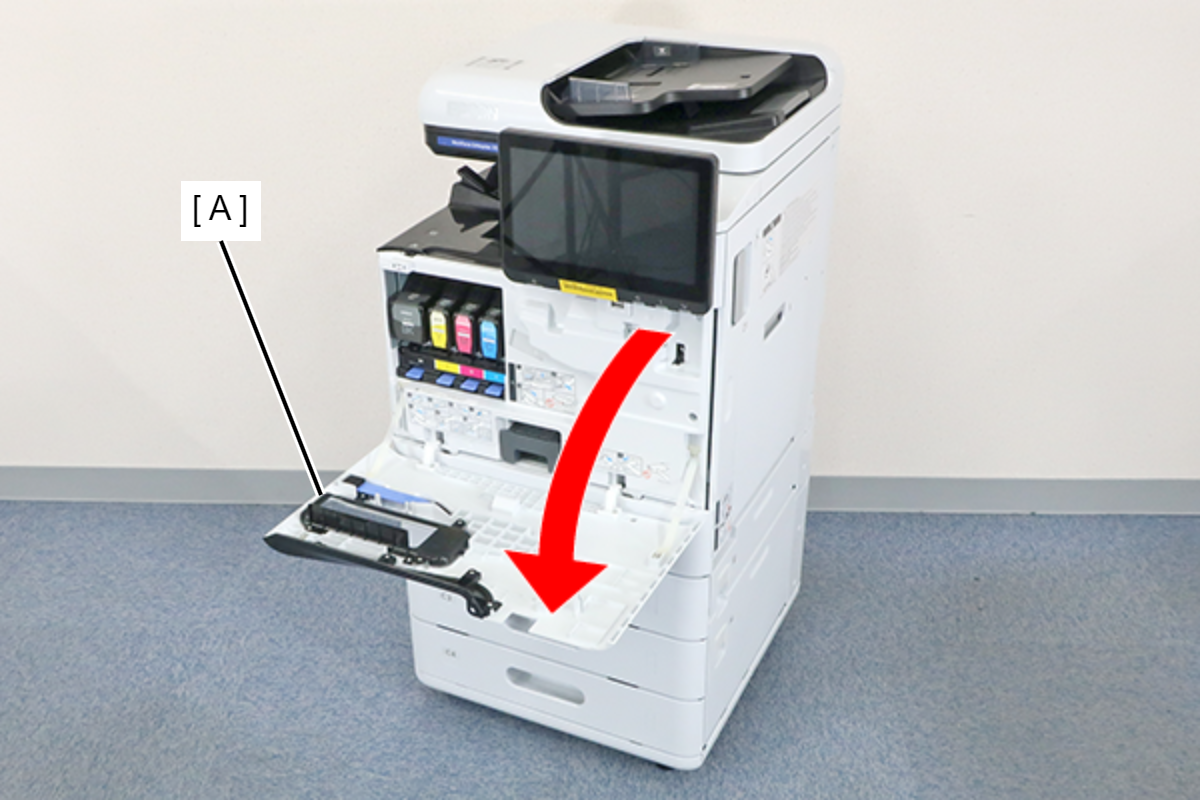
- Open the Front Cover (A).
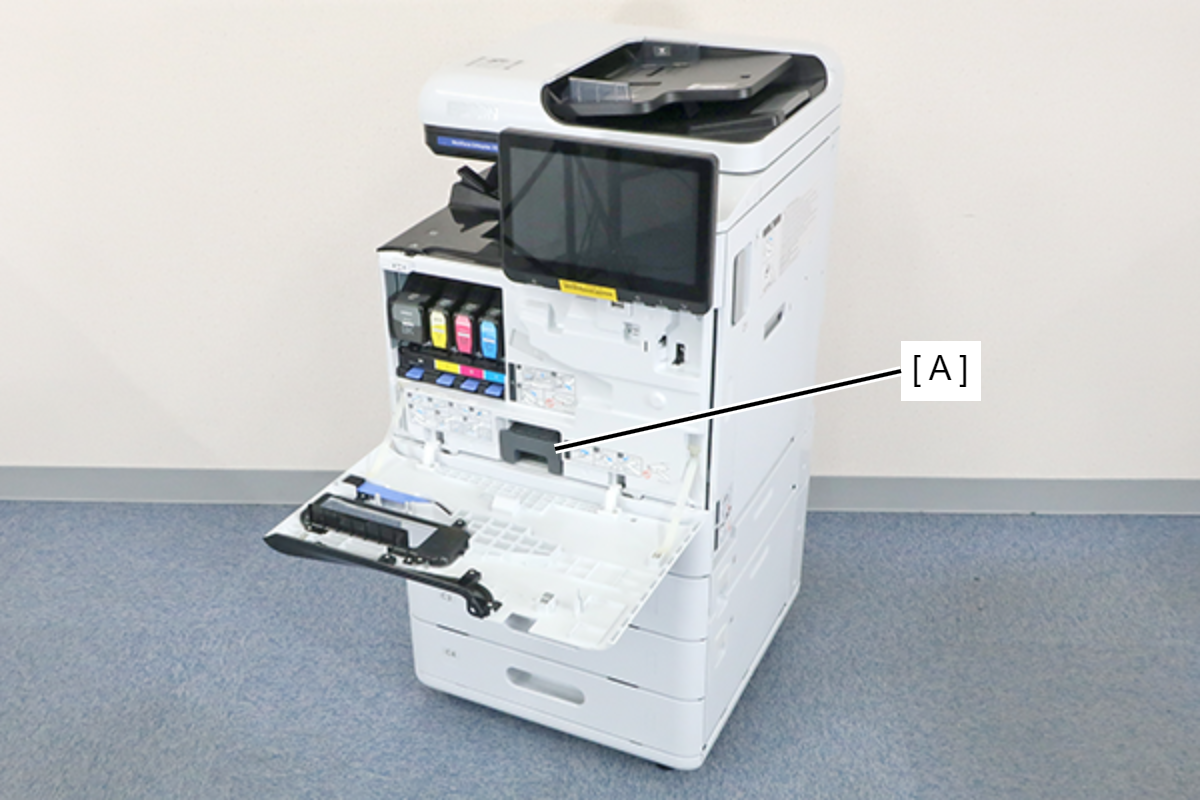
- Remove the Maintenance Box (A).
- Remove the 7 screws and remove the Front Inner Cover (A).
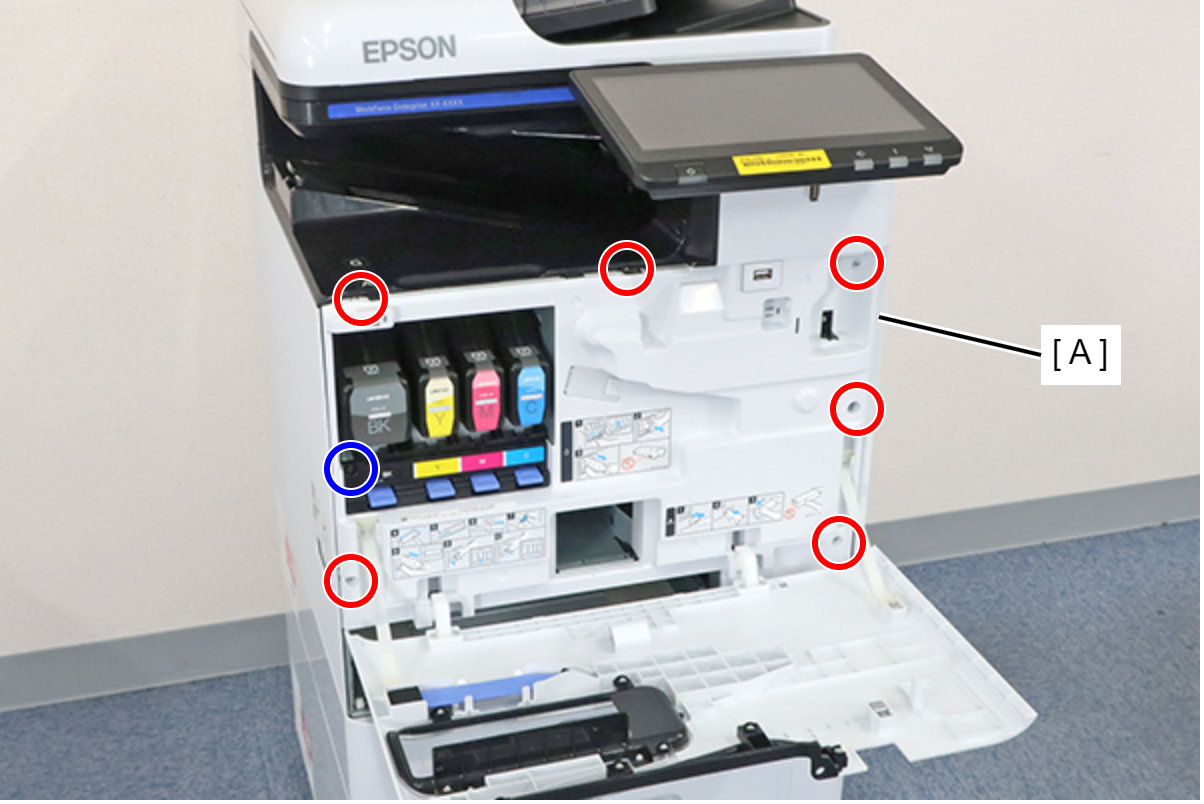
 : 3x8D
 : 3x8D/BK
 Assembly / 組み立て
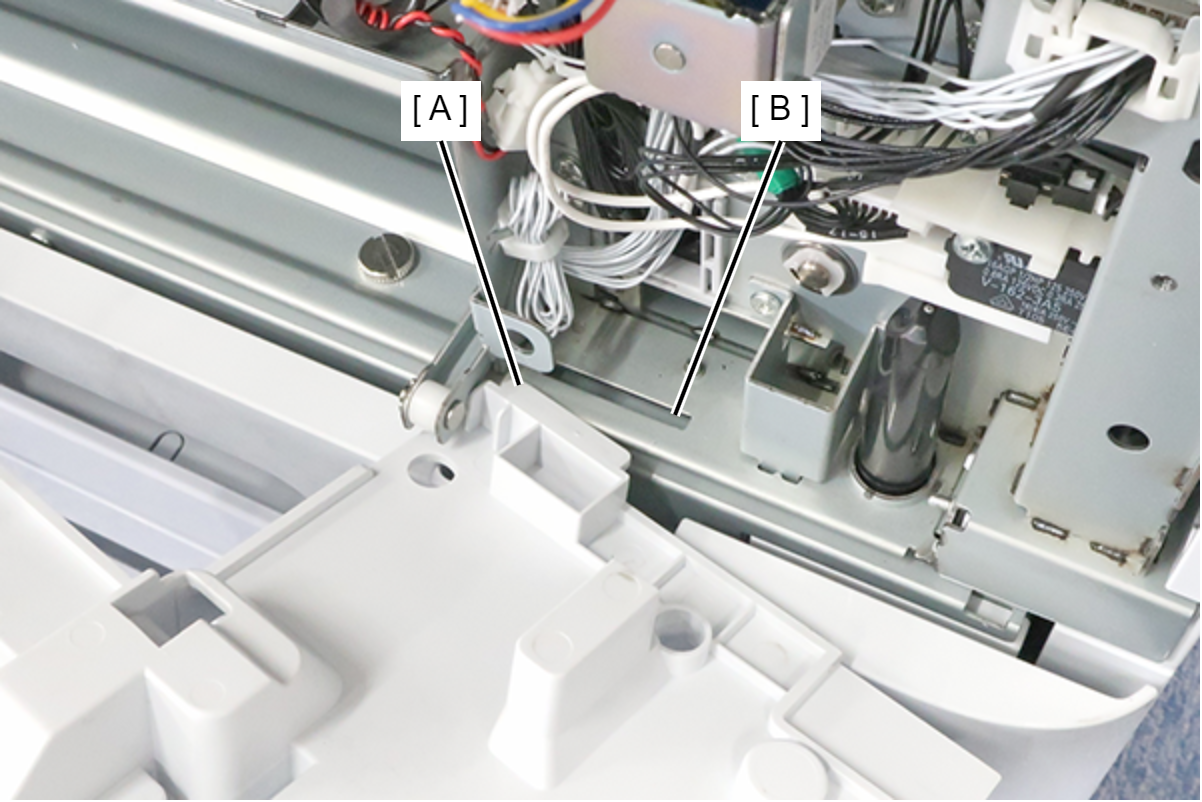
Insert the protrusion (A) of the Front Inner Cover into the hole (B) of the main unit and install.
 Note / 補足
If the wireless LAN unit (A) is installed, remove it.

- Remove the sensor sheet (A), disconnect the cable from the connector, and remove the PG HP sensor (B) by disengaging its 4 hooks.
 Assembly / 組み立て
Do not reuse the sensor sheet because its adhesive strength decreases once it is removed. Use a new sensor sheet when reassembling.