
CIS Module(ADF/ SCN) / SCN Upper Case / CISM Spacer - After replacement
The following adjustment charts are required to execute this menu. Chats are included in the ADF / SCN Unit ASP box.
ADF, CHART(J), A4-DS
ADF, CHART(81), LTV-MTF
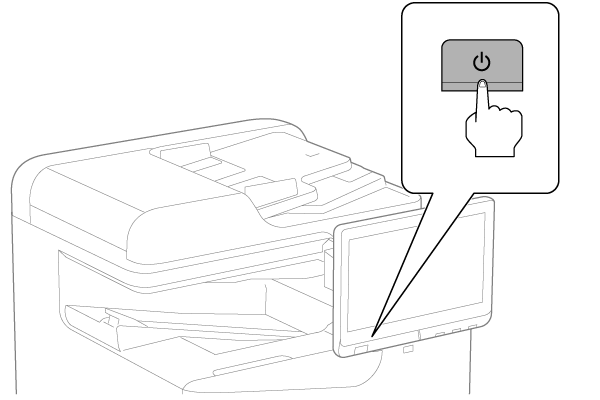
- Turn the power ON.
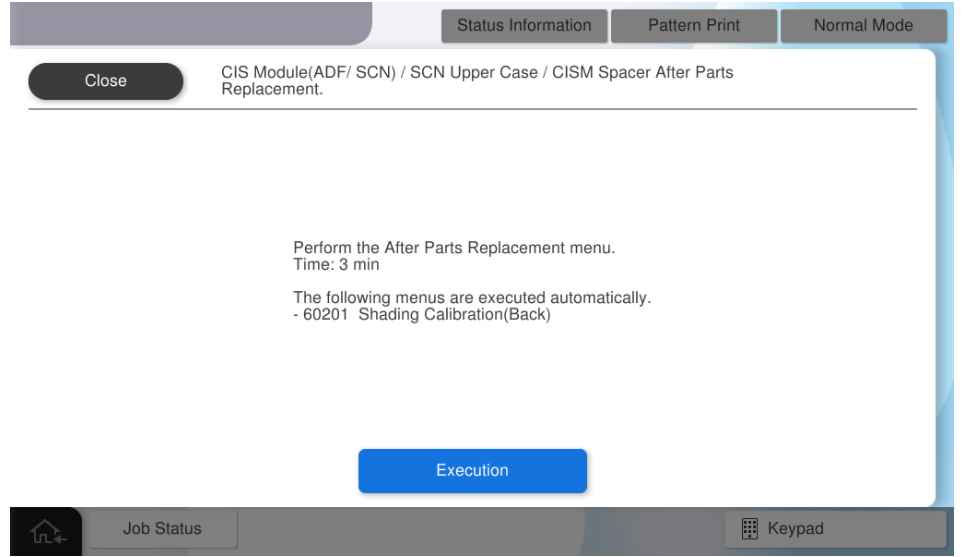
- Press [Execution].
- Set the LTV-MTF chart on the document placed and press [Execute].
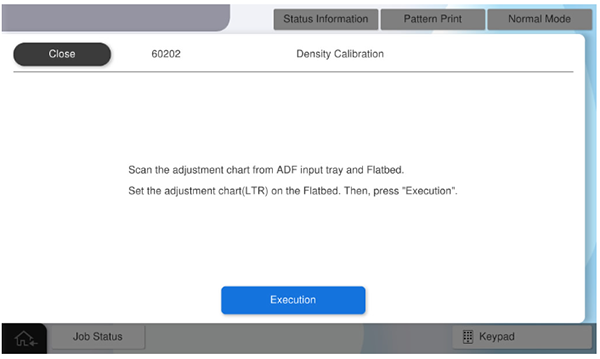
Concentration adjustment of the SCN unit is performed. - Set the LTV-MTF chart on ADF tray and press [Execute].
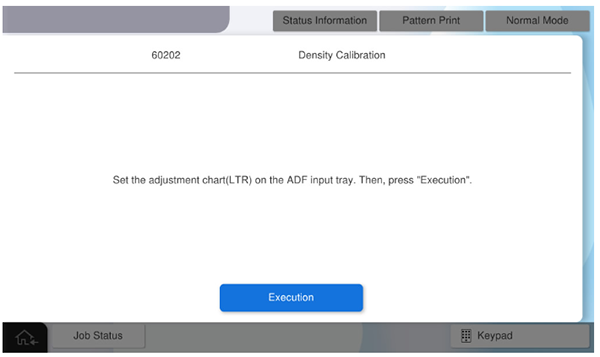
Density calibration for ADF performs. - Set the A4-DS chart on ADF tray and press [Execute].
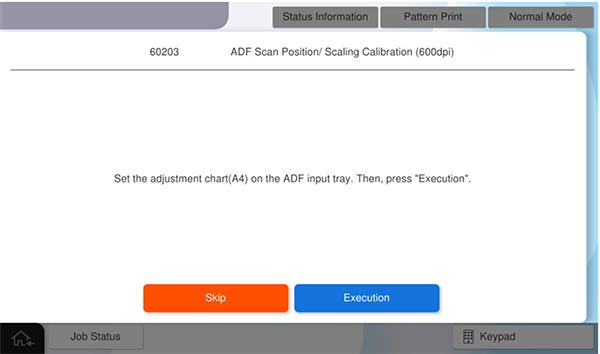
ADF Scan Position/ Scaling Calibration (600dpi) is performed. - Set the A4-DS chart on ADF tray again, and press [Execute].
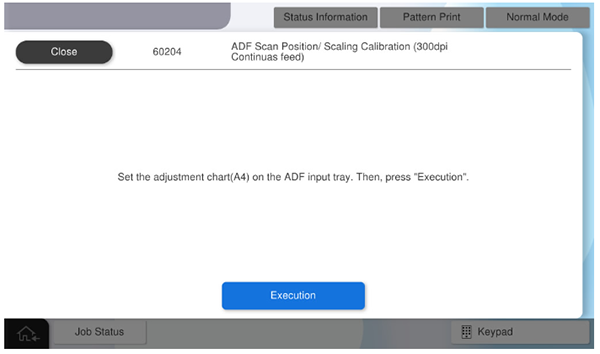
ADF Scan Position/ Scaling Calibration (300dpi Continuas feed) is performed. - Set the A4-DS chart on ADF tray again, and press [Execute].
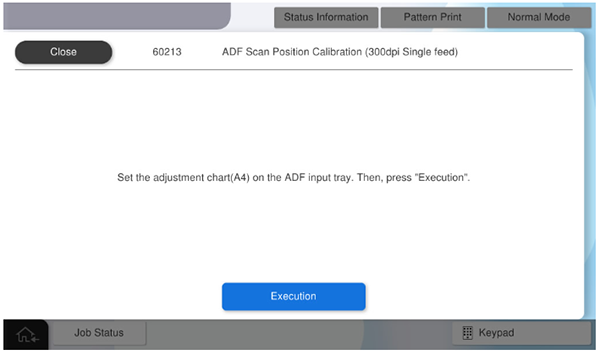
ADF Scan Position/ Scaling Calibration (300dpi Continuas feed) is performed. - Press [Execution].
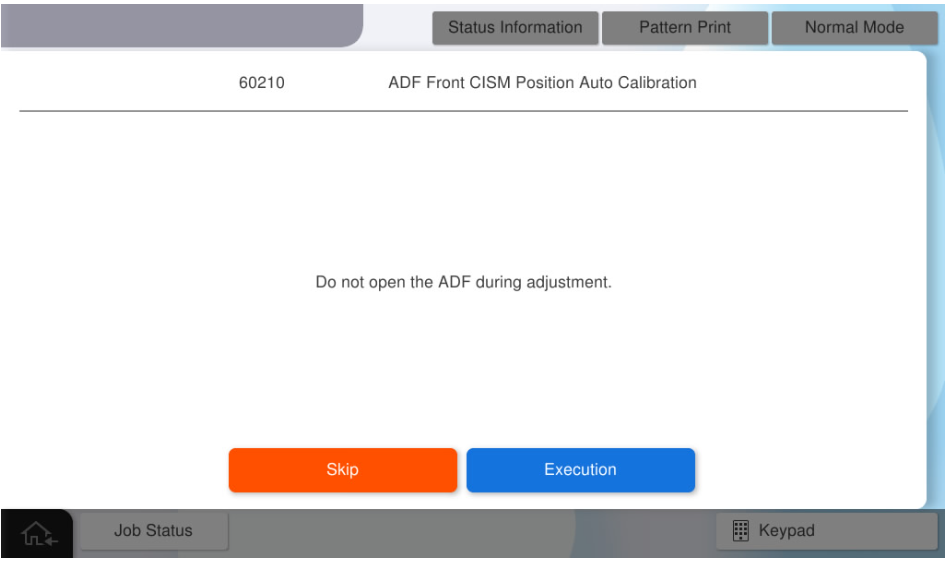
- Press [Execution].
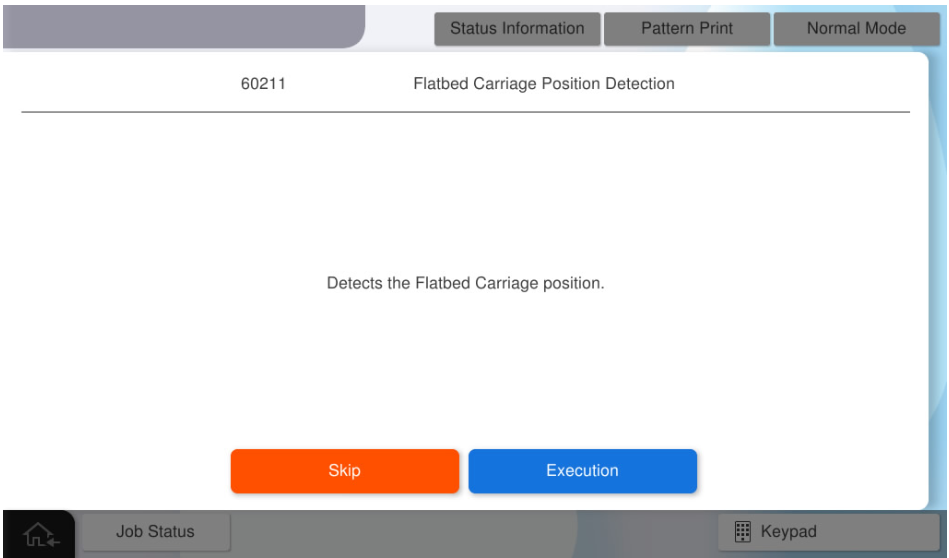
- Press [OK].
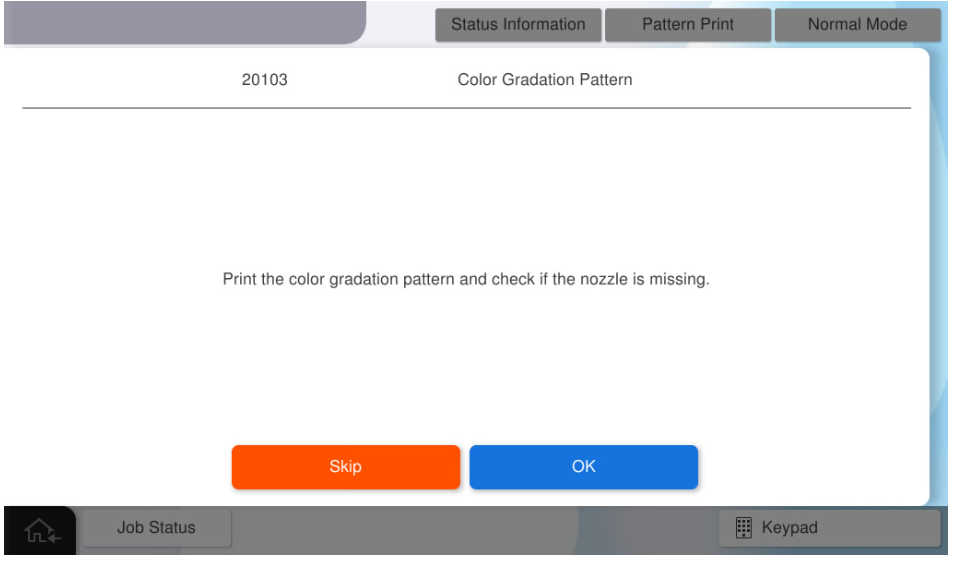
- Select the desired paper tray and paper size, and press [Execute] to print the color gradation pattern.
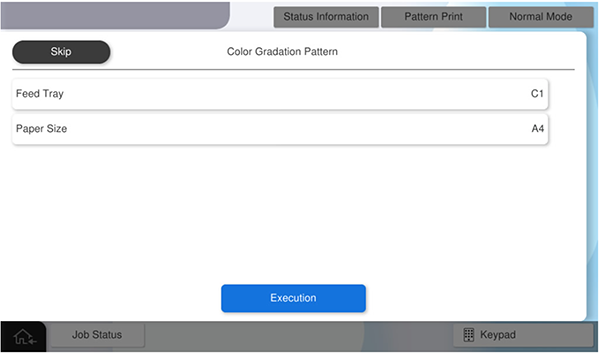
- Press [OK] to complete the menu.
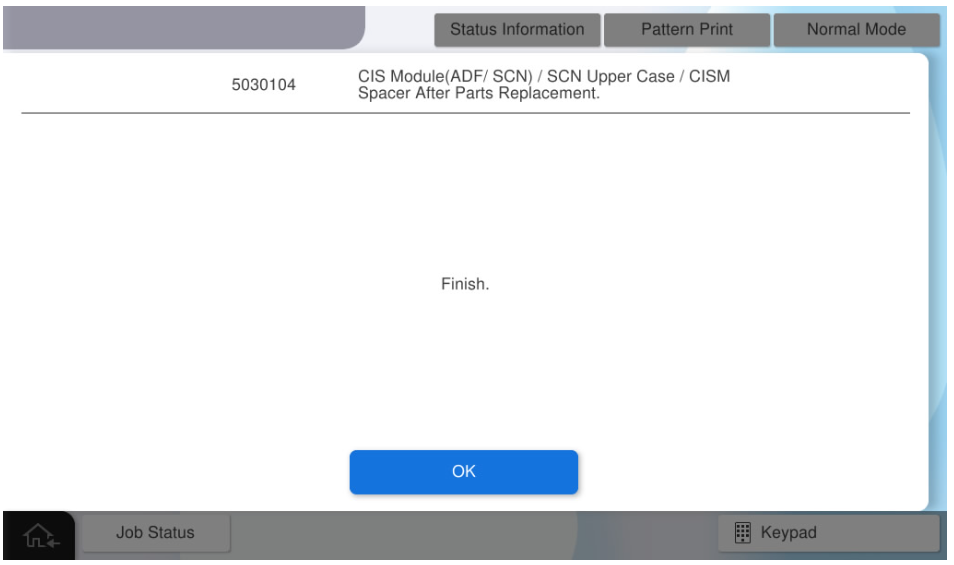
- Start printer with user mode.
- Perform a copy from the ADF tray and the document glass with the printed gradation pattern as the manuscript.
Check the copy results and confirm there are no problems with the copy quality.
 Check Point / チェックポイント
- If the copy have banding, there may be foreign objects on the CIS module's readout or glass surface.
- If foreign substances are attached, clean the attached area and check the copy results again.