
60104 PG Adjustment: PG HP Sensor
Automatically compensates for PG deviation caused by individual differences in related parts.
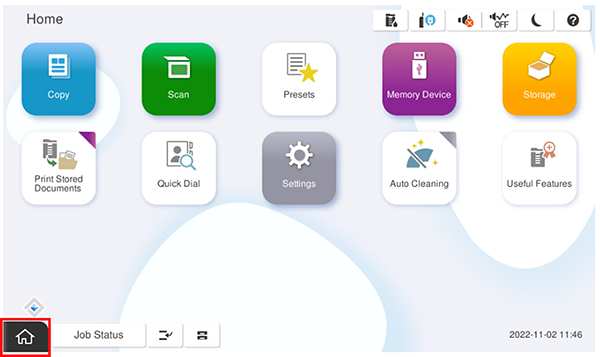
- Start the service support mode.
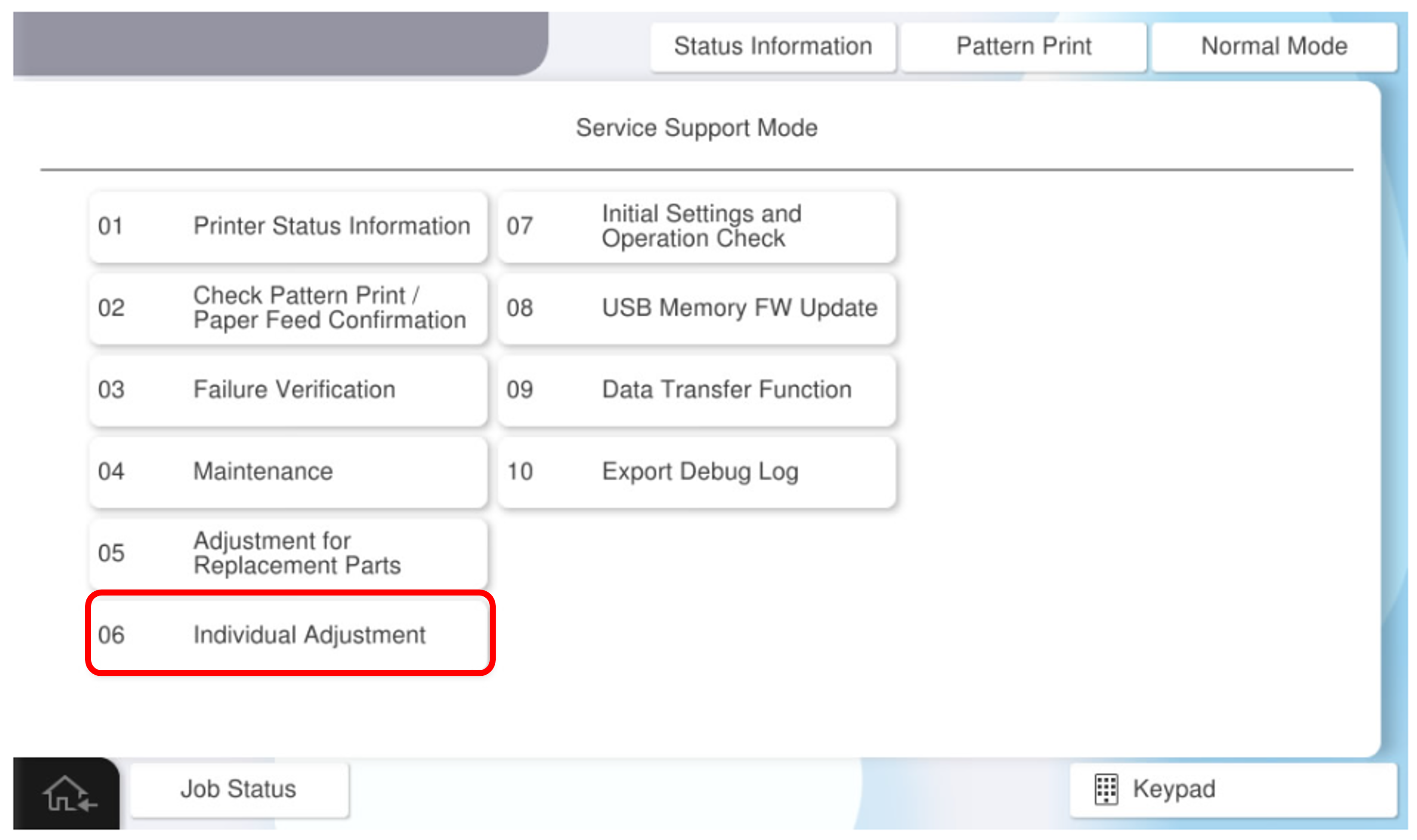
- Select [06 Individual Adjustment].
- Select the [Main Unit・Additional Cassette] tab.
- Select [60104 PG Adjustment: PG HP Sensor].
- Press [Execution].
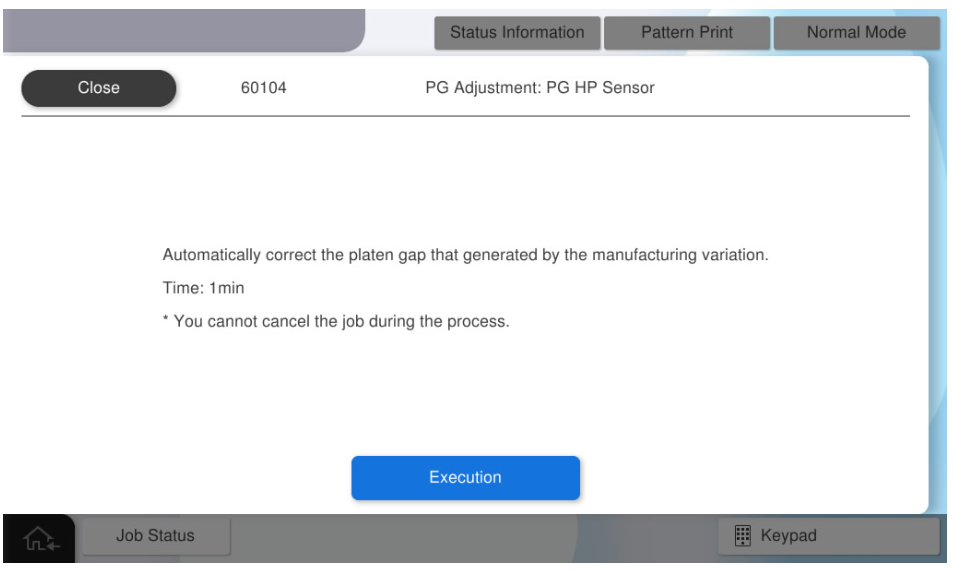
- Press [OK] to complete the adjustment.