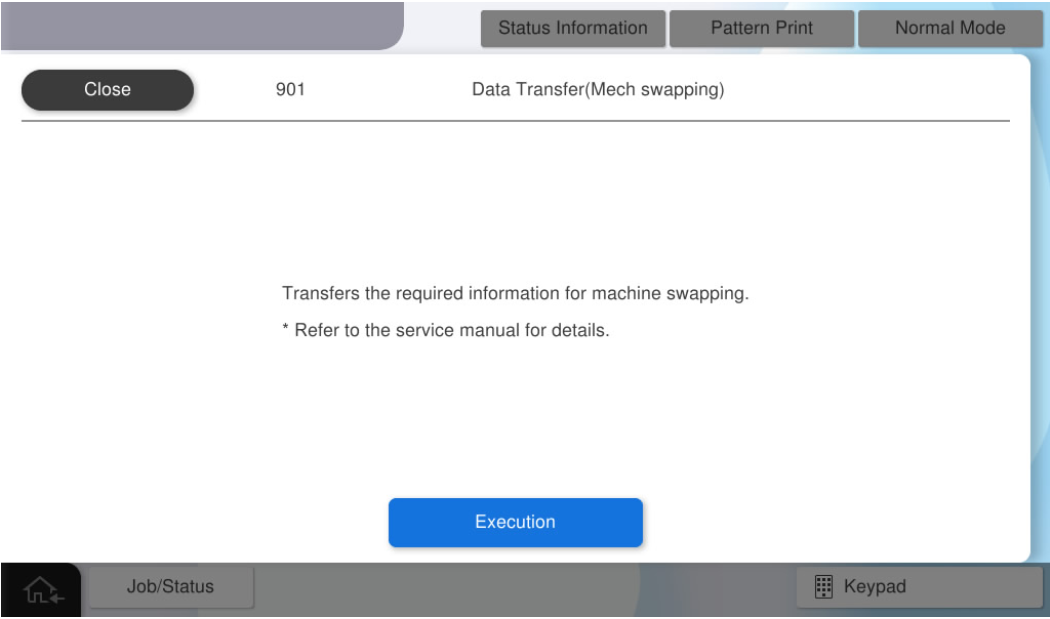
901 Data Transfer (Swapping the Machine)
Overview: Transfer the data necessary to operate with the user information of the failed mechanism when swapping the machine.
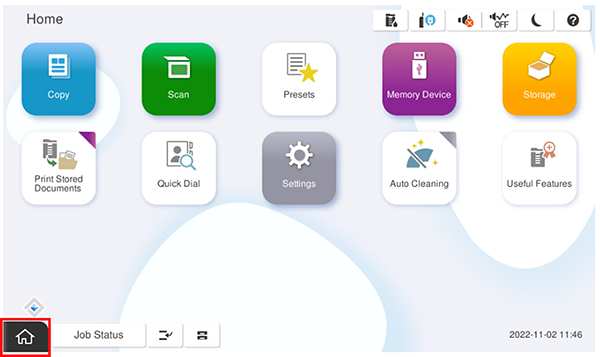
- Start the service support mode.
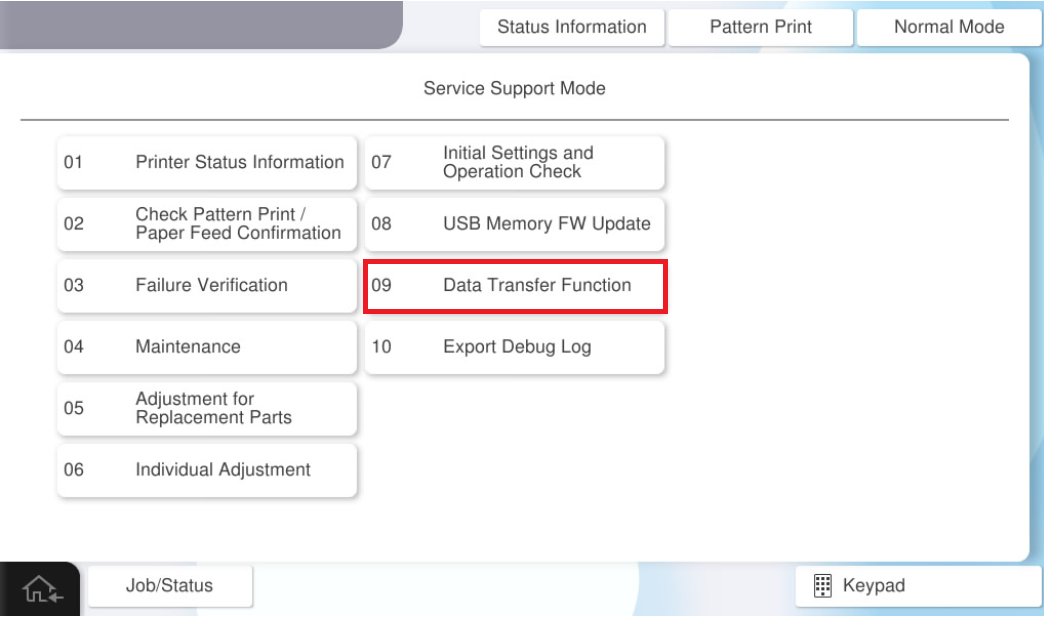
- Select [09 Data migration function].
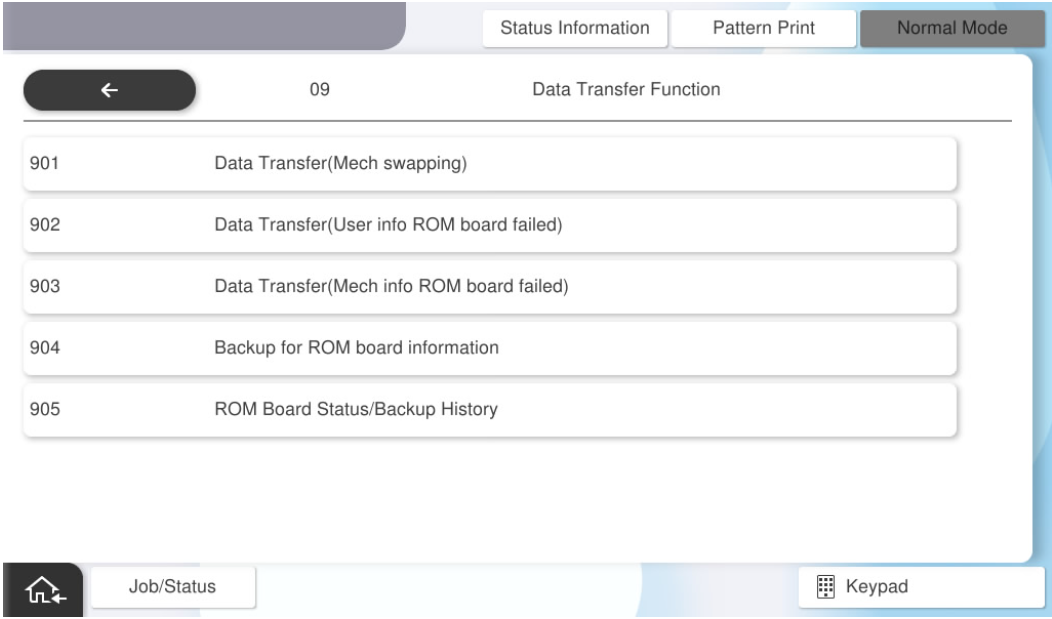
- Select [901 Data transfer (Swapping the Machine)].
Press [Execution].