
7010302 Manually Release (Head unit DOWN)
Overview
Change the position of the head unit (lower) so that the head transport parts are not locked.
 Check Point / チェックポイント Check Point / チェックポイント |
|
Step
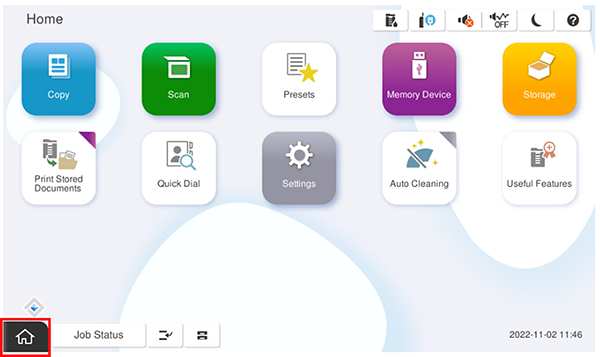
- Start the service support mode.
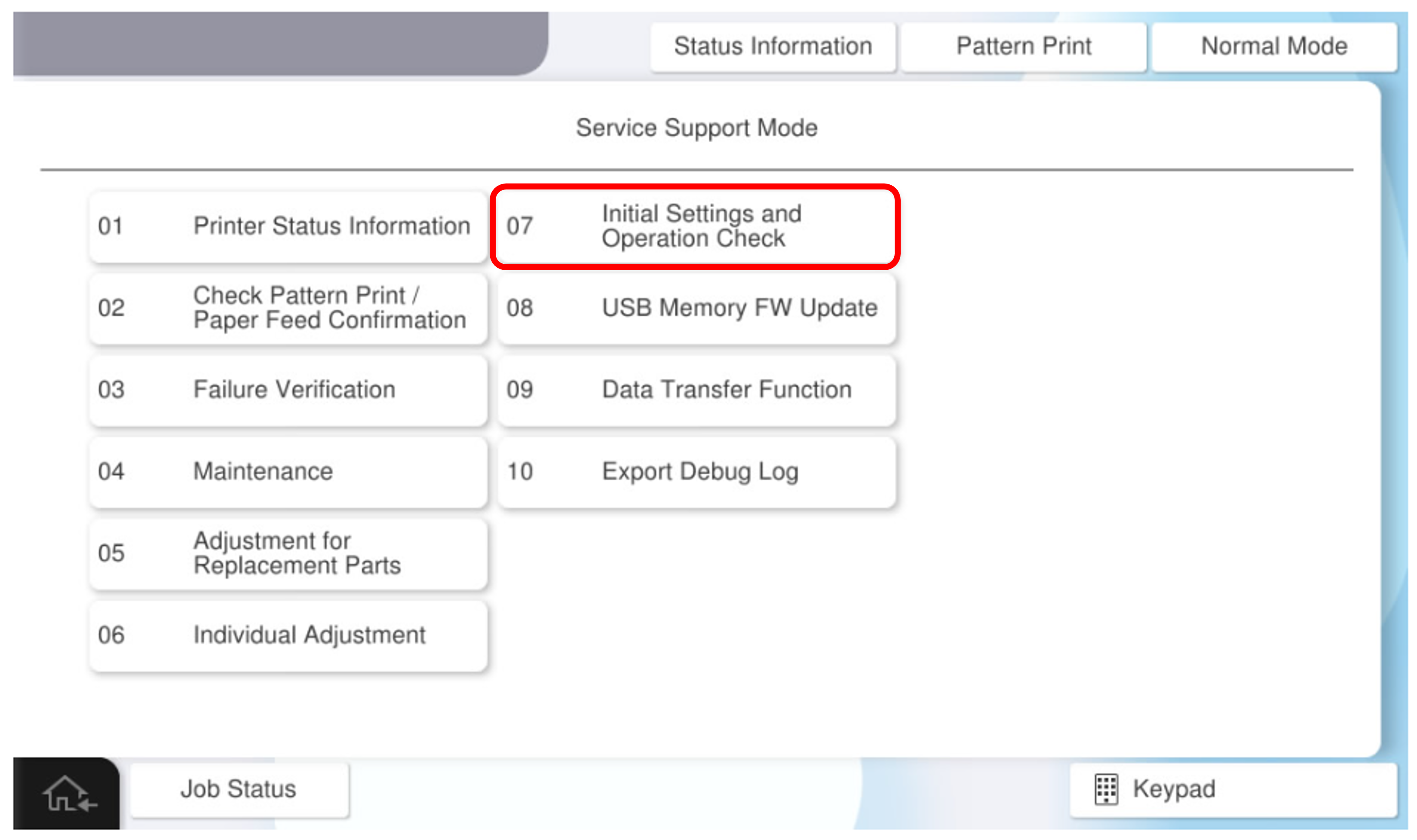
- Select [07 Installation Setting / Operation Check].
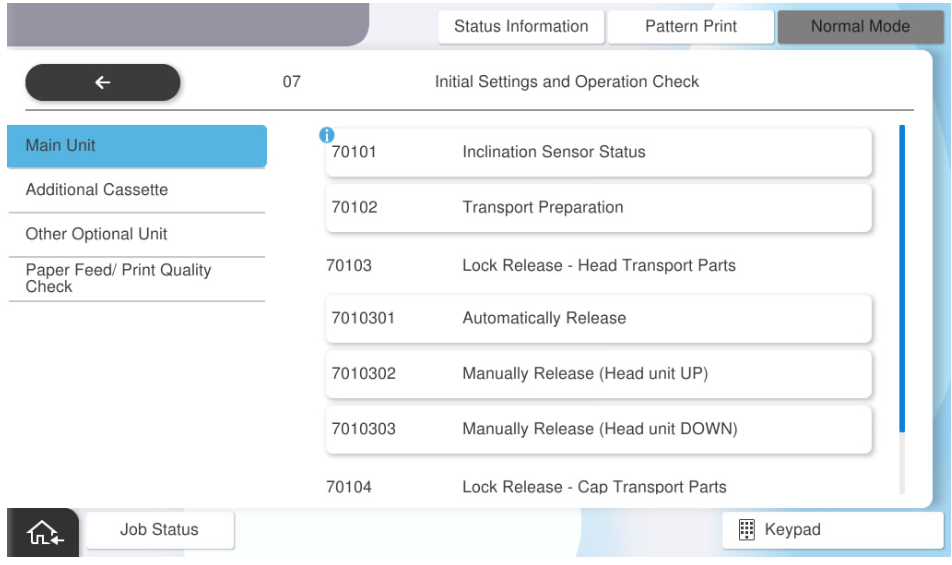
- Select [7010302 Manually Release (Head unit DOWN)].
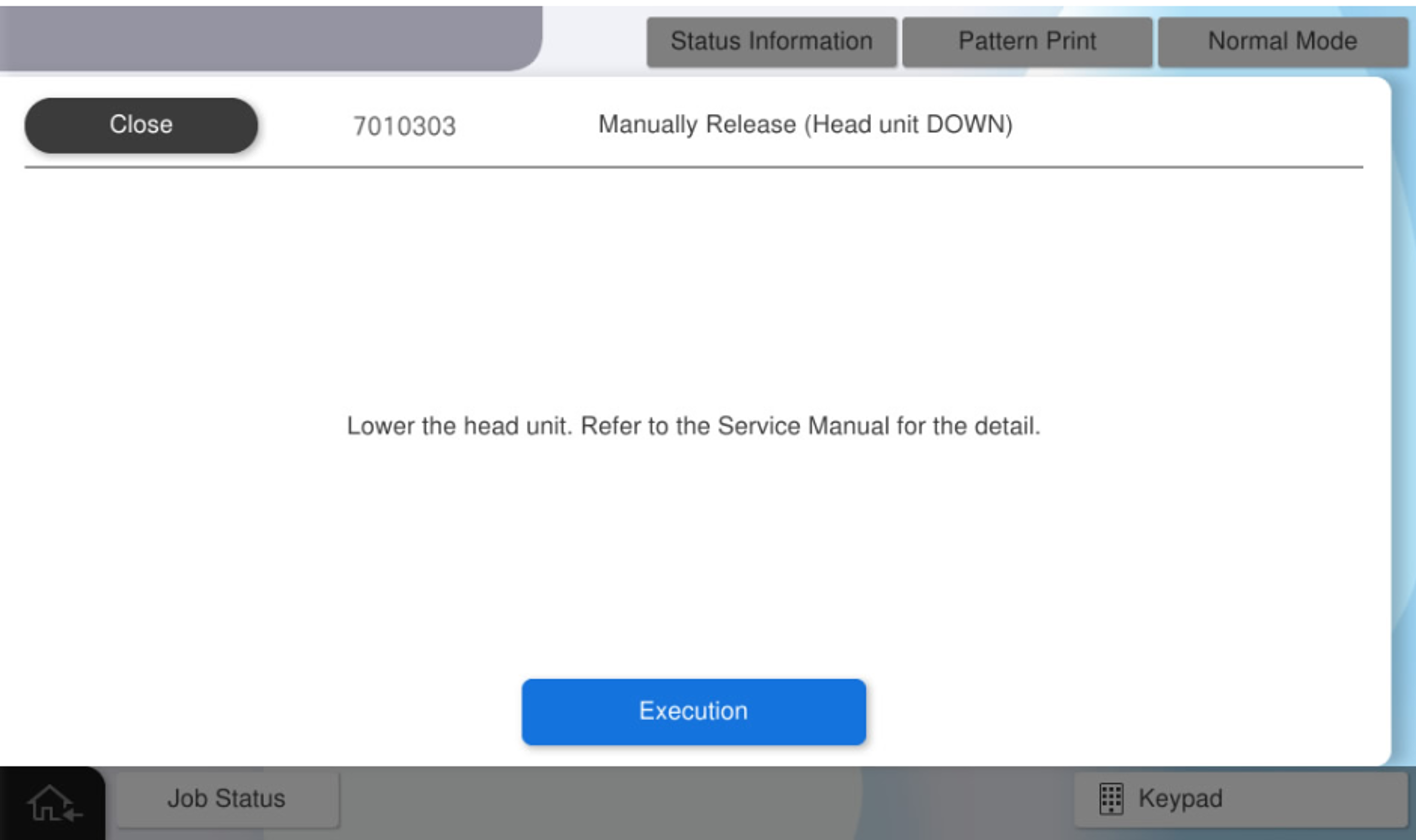
- Press [Execution].
- Press [OK].
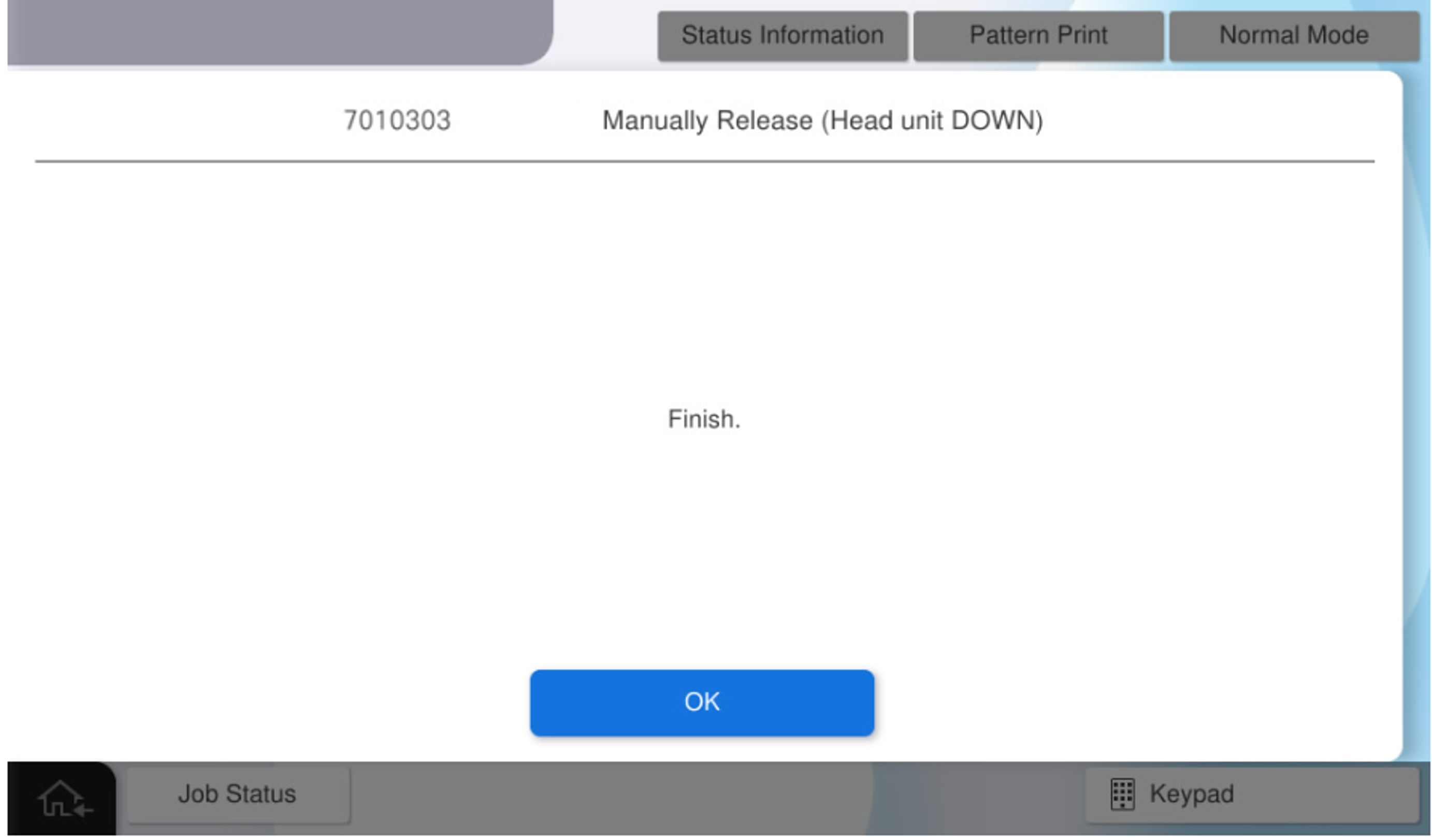
- Turn off the power and try to remove the head transport parts.
If the locked state cannot be cleared, perform 7010301 Manually Release (Head unit UP). Note / 補足
- Head Transportation Parts
Open the front cover, hold the handle of the transport parts, and pull it forward while rocking it left and right.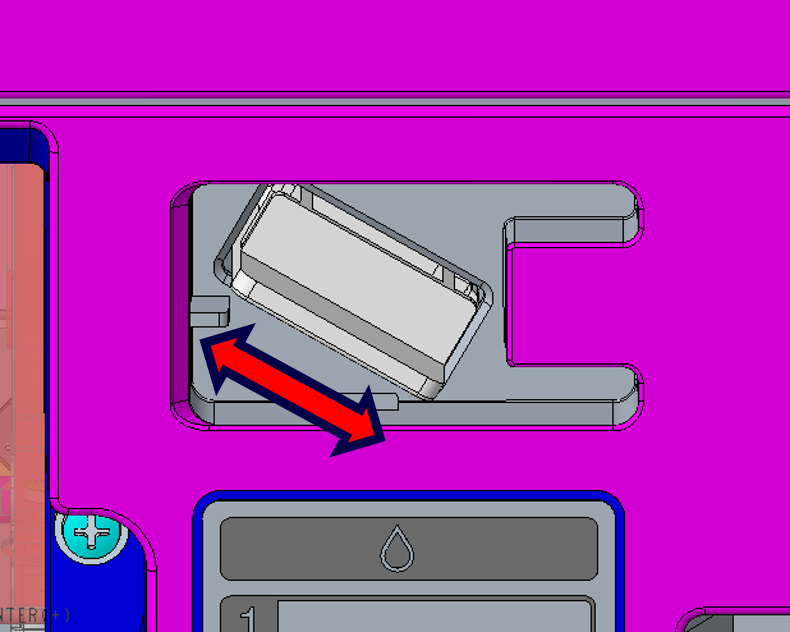
- Head Transportation Parts