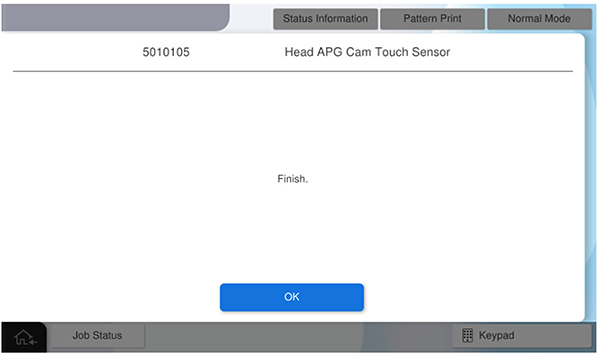
Head APG Cam Touch Sensor - After replacement
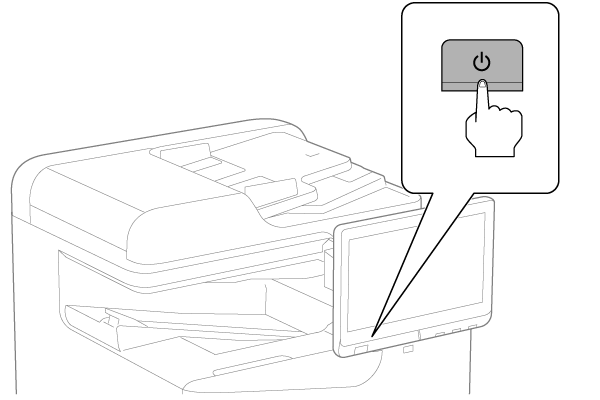
- Turn the power ON.
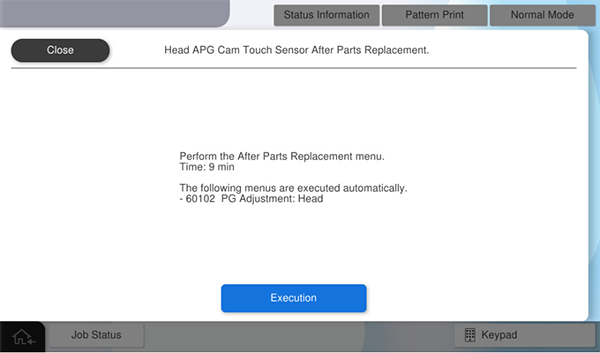
- Press [Execution].
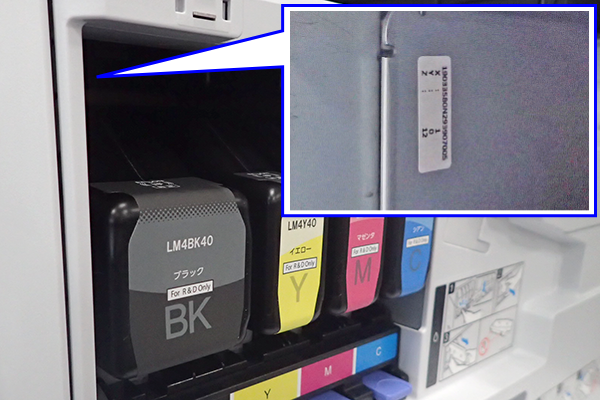
- Open the front cover, remove the ink cartridge (BK), and check the correction value label.
- Input the correction values of X, Y, Z and press [OK].
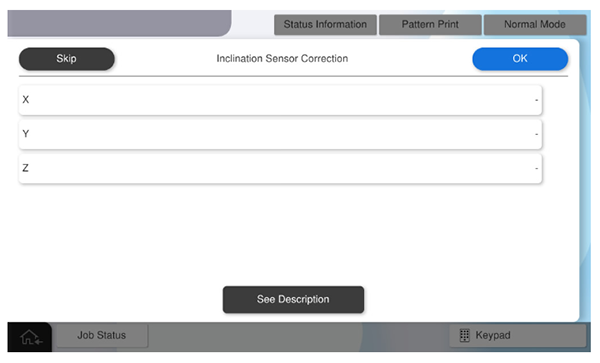
- Press [OK] to complete the menu.