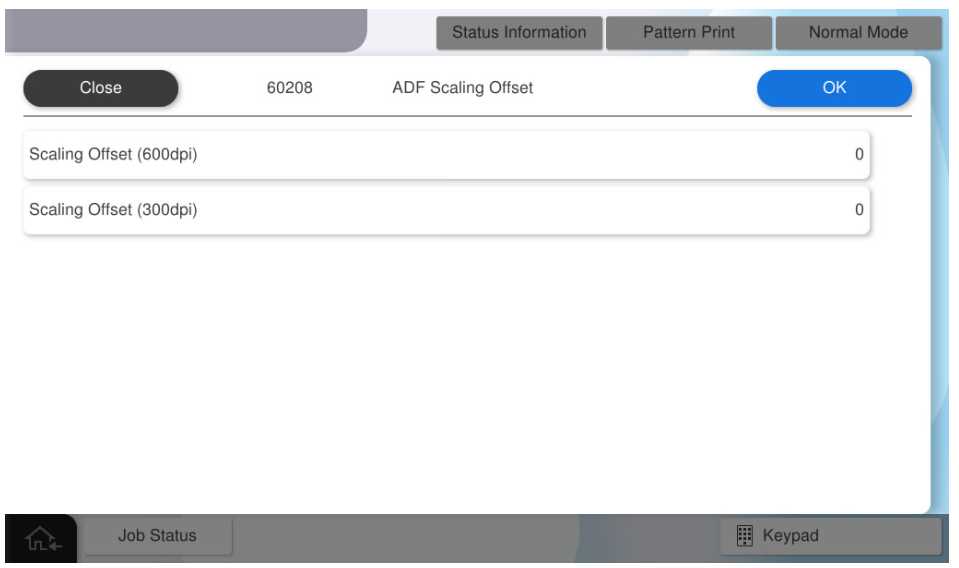
60208 ADF Scaling Offset
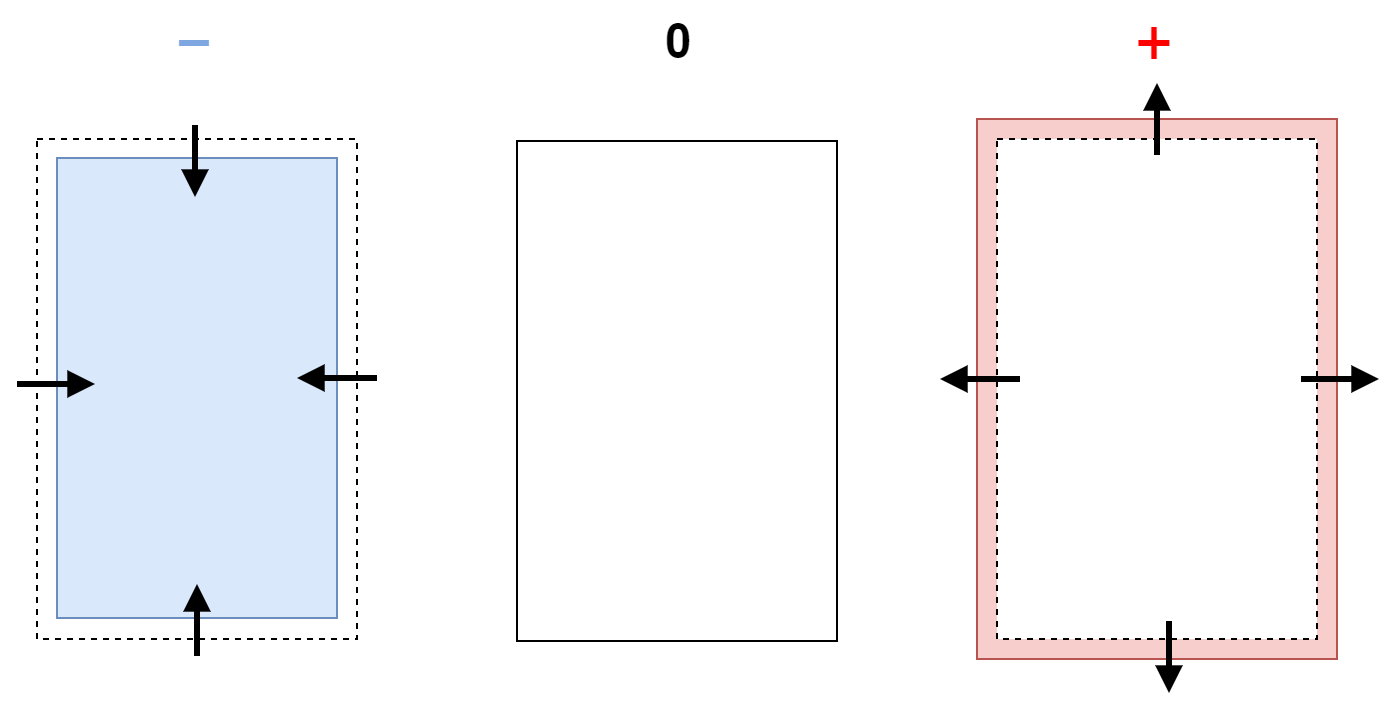
Manually adjust the scanning magnification for ADF scanning.
| Setting value name | Input range | Initial value | Amount of change |
|---|---|---|---|
| Scaling offset (600dpi) | -128~127 | 0 | (B: 4 mm) |
| Scaling offset (300dpi) | -128~127 | 0 | (B: 4 mm) |
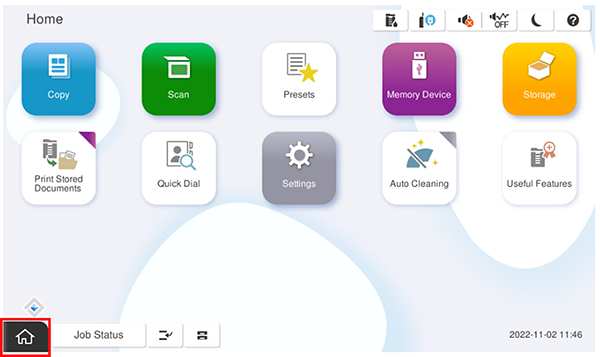
- Start the service support mode.
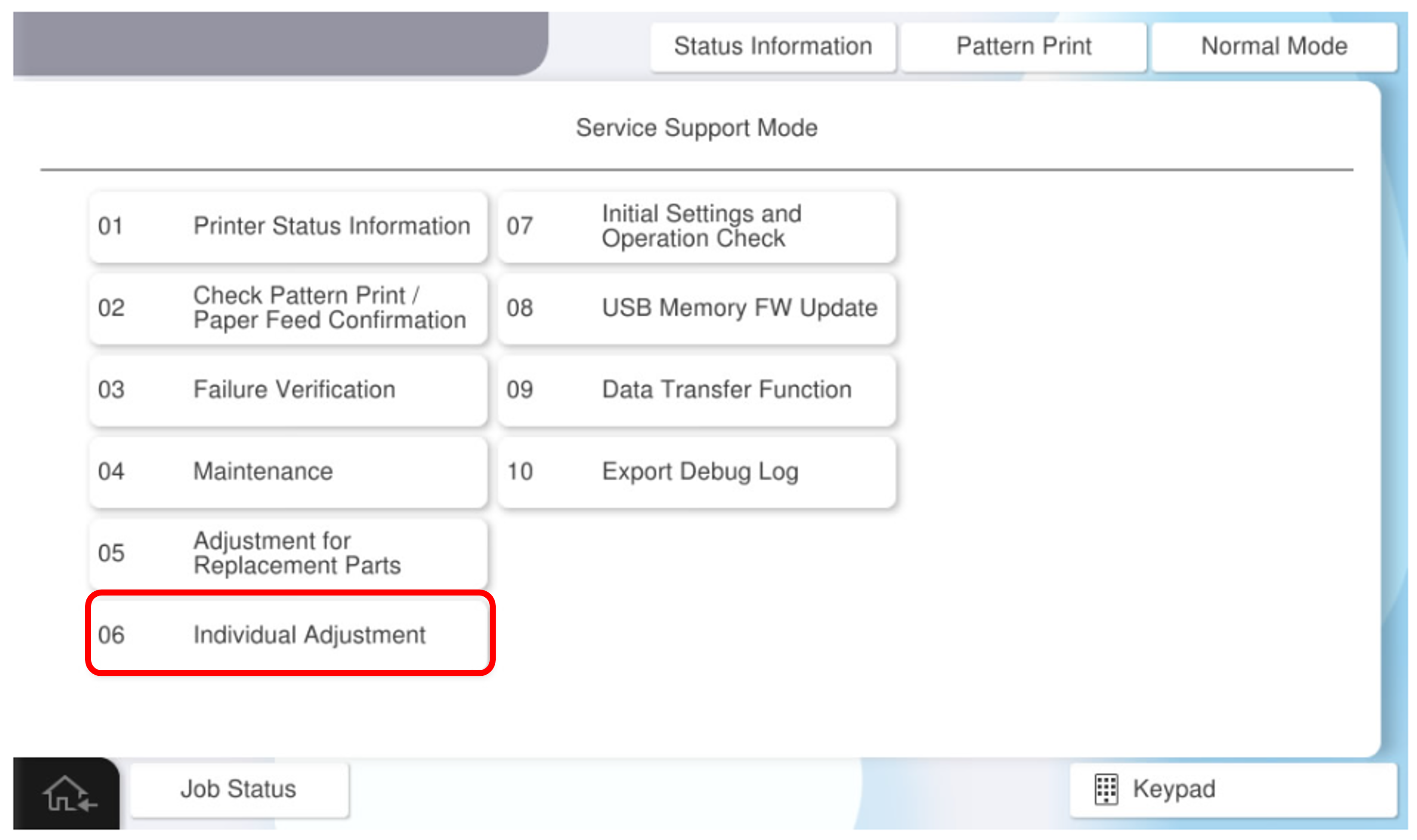
- Select [06 Individual Adjustment].
- Select the [ADF/SCN] tab.
- Select [60208 ADF Scaling Offset].
- Select [Scaling Offset (600dpi)] and [Scaling Offset (300dpi)], enter the desired adjustment value, and click [OK].