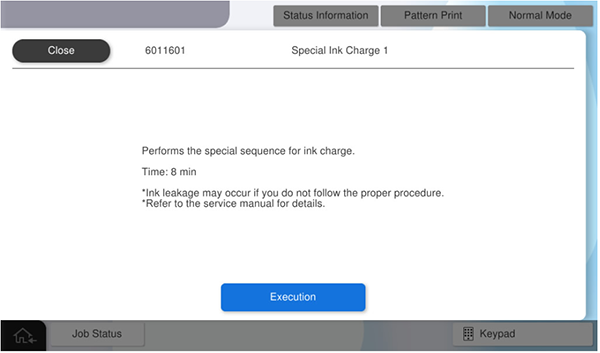
6011601 Special Ink Charge 1
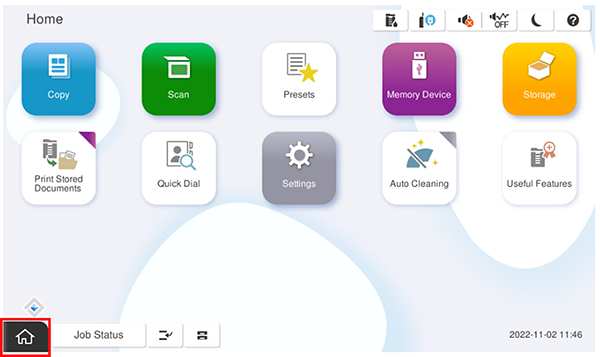
- Start the service support mode.
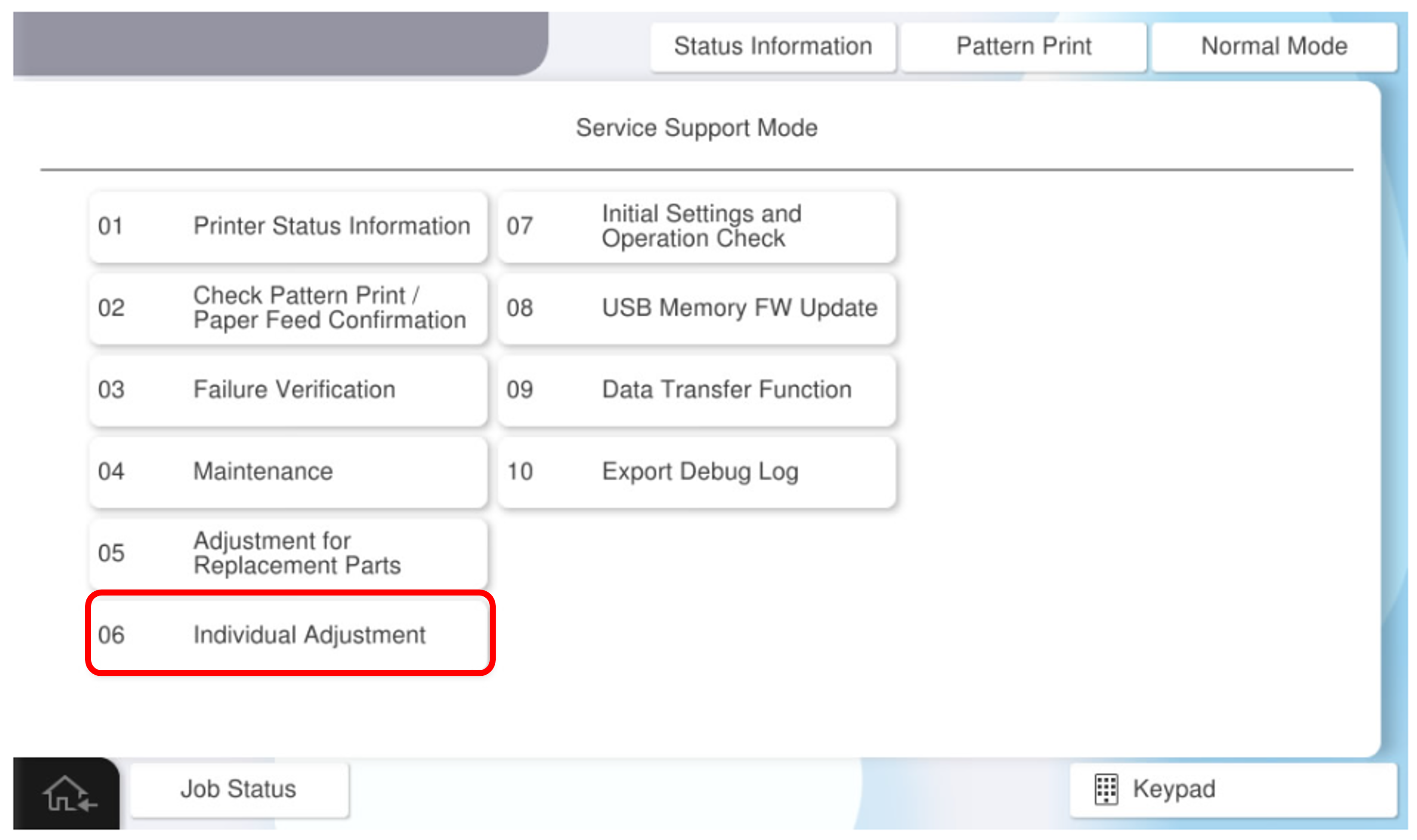
- Select [06 Individual Adjustment].
- Select the [Main Unit・Additional Cassette] tab.
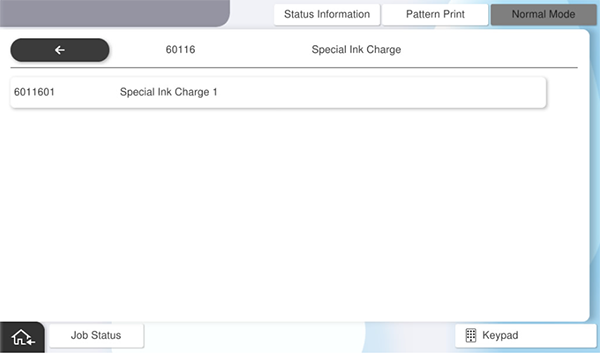
- Select the [60116 Special Ink Charge] tab.
- Select the [60116 Special Ink Charge 1] tab.
- Press [Execution].