
60117 Temp./Hum. Sensor Correction
Corrects the variation of the Temp./Hum. Sensor Correction
*When multiple product are used in the same environment, the output values of the temperature and humidity sensors for each unit are different.
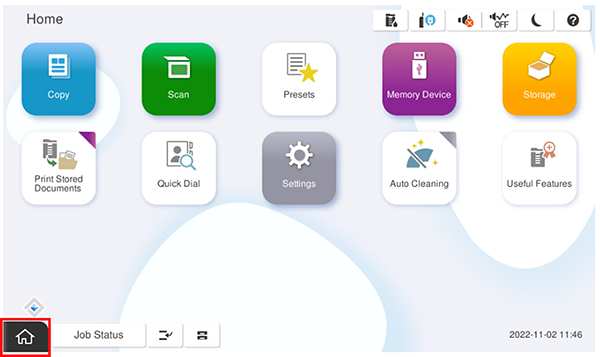
- Start the service support mode.
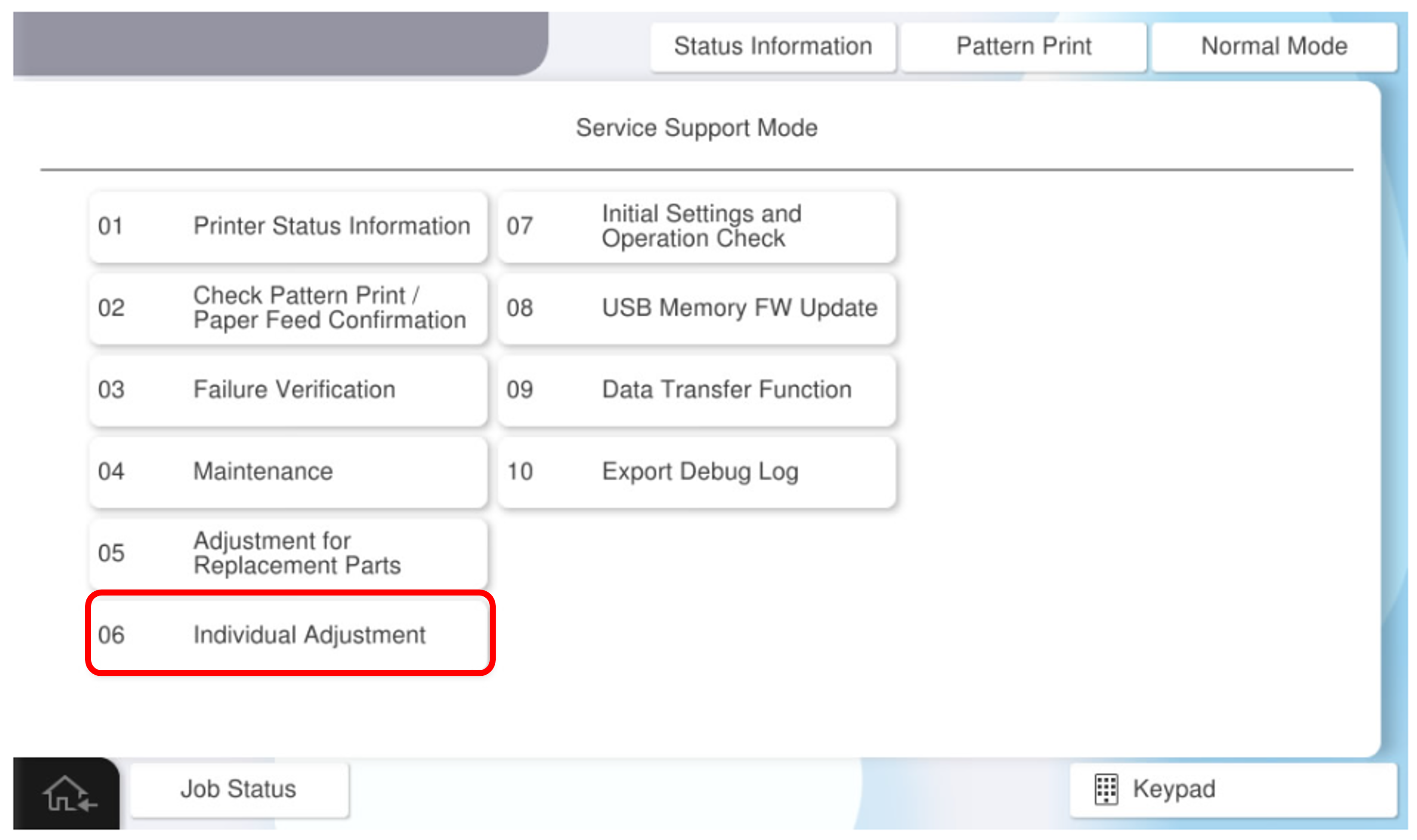
- Select [06 Individual Adjustment].
- Select the [Main Unit・Additional Cassette] tab.
- Select [60117 Temp./Hum. Sensor Correction].
- Select a value in the correction value column and enter any adjustment value.
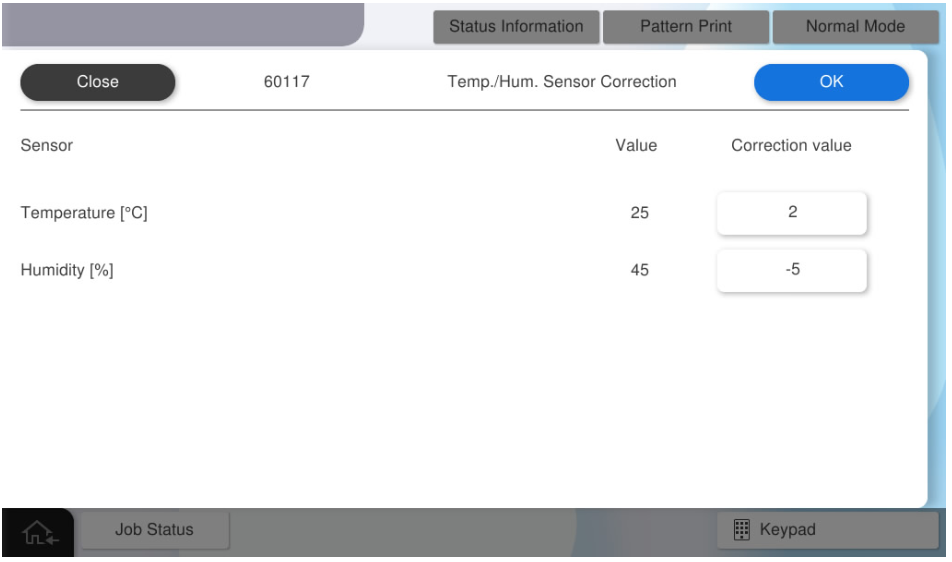
- Press [OK] to reflect the correction value.