102 Remote Terminal Setting
- Start special setting mode.(Special Setting Mode Starting Method)
Select [100 Installation mode: MENU] and select [RUN].
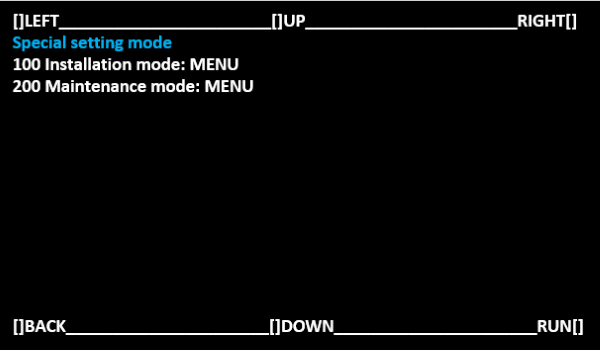
Operate with the following buttons
[UP] button: Move the selected item (move up)
[DOWN] button: Move the selected item (move down)
[RUN] button: Execute the selected item
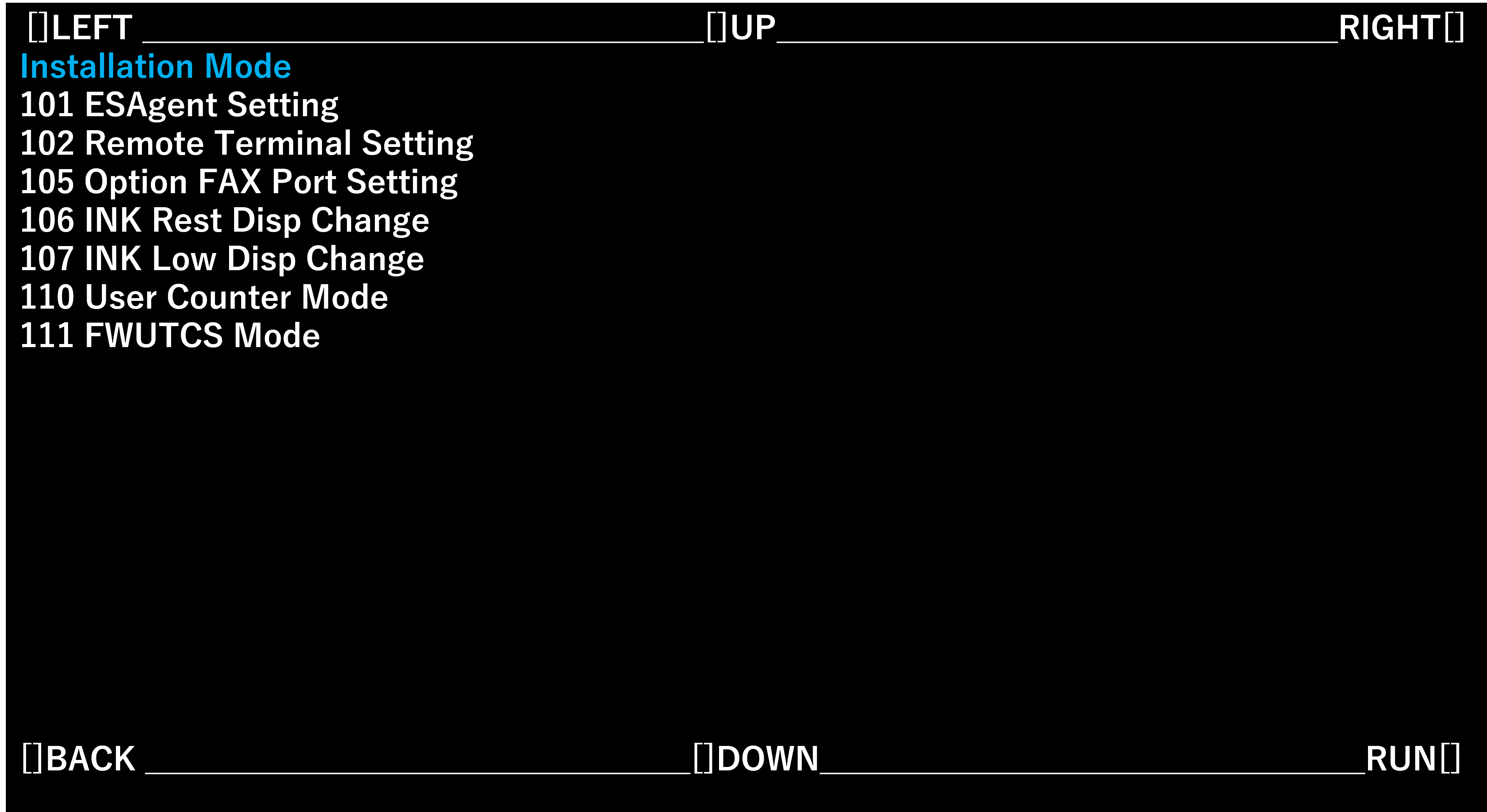
Select [102 Remote Terminal Setting] and select [RUN].
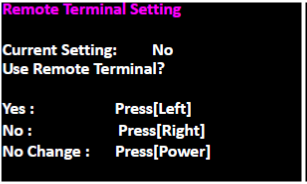
- On the "Remote Terminal Setting" screen, press the left side of the screen to enable the remote terminal. When there is no need to change the settings, press the power button to turn off the power.
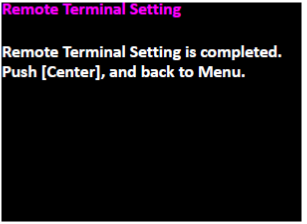
- If change the settings, the following screen will be displayed. Press [Center] to return to the CE special mode selection screen.