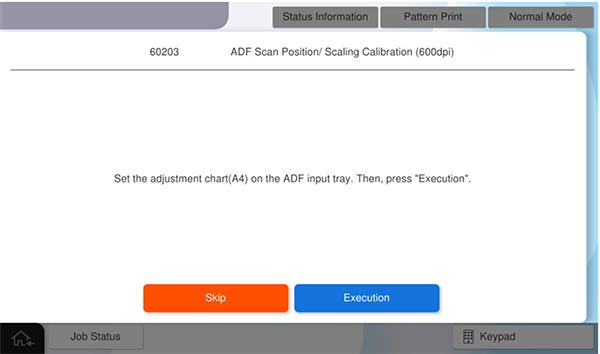
60203 ADF Scan Position/ Scaling Calibration (600dpi)
Adjust the scanning start position and sub scaling (paper feeding direction) for ADF scanning (600dpi).
The following charts are used for this adjustment.
| Chart name | Product name | Part code | Chart image |
|---|---|---|---|
ADF, CHART(J), A4-DS |
ADF, CHART(J), A4-DS |
1874105-00 |
|
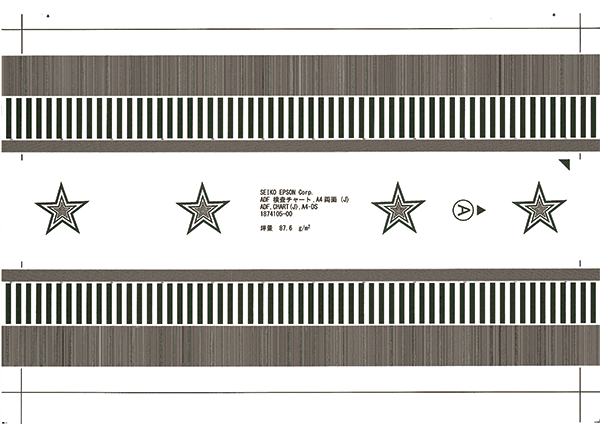
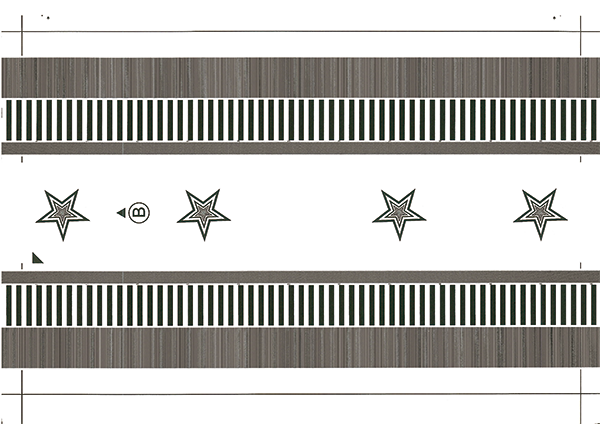
Chart setting direction
Load the paper with the A side facing up and facing the paper feed slot so that the arrow is at the top.
Adjustment Procedure
- Start the service support mode.
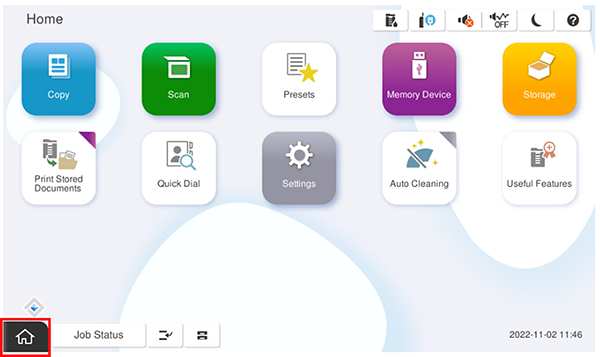
- Select [06 Individual Adjustment].
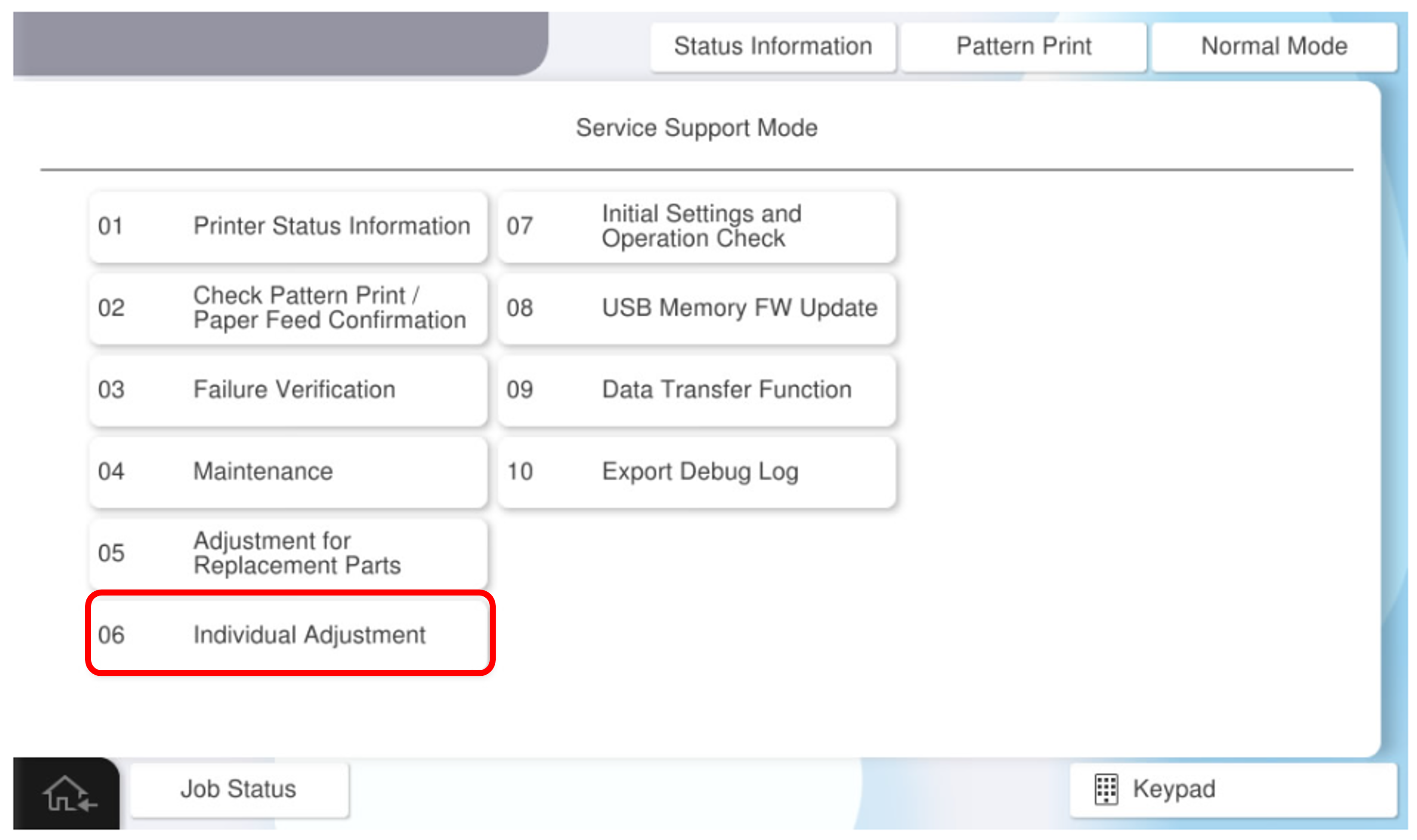
- Select the [ADF/SCN] tab.
- Select [60203 ADF Scan Position/ Scaling Calibration (600dpi)].
- Set the chart on the ADF tray and press [Execute].