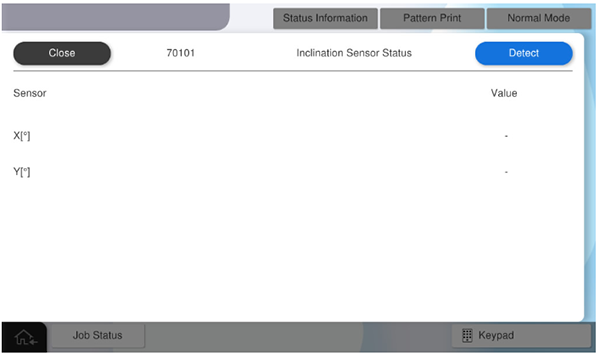
701001 Tilt sensor value display.
- Start the service support mode.
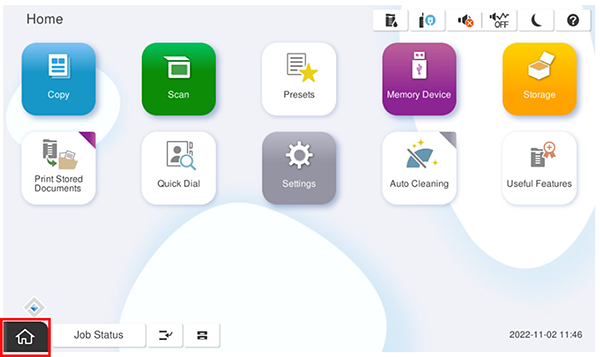
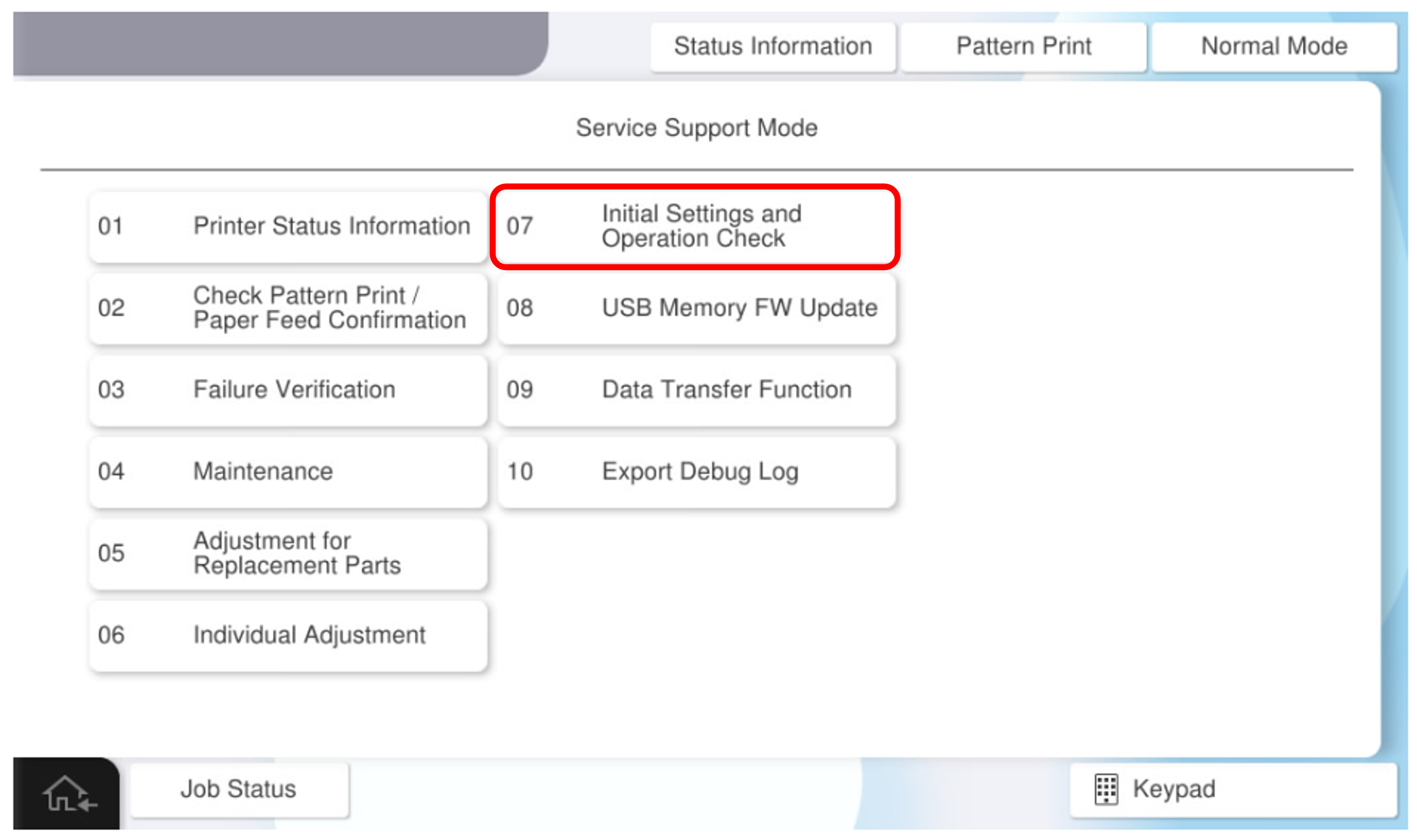
- Select [Installation settings/Operation check].
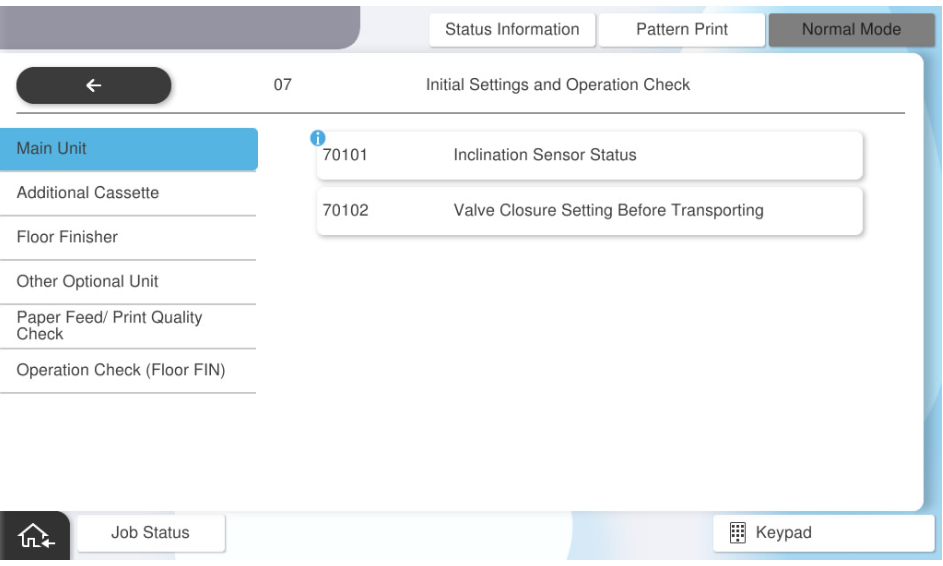
- Select [Tilt sensor value display].
- Press [Detect].
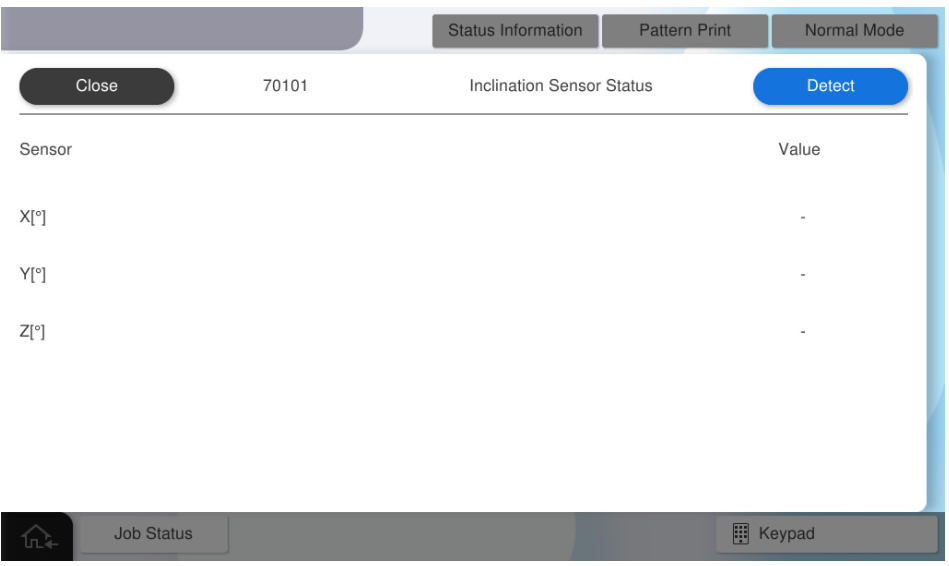
- When the tilt detection by the sensor is completed, the detected value is displayed.
 Note / 補足
There is no problem if the values of X and Y are within ±3°.