
Incorrect print position
Assumed cause
- Top registration offset = Print position offset in paper feed direction
- Incorrect setting or variations of feed amount due to part failure
- Print start position offset due to Paper Sensor, Pre-Printing failure
- Side registration offset = Print position offset in Y direction
- Edge Guide failure of Cassette or MP Unit
- Incorrect adjustment of Cassette or MP Unit
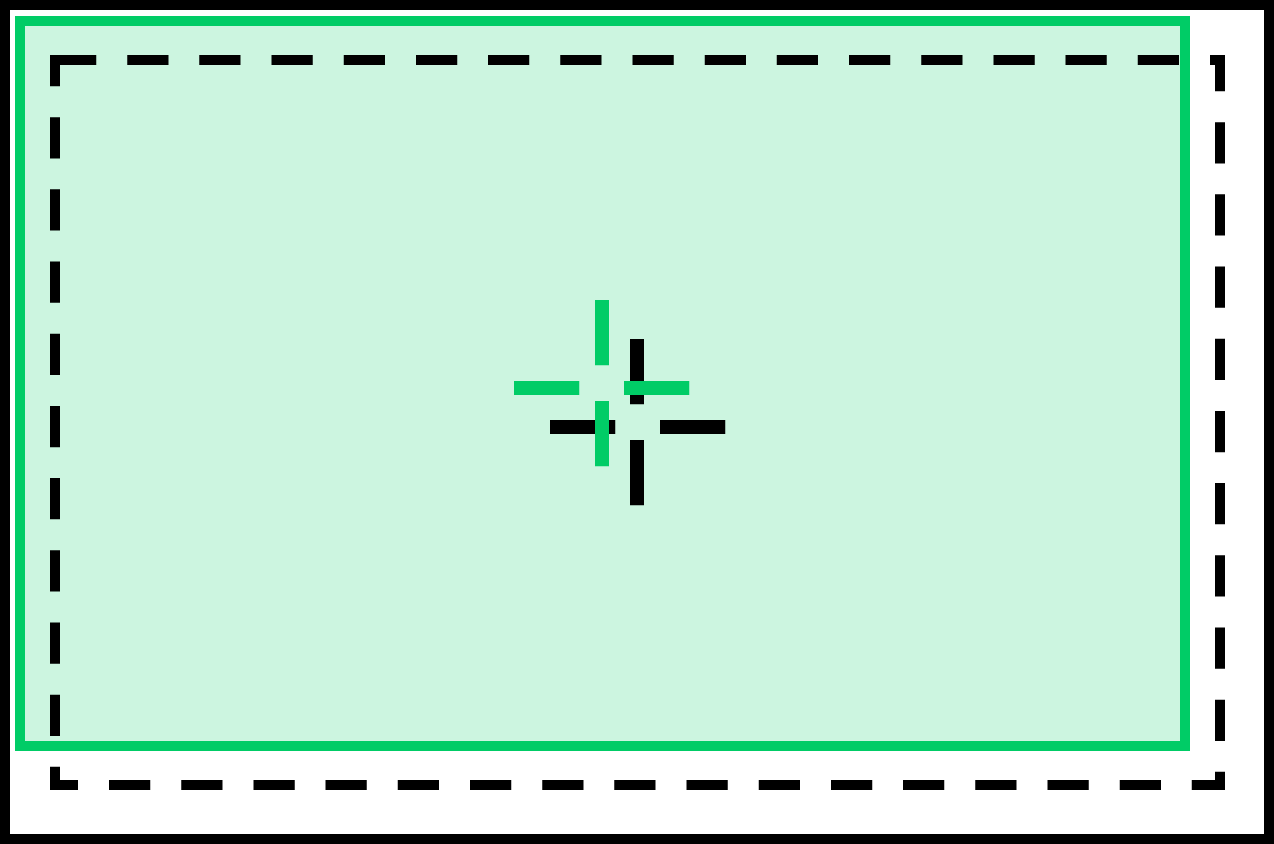

Defect-related parts
- Pre-Printing Sensor
Variations in detection timing of leading edge of paper due to deterioration of the sensor - Anti Static Brush
Variations of paper feed amount due to increase of paper overlap amount - Registration Roller
Variations in paper feed amount - Belt Drawer Unit
Variations of belt feed amount - Paper Tray unit
shift or wear of edge guide - Cassette
Shift or wear of Edge Guide
 important / 重要 important / 重要 |
|
Troubleshooting
| Step | Confirmation and action | YES | NO |
|---|---|---|---|
| 1 | Check device settings (including driver settings)
|
End of work | Go to step 2 |
| 2 | Perform the Top Registration Adjustment and Side Registration Adjustment
|
End of work | Go to step 3 |
| 3 | Check that offset occurs in side registration only |
Go to step 4 |
Go to step 6 |
| 4 | Replace the Paper Feed Sensor, Pre-Printing
|
Go to step 7 | Go to step 5 |
| 5 | Replace the Anti Static Brush Unit
|
Go to step 7 | Go to step 6 |
| 6 | Replace the Registration Roller
(Because the feed amount of the registration roller may change) |
Go to step 7 | Replace the parts/components to be checked one by one. |
| 7 | identify the feed cassette where the side registration offset occurs
|
go to step 8 |
go to step 9 |
| 8 | replace the Paper Tray unit
|
end of work | contact epson local service representatives |
| 9 | Replace the Cassette
|
End of work | Contact Epson local service representatives. |