
105 Option FAX Port Setting
- Start special setting mode.(Special Setting Mode Starting Method)
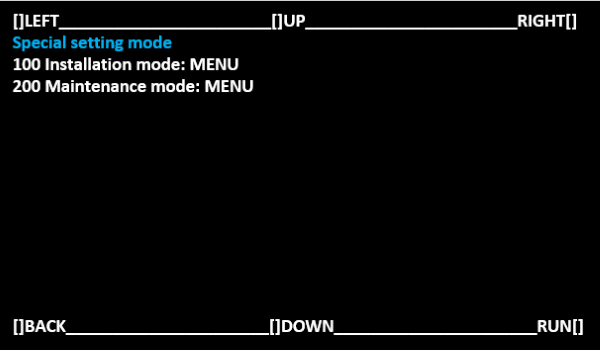
Select [100 Installation mode: MENU] and select [RUN].
 Note / 補足
Operate with the following buttons.
[UP] button: Move the selected item (move up)
[DOWN] button: Move the selected item (move down)
[RUN] button: Execute the selected item
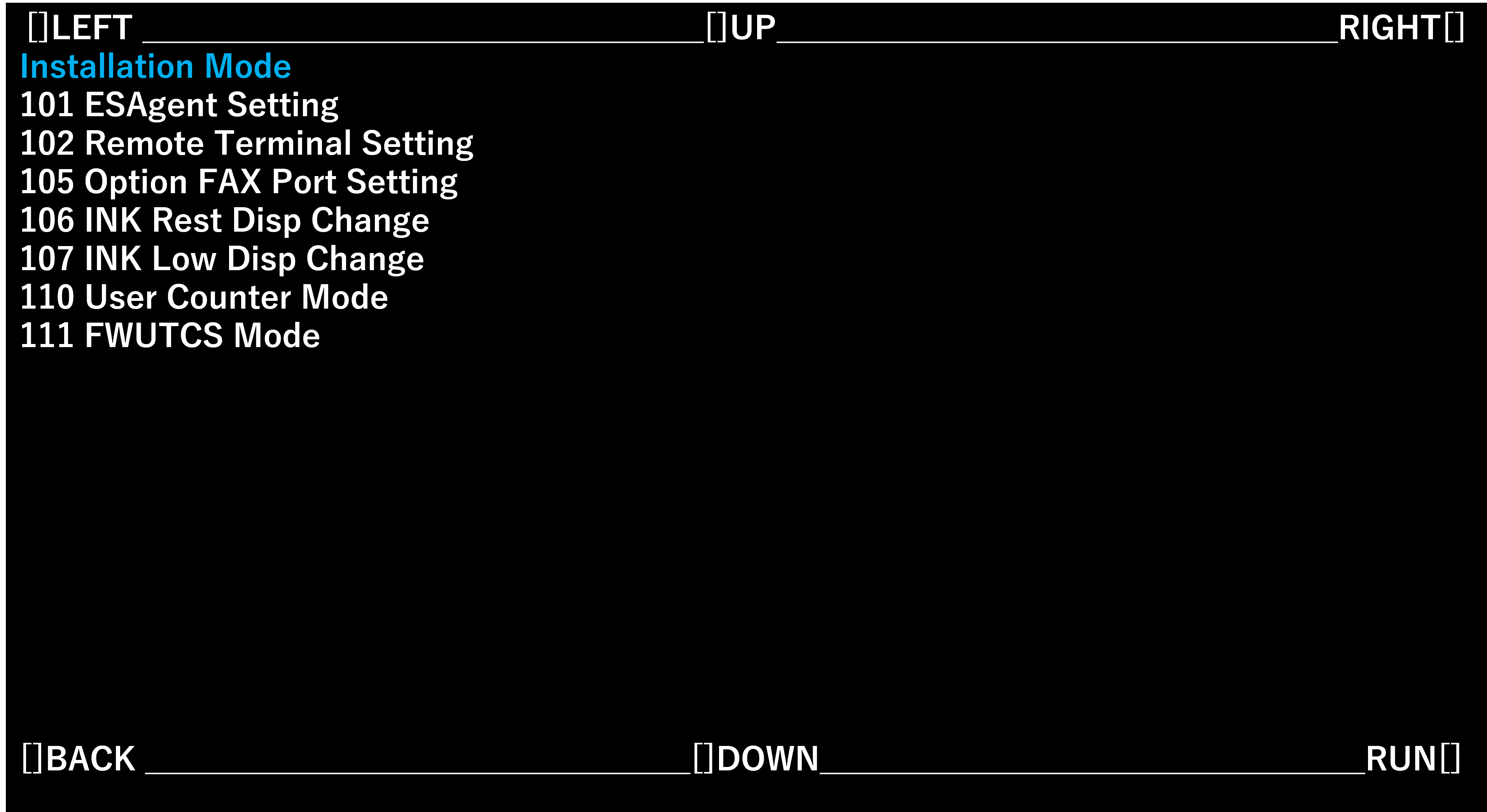
- Select [105 Option FAX Port Setting] and select [RUN].
- Select the optimum setting value for the contract status and optional product configuration, press [OK].
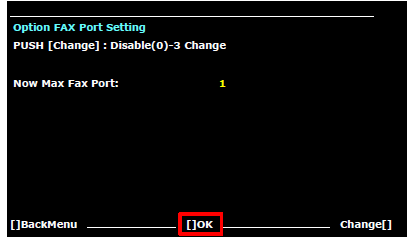
Setting value Overview Disable(0) Disable FAX 1 Enable FAX (LINE 1) 2 Enable FAX (LINE 1/2) 3 Enable FAX (LINE 1/2/3)