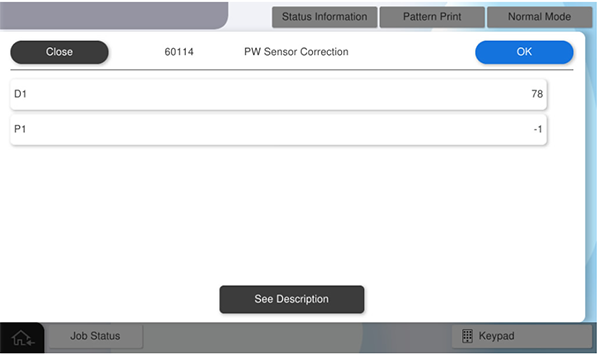
60114 PW Sensor Correction
Corrects the luminous intensity variation of the PW Sensor.
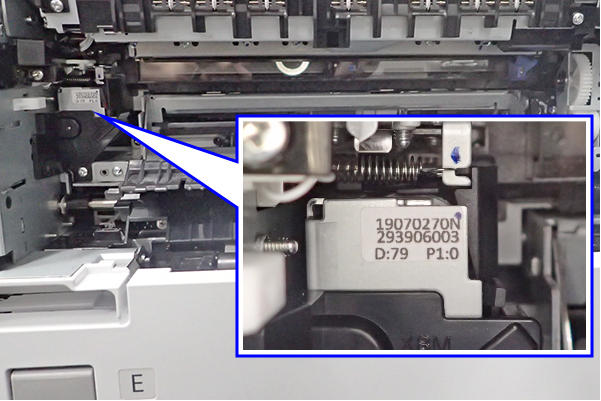
Enter the correction value on the label attached to the PW Sensor Unit.
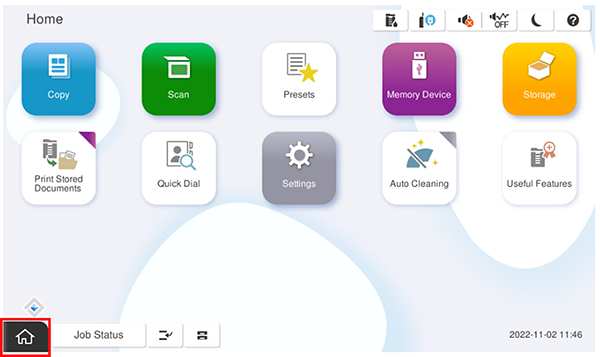
- Start the service support mode.
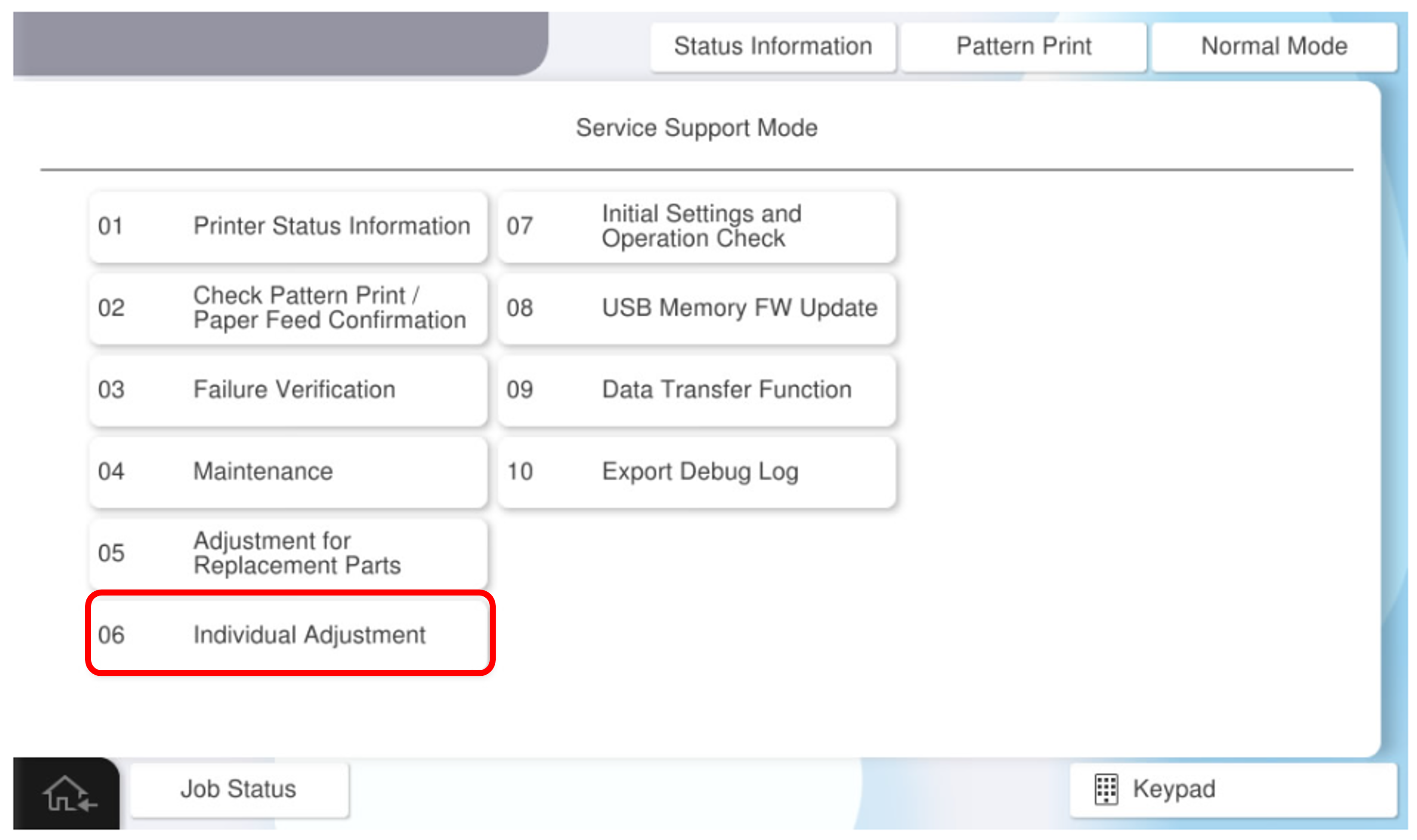
- Select [06 Individual Adjustment].
- Select the [Main Unit・Additional Cassette] tab.
- Select [60114 PW Sensor Correction].
- Open the Right Door Unit and check the correction value label.
- Enter the correction values D1, P1, and press [OK].