
Dark lines/Banding
Assumed cause
- Cockling (wrinkling) of paper
- Foreign objects on Nozzle surface
- Excess ink impact between head chips
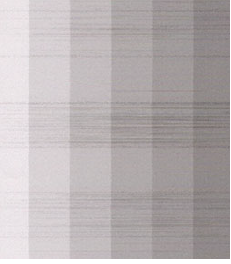

Defect-related parts
- Head Unit
BRS incorrect adjustment in manufacturing process
Troubleshooting
| Step | Confirmation and action | YES | NO |
|---|---|---|---|
| 1 | Run Head Cleaning (CL3)
|
End of work | Go to step 2 |
| 2 | Print gradation patterns. Do not use the user’s paper.
(Due to user paper or separation. Use unopened or conditioned paper) |
End of work |
Go to step 3 |
| 3 | Perform the Head Angular Adjustment
(Re-adjust the machine) |
End of work | Go to step 4 |
| 4 | Replace the Head Unit
|
End of work | Contact Epson local service representatives. |