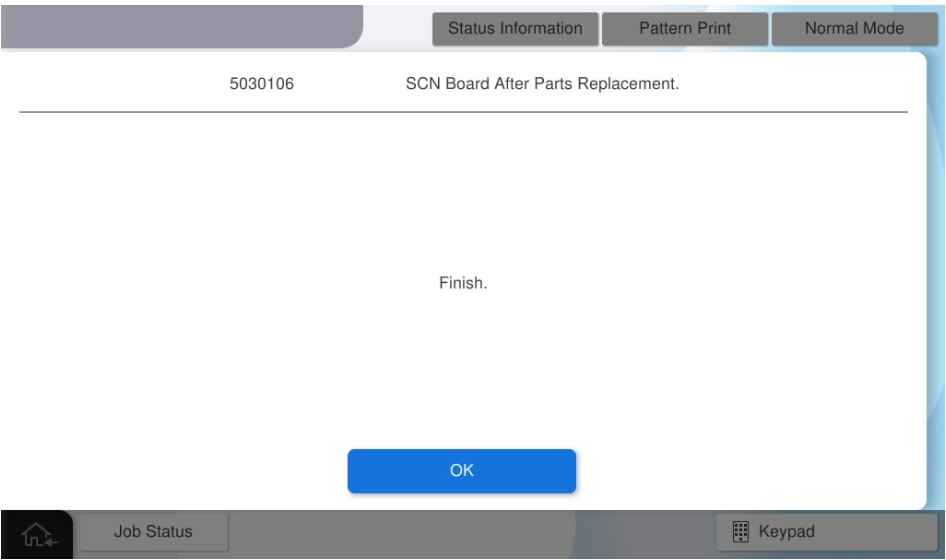
SCN Board - After replacement
The following adjustment charts are required to execute this menu. Chats are included in the ADF / SCN Unit ASP box.
ADF, CHART(J), A4-DS
ADF, CHART(81), LTV-MTF
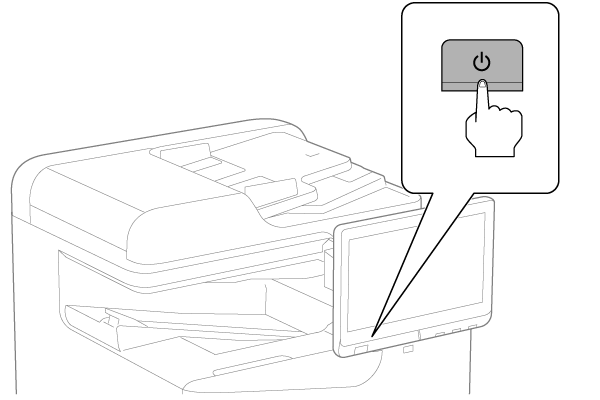
- Turn the power ON.
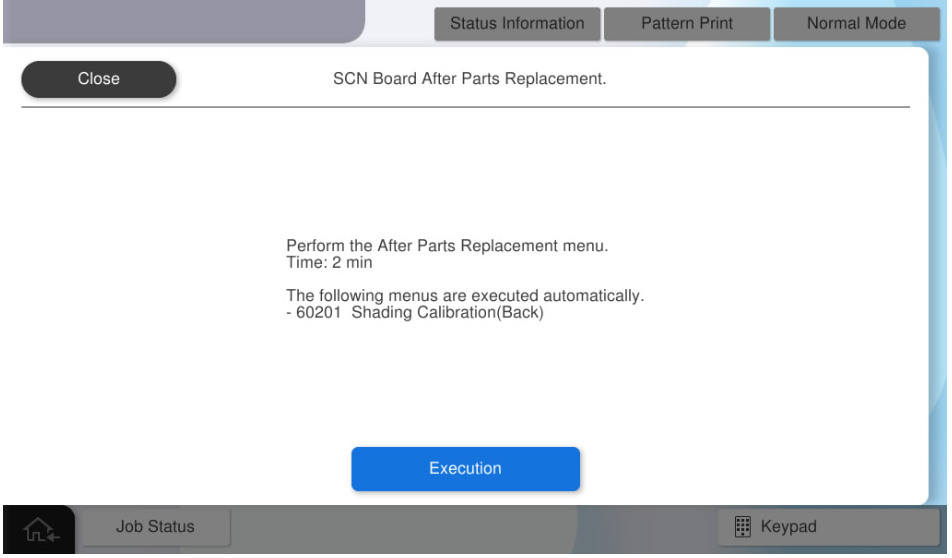
- Press [Execution].
- Set the LTV-MTF chart on the document placed and press [Execute].
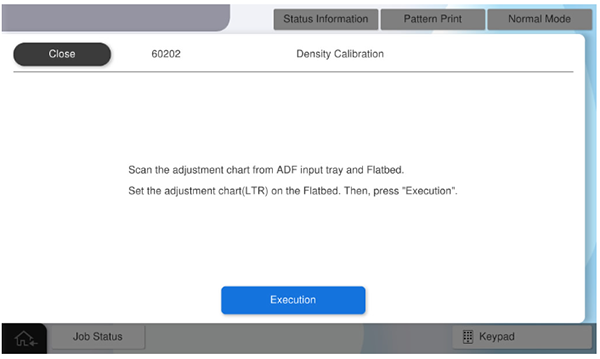
Concentration adjustment of the SCN unit is performed. - Set the LTV-MTF chart on ADF tray and press [Execute].
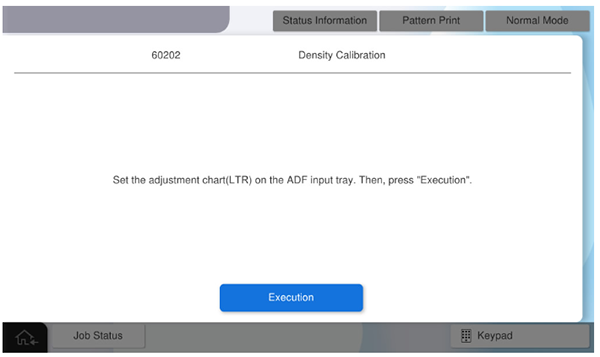
Density calibration for ADF performs. - Set the A4-DS chart on ADF tray and press [Execute].
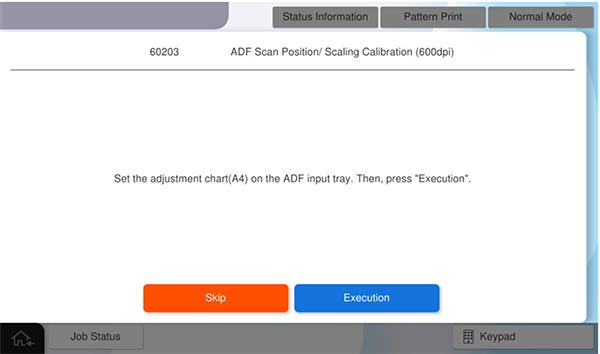
ADF Scan Position/ Scaling Calibration (600dpi) is performed. - Press [OK] to complete the menu.